MyVCC - System Management
V-12 - 02/2018 - PM/Stme - English - © RATIONAL
101 / 153
Upload profile
step info/button instructions
1
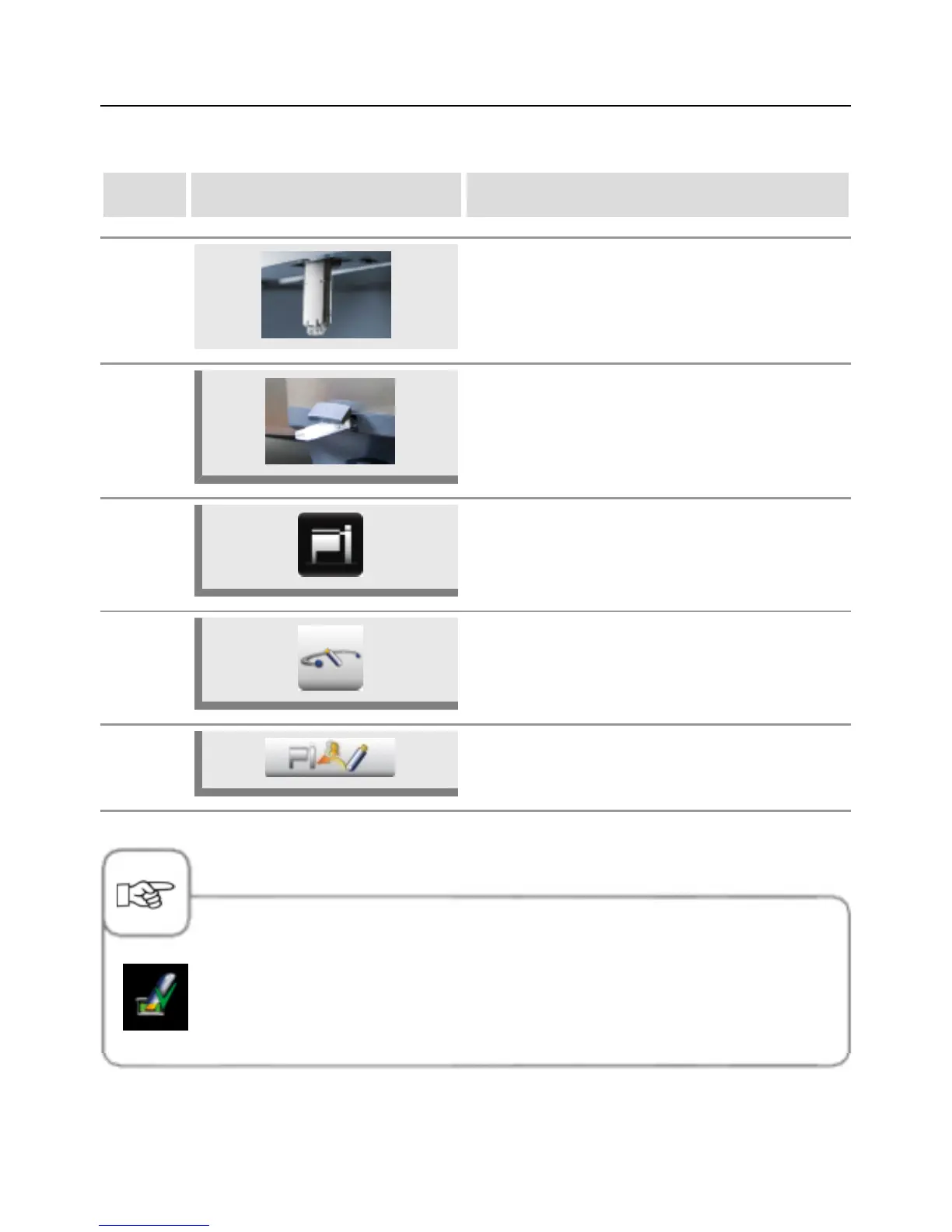
Insert the USB stick into the interface under the
control panel.
1b
Model 112T/112L: Insert the USB stick into the
port on the front side of the control console.
2 Press the MyVCC button.
3 Press the System management button.
3
Press the Upload profile button to upload the
profiles from the USB stick onto the appliance.
The "Confirm" check mark signalises that the function has been completed
successfully. Only remove the USB stick once Confirm lights up.



 To Next Page