Programming/Save mode
74 / 153
V-12 - 02/2018 - PM/Stme - English - © RATIONAL
Programming/Save - VarioCooking Control
®
mode
Example: You save the cooking process Braise under the new name of "Beef pot roast"
with individual settings, e.g. "Browning level light" and "Core temperature well done".
step info/button instructions
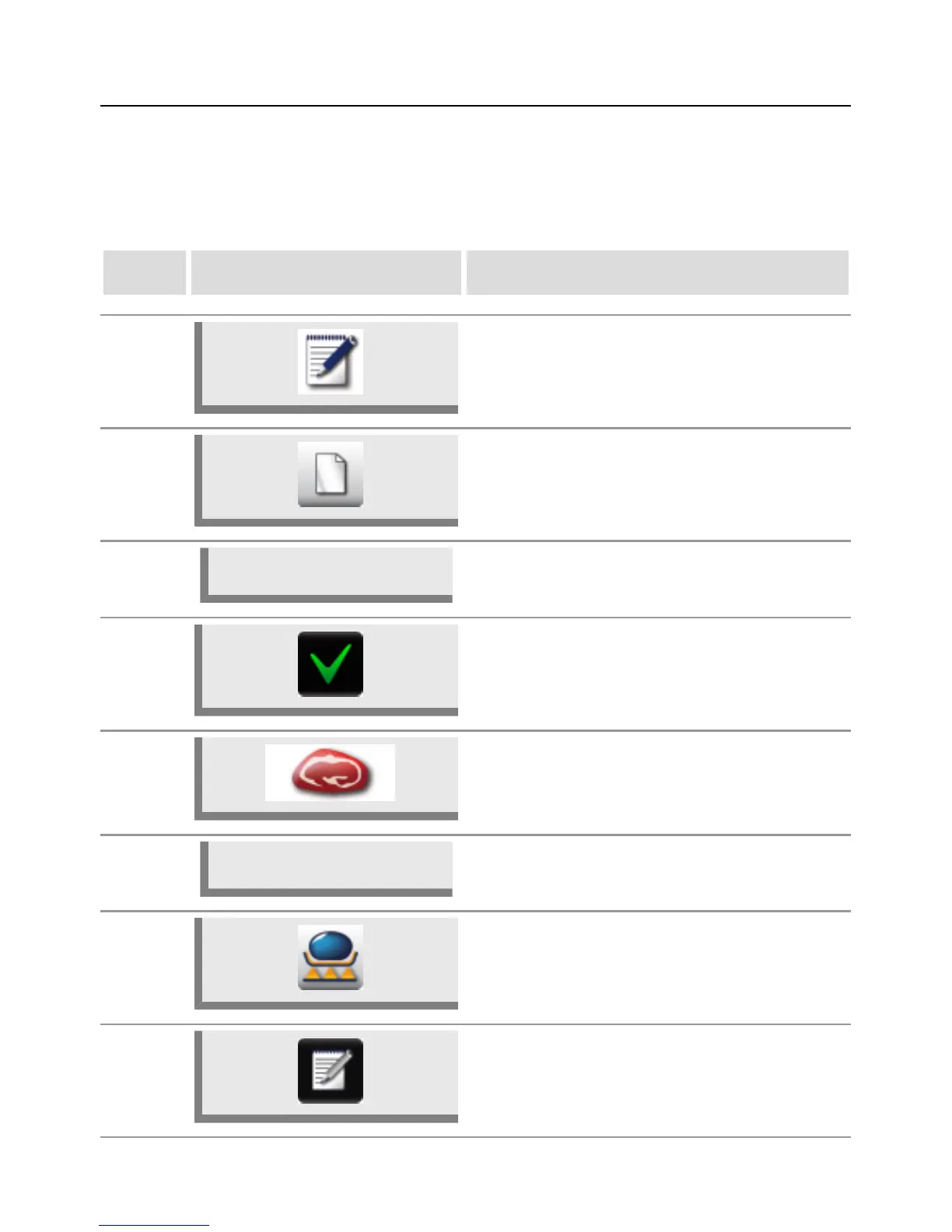
1 Press the "Program" button.
2 Press the button to create a new program.
3
Beef pot roast
Use the keyboard on the display to enter a
program name.
4 Press the button to save the name.
5 Select the Meat product category.
6
Braise
Select a preparation method, e.g. Braise.
7
The Searing level and Core temperature
cooking parameters may be changed
individually.
8
Press the button to save the cooking workflow
and open the selection window.



 To Next Page