MyVCC - Expert Settings
116 / 153
V-12 - 02/2018 - PM/Stme - English - © RATIONAL
VarioClose (for model 112L only)
If the appliance is placed on a high surface, the VarioClose cannot be activated.
It enables the cover handle to be lowered for the cover to be subsequently closed
manually.
step info/button instructions
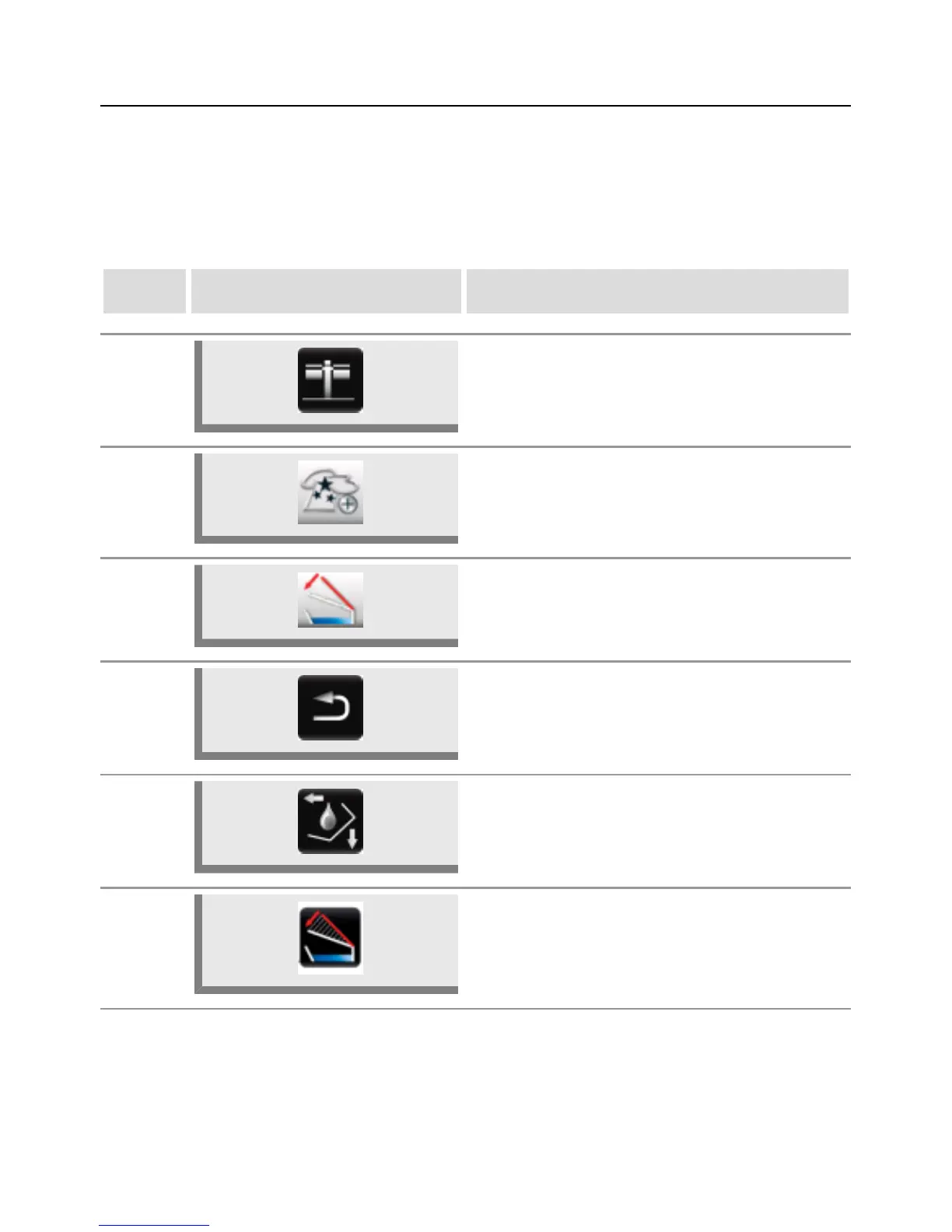
1 Press the MyVCC button.
2 Press the Expert settings button.
3
Press the Activate VarioClose button if
the cover is to be lowered after pressing the
VarioClose button.
4 Press the Back button.
5 Press the Function buttons.
6 Press the VarioClose button to lower the cover.



 To Next Page