Manual mode
52 / 153
V-12 - 02/2018 - PM/Stme - English - © RATIONAL
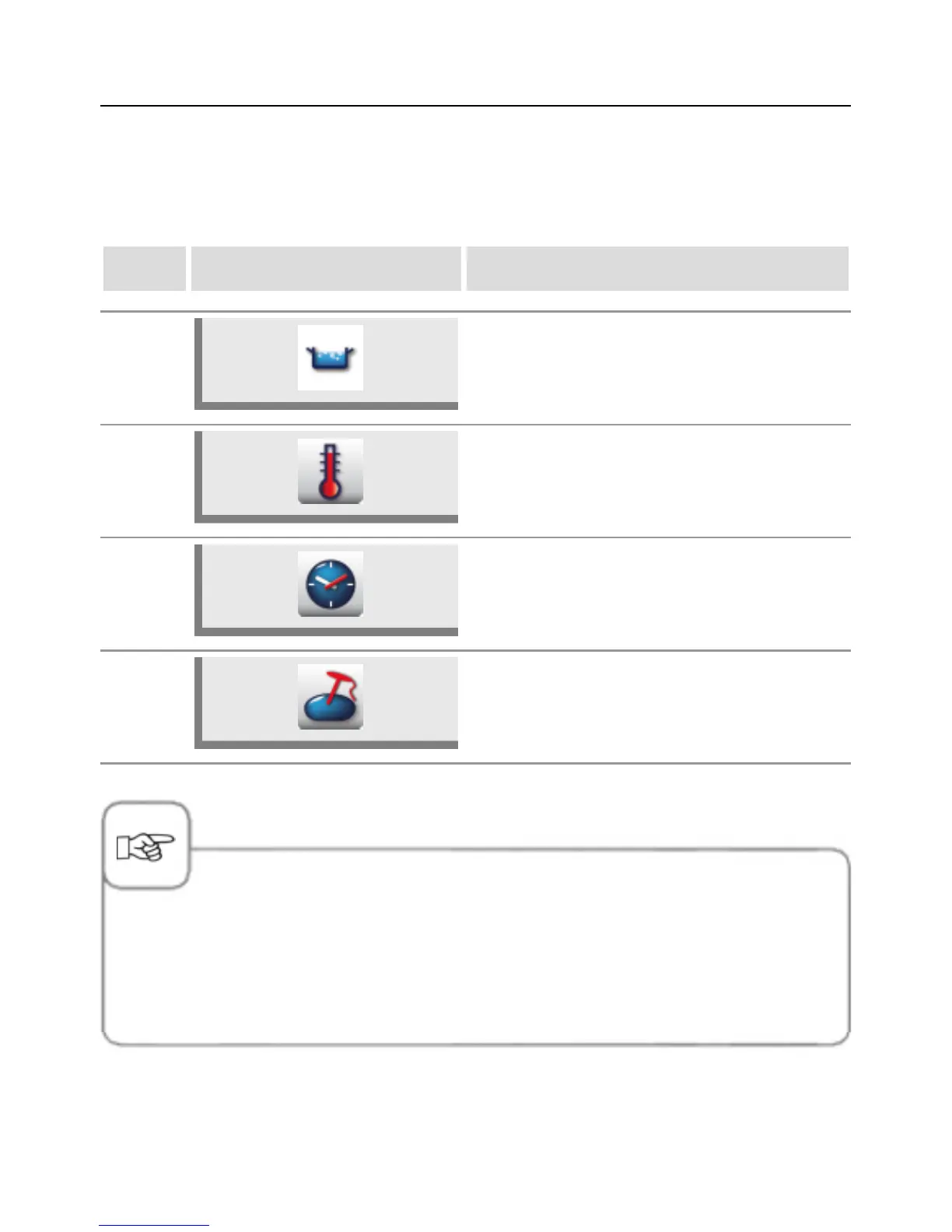
Boil
In Boil cooking mode you can set a cooking temperature from 30 °C to boiling temperature
. The basic setting of the unit is the boiling temperature.
step info/button instructions
1 Select Boil cooking mode.
2
Press the button and select the desired cooking
temperature.
3a
Press the button and select the desired cooking
time.
3b
Alternatively, press the button and select the
desired core temperature.
-In Boil cooking mode you can select the additional functions PowerBoost
™
, Preheat,
Continuous operation, Boil with baskets, Pressure cooking (option, not 112, 112L) and Delta-T
cooking.
-If the lid is closed, the unit is heated to a maximum of 3 °C under boiling point even if a higher
temperature has been set (prevention of pressure build-up).



 To Next Page