Manual mode
64 / 153
V-12 - 02/2018 - PM/Stme - English - © RATIONAL
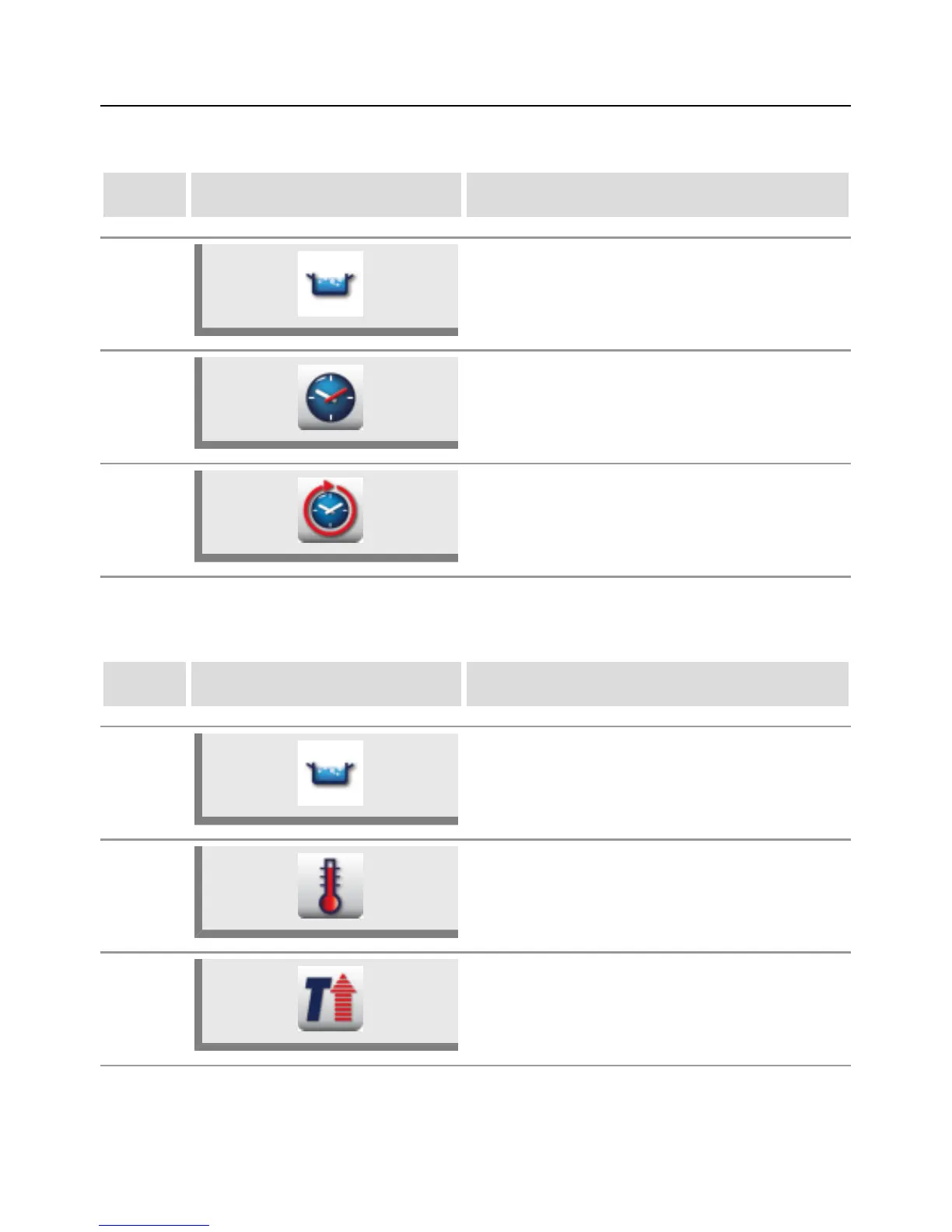
Time setting or continuous operation
step info/button instructions
1 Select a cooking mode, e.g. Boil.
2a
For the time setting, press the "Cooking time"
button and set the desired cooking time.
2b
For continuous operation, press the
"Continuous operation" button. "CONTINUE" is
displayed above the cooking time slider.
Preheat
step info/button instructions
1 Select a cooking mode, e.g. Boil.
2
Press the button and select the desired preheat
temperature.
3
Press the "Preheat" button. An animation is
displayed while preheating is active.



 To Next Page