Programming/Save mode
76 / 153
V-12 - 02/2018 - PM/Stme - English - © RATIONAL
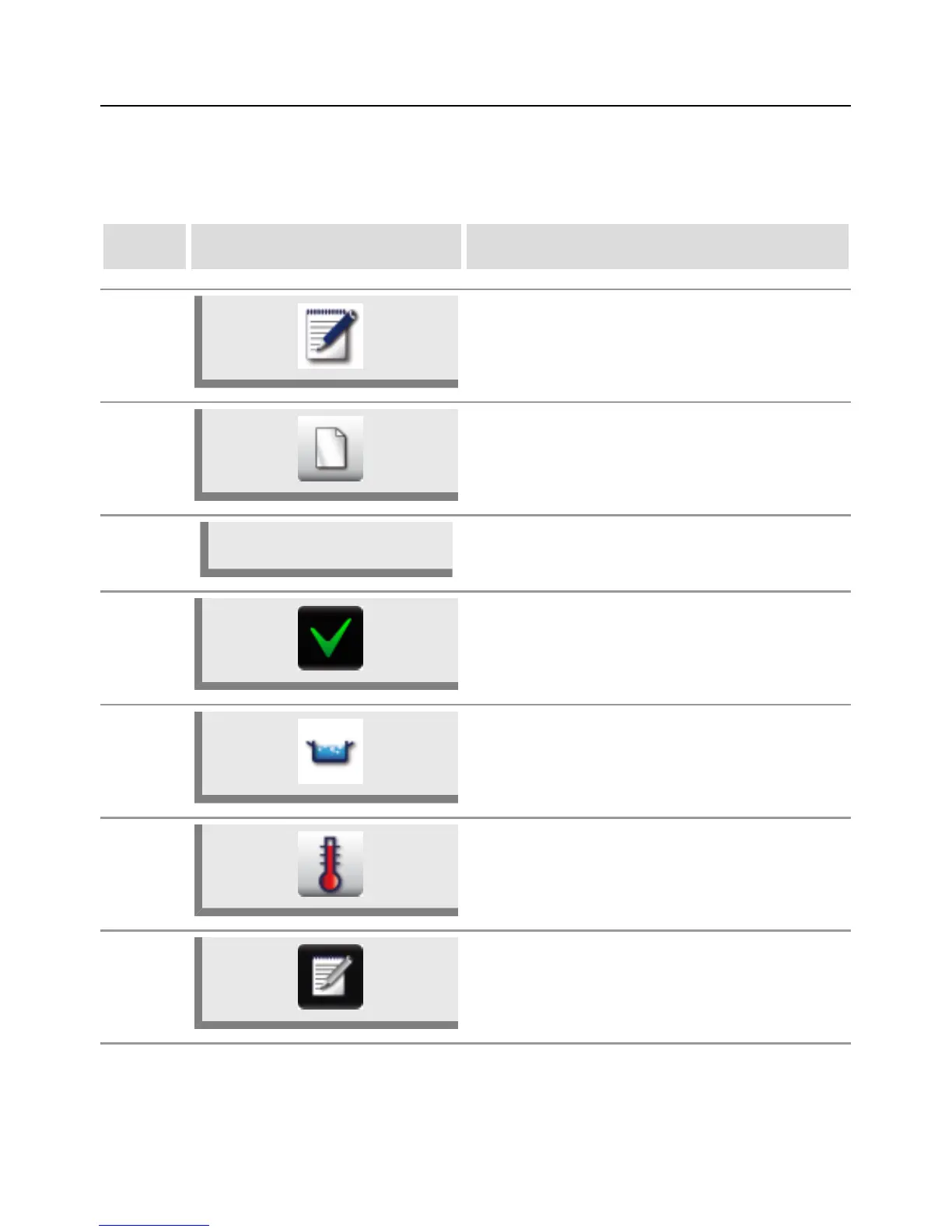
Programming/Save - Manual mode
You can create a manual program with up to 12 steps to suit your precise requirements.
step info/button instructions
1 Press the "Program" button.
2 Press the button to create a new program.
3
Gnocchi
Use the keyboard on the display to enter a
program name.
4 Press the button to save the name.
5 Select a manual cooking mode, e.g. Boil.
6
Set the required cooking parameters, such as
cooking temperature and cooking time.
7
Press the "Save" button to store the step. The
button for the selected manual cooking mode,
e.g. Boil, starts to flash.



 To Next Page