Operating instructions
22 / 153
V-12 - 02/2018 - PM/Stme - English - © RATIONAL
Touchscreen and dial
Your unit has a touchscreen. You can make settings on your unit by just touching it lightly
with your finger.
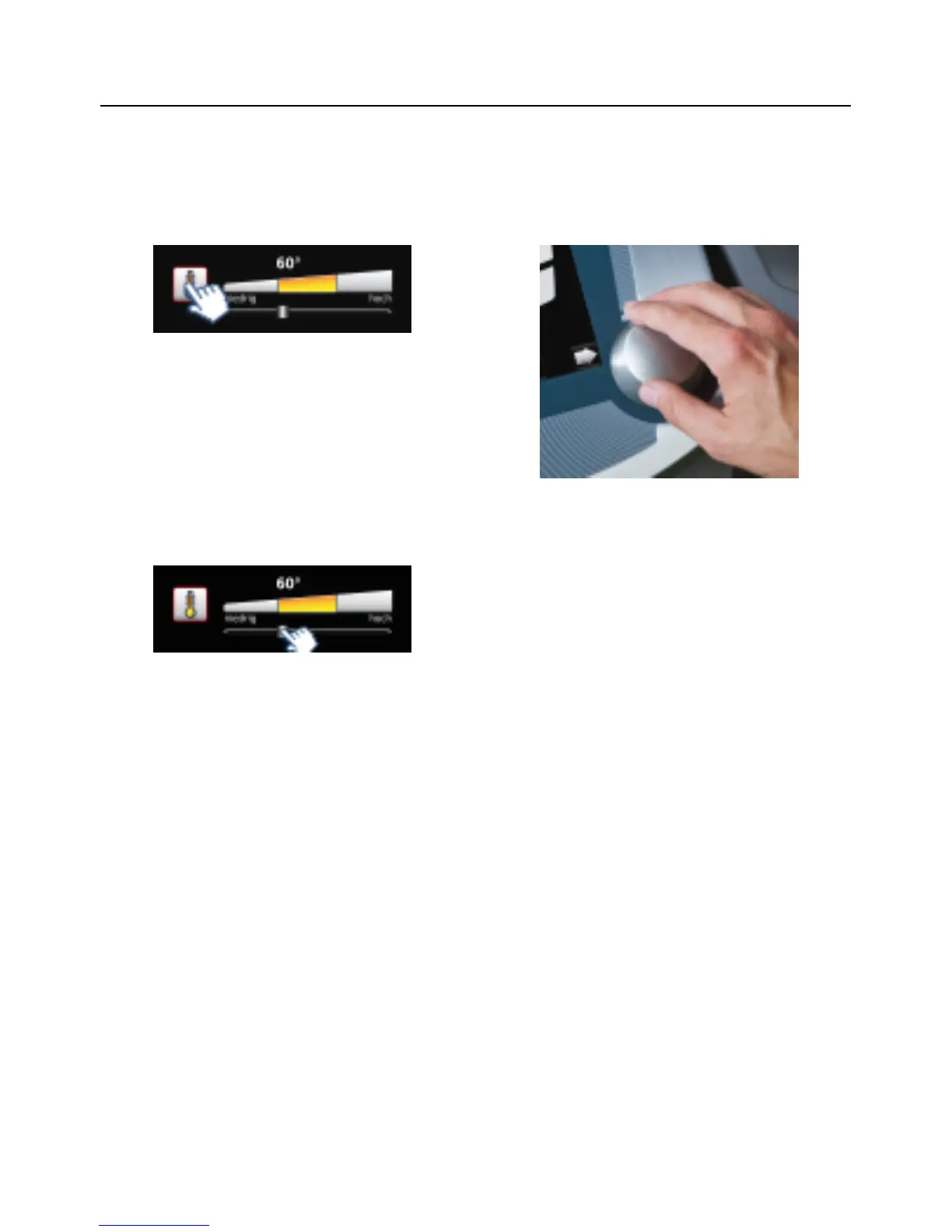
Press a button to activate it. The active
state is identified by the flashing red border.
In the active state, you can make settings
with the central dial.
Alternatively you can make settings by
moving/dragging the slider.
Your setting is accepted when you press
the button or the central dial or after 4
seconds have elapsed.



 To Next Page