MyVCC - Acoustics
V-12 - 02/2018 - PM/Stme - English - © RATIONAL
91 / 153
You can customise the acoustic signals (type, volume, duration etc.) of the appliance
according to your wishes.
step info/button instructions
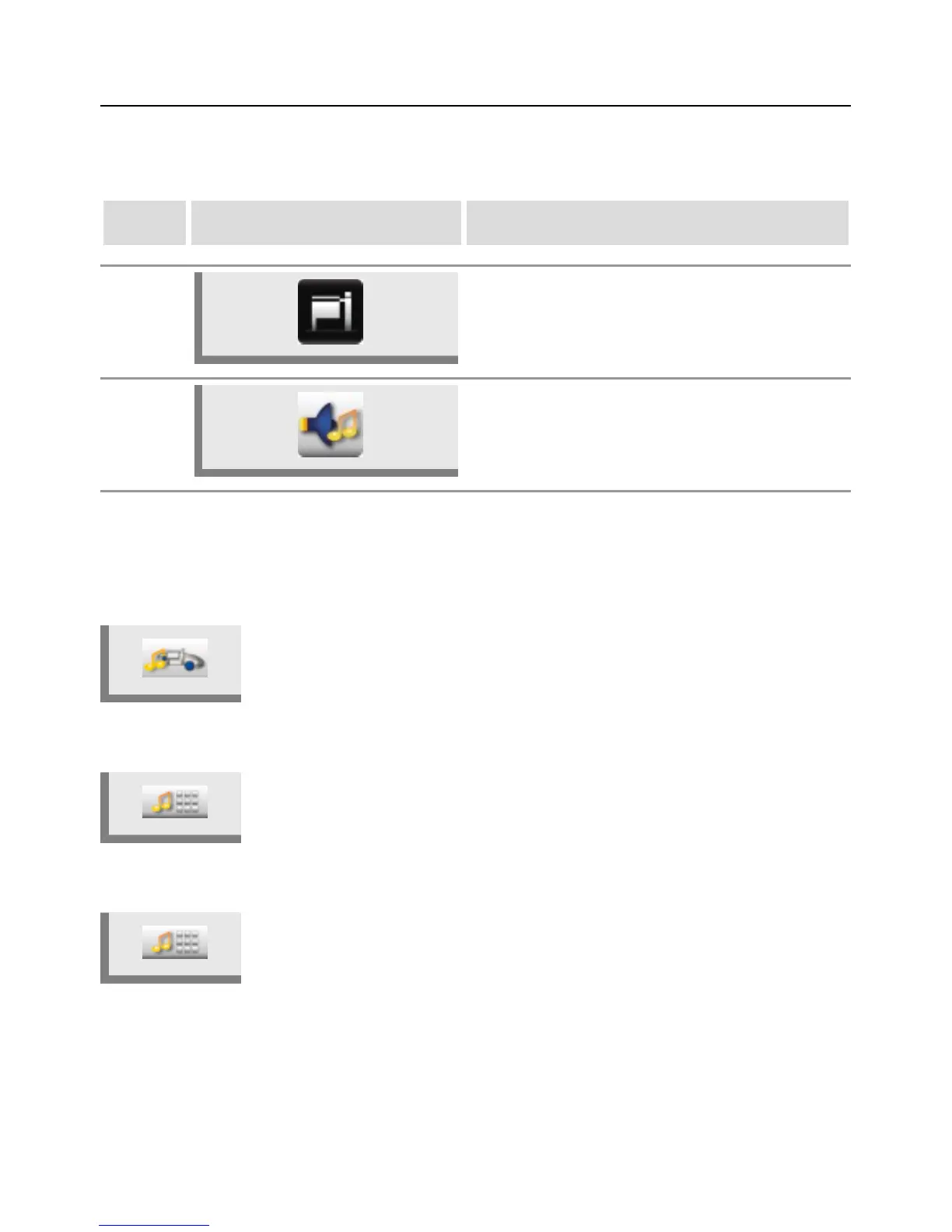
1 Press the MyVCC button.
2 Press the Acoustics button.
The following settings can be changed:
Master volume
Press the Master volume button and adjust the master volume (0 % – 100 %)
using the central dial.
Keypad sound
Press the Keypad sound button and adjust the keypad sound (to on or off) using
the central dial.
Keypad sound volume
Press the Keypad sound volume button and adjust the volume of the keypad
sound (0% - 100%) using the central dial.



 To Next Page