MyVCC - System Management
98 / 153
V-12 - 02/2018 - PM/Stme - English - © RATIONAL
Download program, upload program, delete all programs
step info/button instructions
1
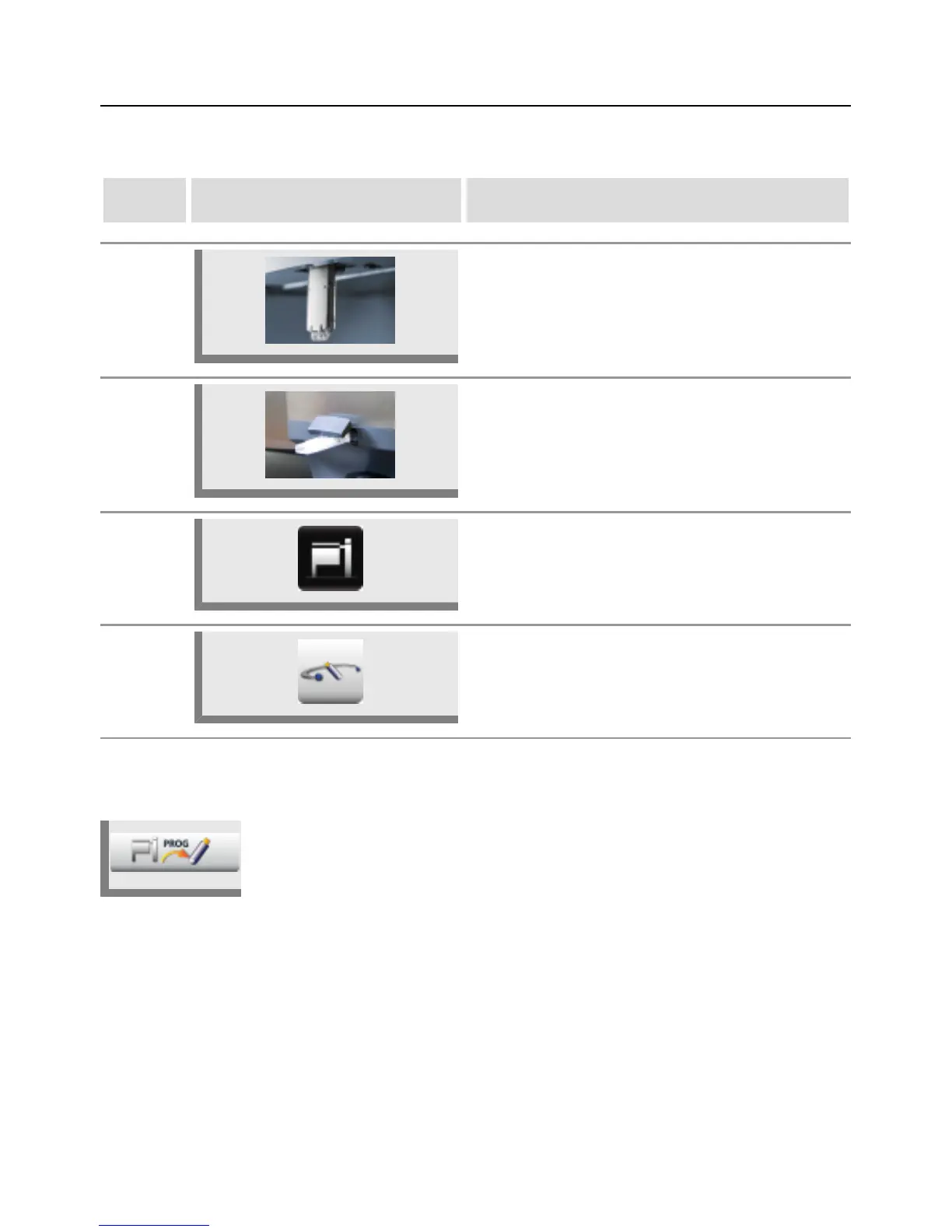
Insert the USB stick into the interface under the
control panel.
1b
Model 112T/112L: Insert the USB stick into the
port on the front side of the control console.
2 Press the MyVCC button.
3 Press the System management button.
Download program
Press the Download program button. The cooking programs are saved on the
USB stick.



 To Next Page