VarioCooking Control
®
mode
V-12 - 02/2018 - PM/Stme - English - © RATIONAL
47 / 153
Example 2: Boil pasta
step info/button instructions
1
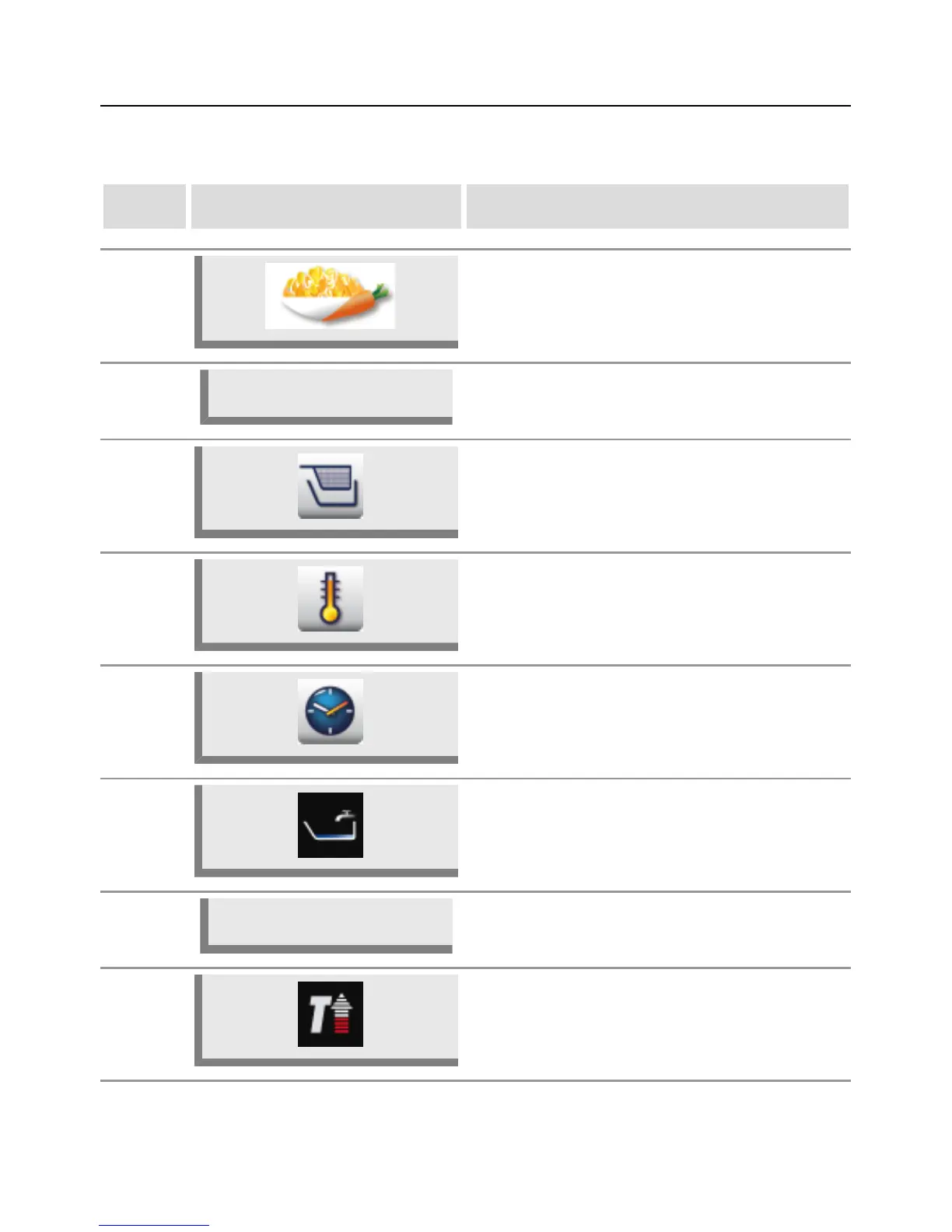
Select the Vegetables and Side Dishes product
category.
2
Boil pasta
Select the Boil pasta preparation type.
3 Select Cooking with/without basket.
4
Press the button and select the desired boiling
behaviour.
5
Press the button and select the desired cooking
time (as per the manufacturer's instructions).
6a
The unit fills with water automatically if you
selected with basket.
6b
Filled?
Prompt to fill with water if you selected without
basket.
7 The unit heats up automatically.



 To Next Page