Programming/Save mode
82 / 153
V-12 - 02/2018 - PM/Stme - English - © RATIONAL
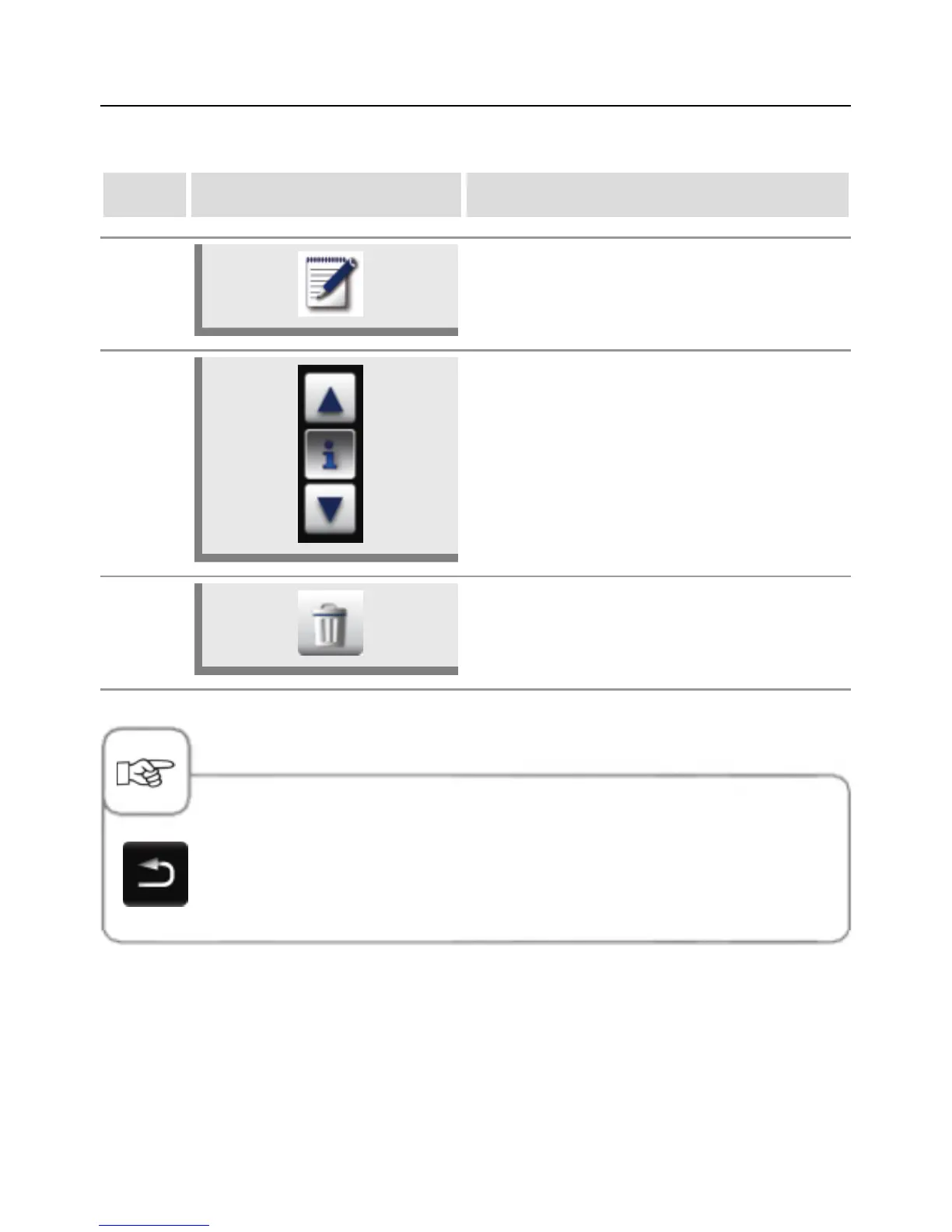
Delete program
step info/button instructions
1 Press the "Program" button.
2
Press the arrow buttons or turn the central dial
to select a program.
3 Press the button twice to delete the program.
Press the Back button or another button to cancel deletion.
Delete all programs
It is only possible to delete all the programs under MyVCC (see the "MyVCC communication"
section).



 To Next Page