MyVCC appliance configuration
V-12 - 02/2018 - PM/Stme - English - © RATIONAL
85 / 153
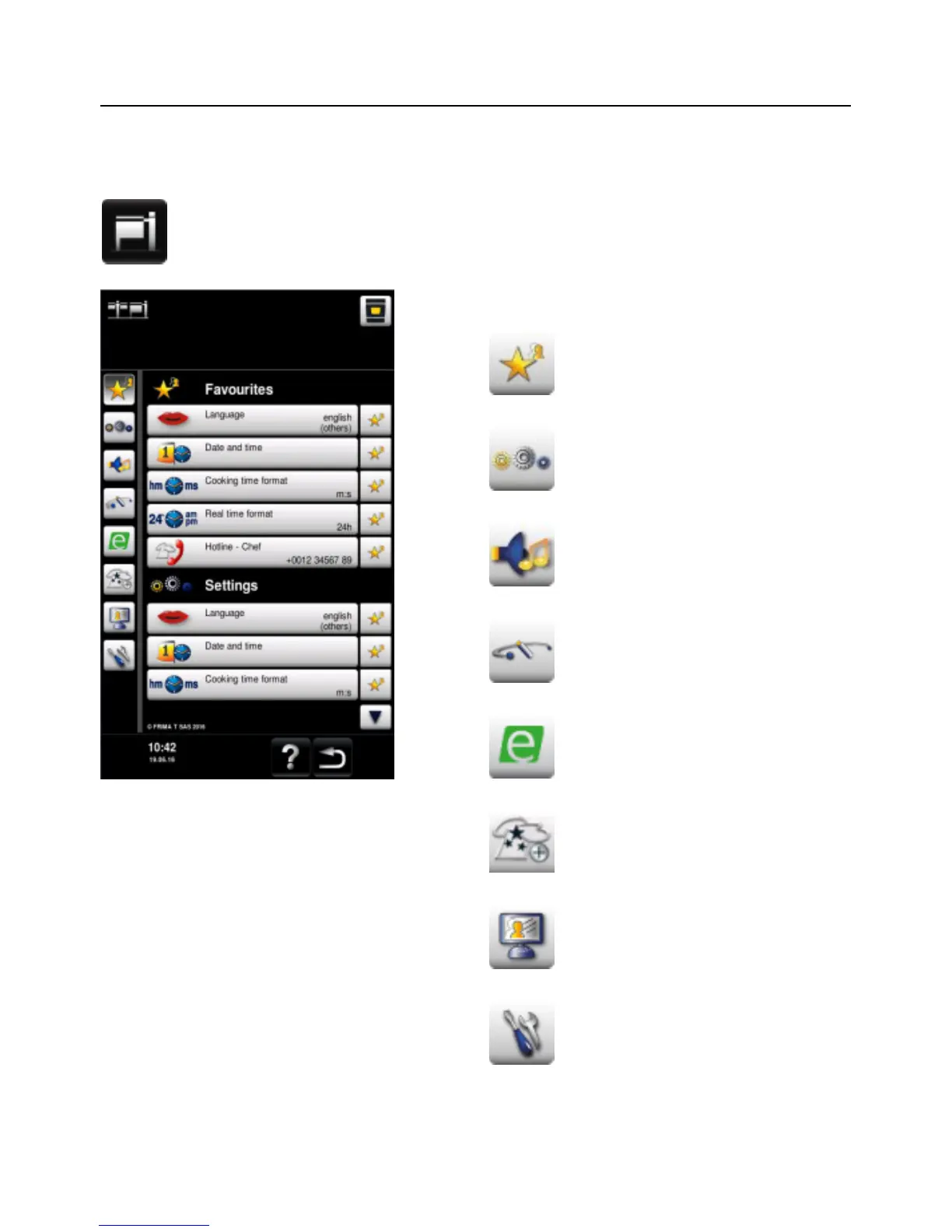
All the appliance's default settings (e.g. time, date, language etc.) can be changed under
MyVCC.
Press the MyVCC button to open the overview display for your appliance's
default settings. You can customise your appliance's settings to suit your
requirements.
Explanation of pictograms:
Favourites (active when MyVCC
is selected)
Settings
Acoustics
System management
MyEnergy
Expert setting
MyDisplay
Service



 To Next Page