MyVCC - Favourites
86 / 153
V-12 - 02/2018 - PM/Stme - English - © RATIONAL
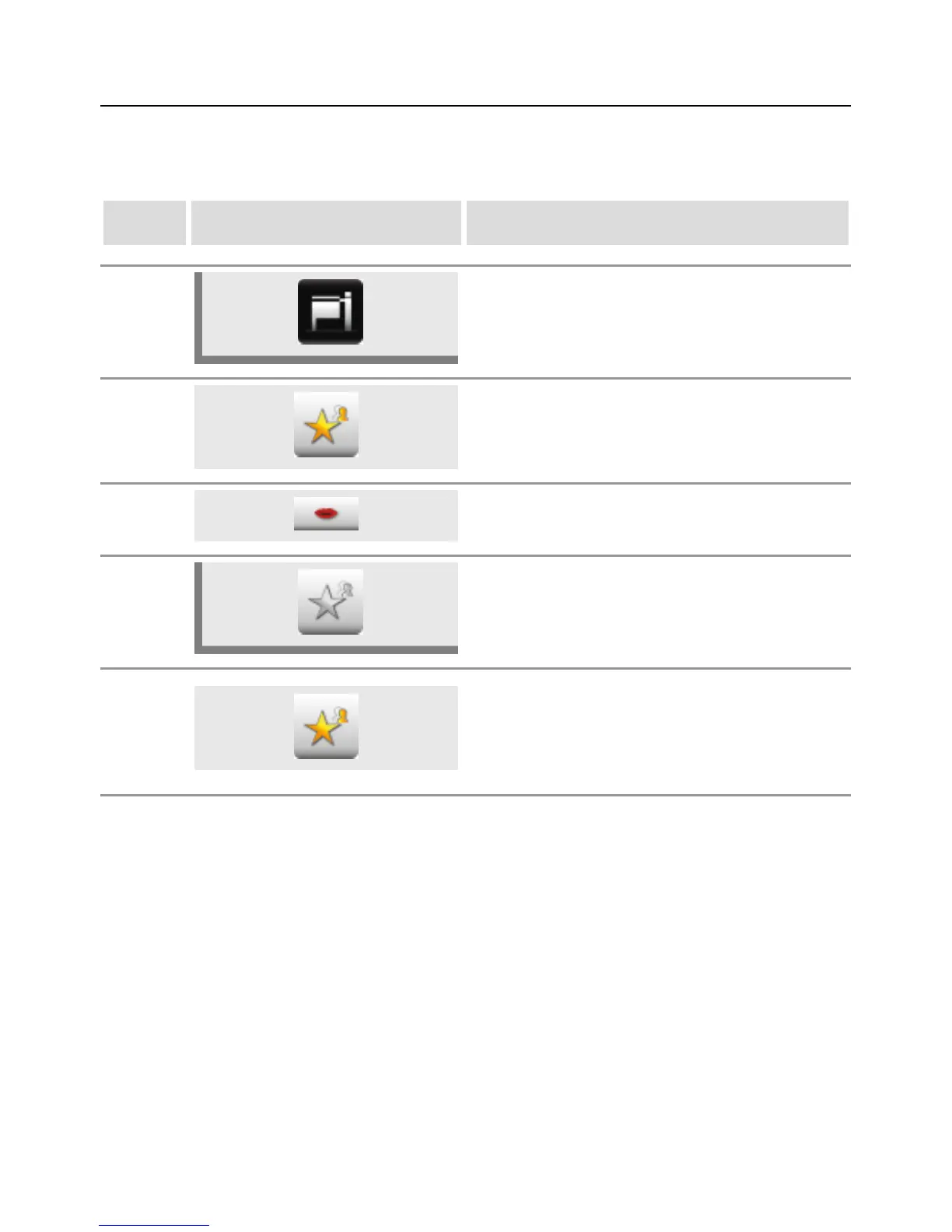
You can manage your favourites in this menu item (e.g. language, cooking time format
etc.).
step info/button instructions
1 Press the MyVCC button.
2
The Favourites menu item opens
automatically.
3
Select for example the "Language" menu sub-
item using the central dial.
4
Press the Star button on the right next to the
"Language" menu sub-item.
5
The "Language" menu sub-item is now created
as a favourite and can be selected in the
"Favourites" menu item.
Press the Star button to remove a favourite from
the list at any time.



 To Next Page