Operating instructions
V-12 - 02/2018 - PM/Stme - English - © RATIONAL
25 / 153
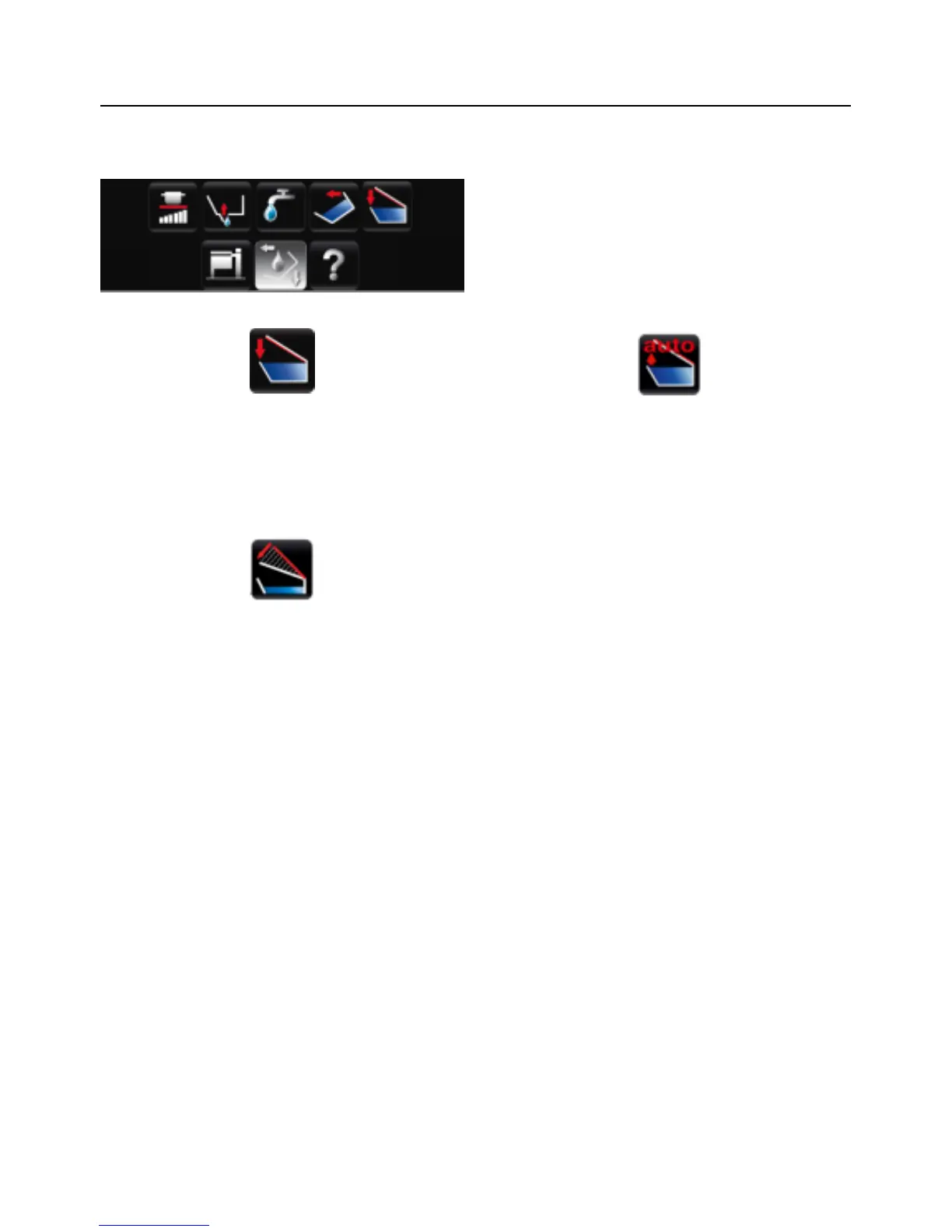
Buttons when function button is pressed
The cover is closed by pressing and holding
the button. On the model 112/112T/112L,
the cover must be closed manually.
The cover is opened by pressing the
button. Pressing the button again stops the
movement. On the model 112/112T/112L,
the cover must be opened manually.
If the "VarioClose" setting has been
activated (model 112L only), one other
button will appear. This lowers the cover
mechanically in order to be able to reach
the handle to close the cover when placed
high up. After 3 seconds, the cover will
reopen completely if the cover was not
closed.



 To Next Page