Manual Mode
V-12 - 02/2018 - PM/Stme - English - © RATIONAL
57 / 153
step info/button instructions
3a
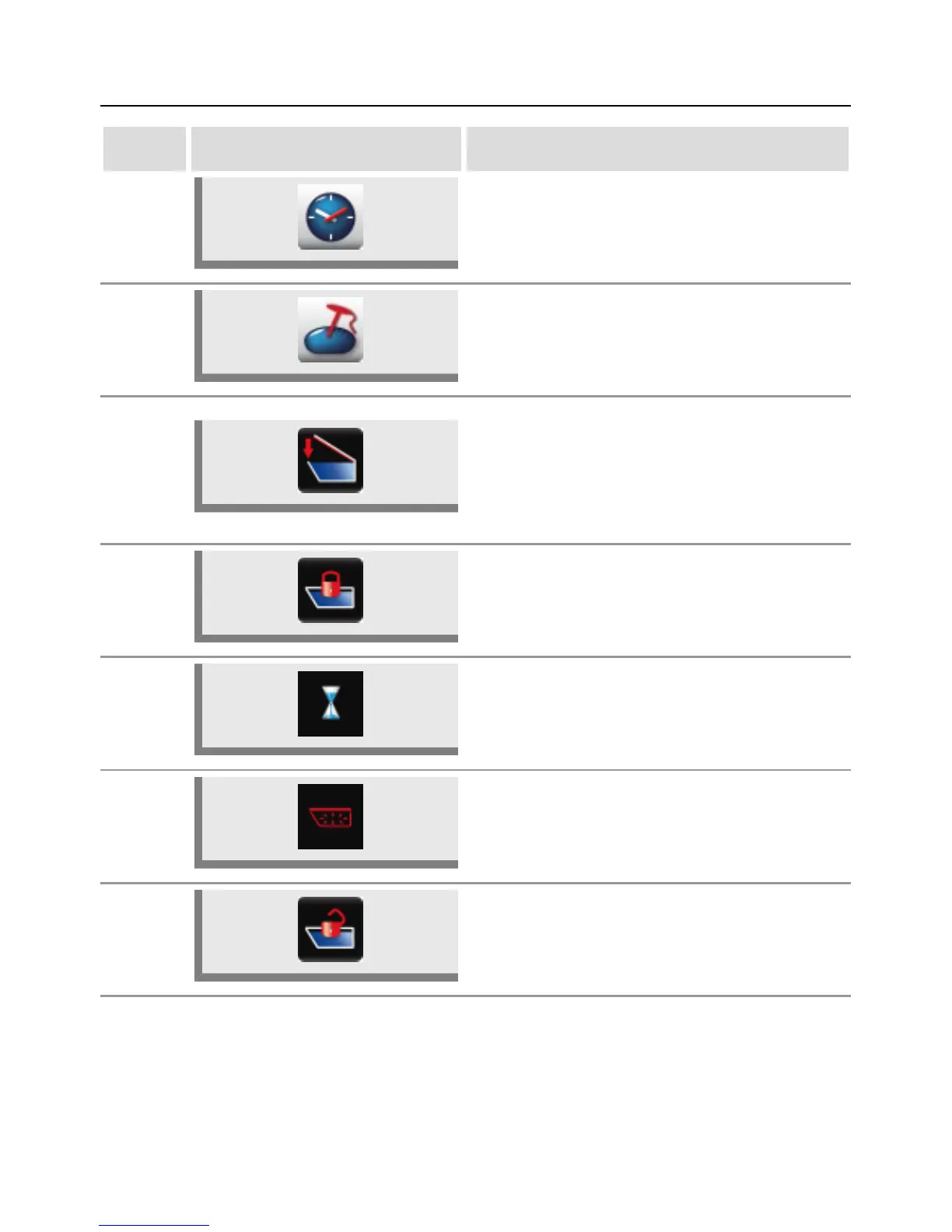
Press the button and select the desired cooking
time.
Note: No temperature can be set.
3b
Alternatively, press the button and select the
desired core temperature.
4
Press and hold down the "Lower cover" button
or close the cover manually (112 model).
Before closing the cover, make sure that the
cover seal and the seal contact surface on the
pan are clean and that there are no objects
between the cover and edge of the pan.
5
The "Lock cover" button appears when the
cover is fully closed. Press the hold down the
button to lock the cover.
6
The pressure starts to build up as soon as the
cover is locked. The time then starts to run.
7
The pressure is dissipated automatically
after the time has elapsed or the set core
temperature is reached.
8
The "Unlock cover" button appears when the
pressure has dissipated. Press the hold down
the button to unlock the cover.



 To Next Page