Programming/Save mode
V-12 - 02/2018 - PM/Stme - English - © RATIONAL
71 / 153
Info button: Displays program
details in the selection window
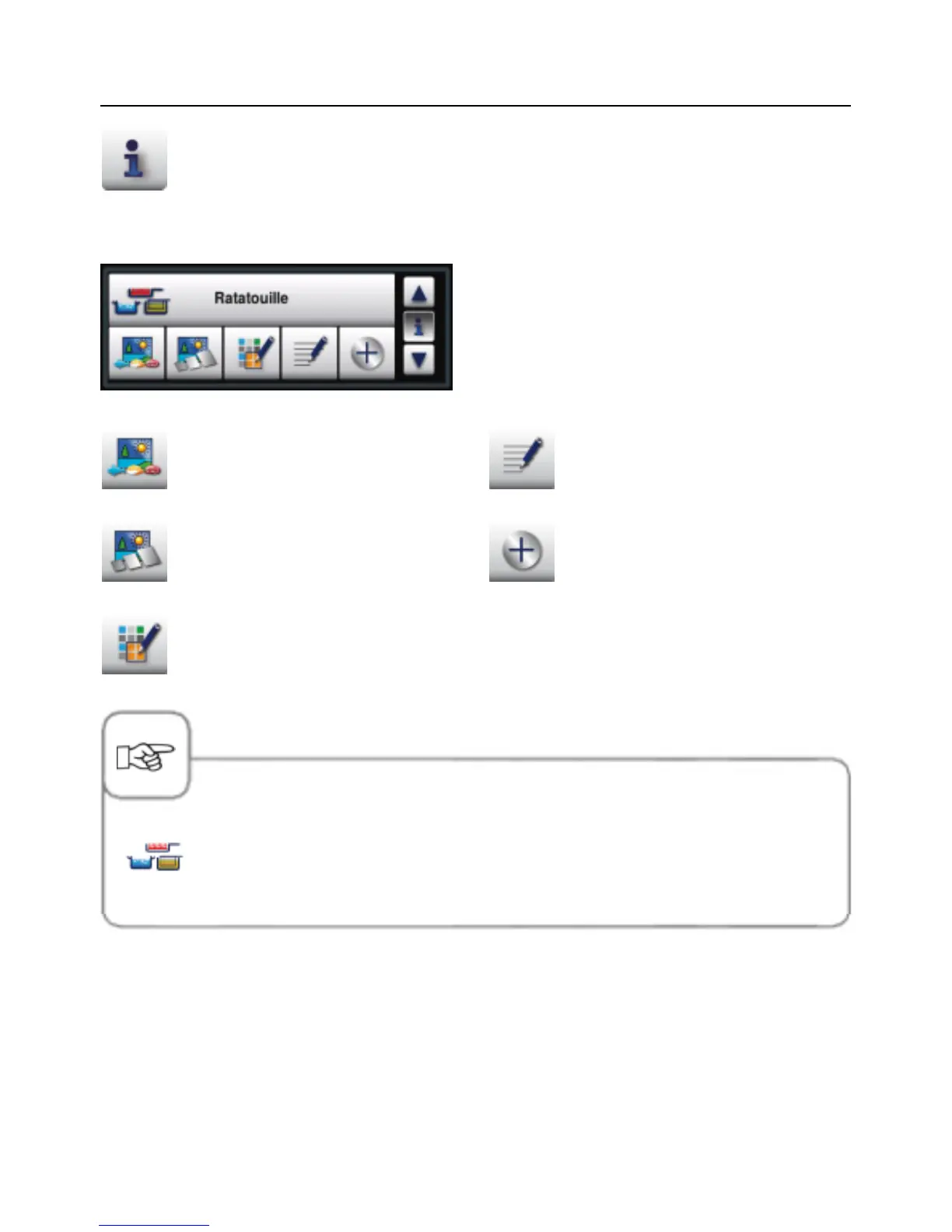
Selection window when Info button is pressed
When you hold down the Info button, other
information is called up or discarded in
addition to the program name.
Image of the food for the program
Image of the accessory for the
program
Group allocation (e.g. "Breakfast")
Notes about the program
Additional attributes can be
selected
The pictogram beside the program name shows whether the stored cooking
program is a manual program (shown on the left) or a VarioCooking Control
®
cooking workflow.



 To Next Page