MyVCC - Settings
88 / 153
V-12 - 02/2018 - PM/Stme - English - © RATIONAL
step info/button instructions
4
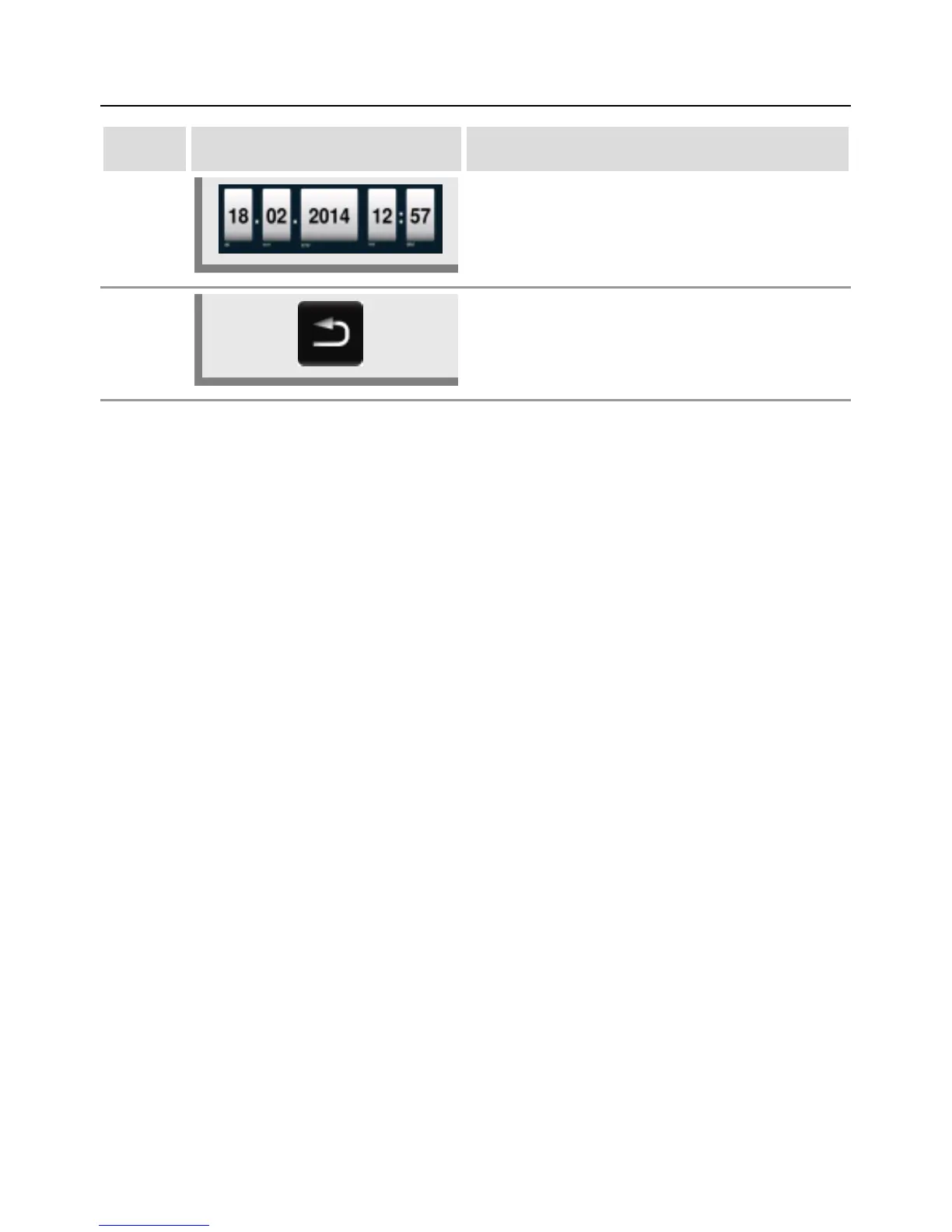
To set the date and time, click the date and
time format fields (mm, dd, yyyy, HH, MM) and
adjust using the central dial. Press the central
dial to confirm the new setting.
5 Press the arrow button to open the main menu.


 To Next Page
 Loading...


