ERVICE
S
36 6823346-R3
FK0365.eps
3.2-4 Corner Calibration (continued)
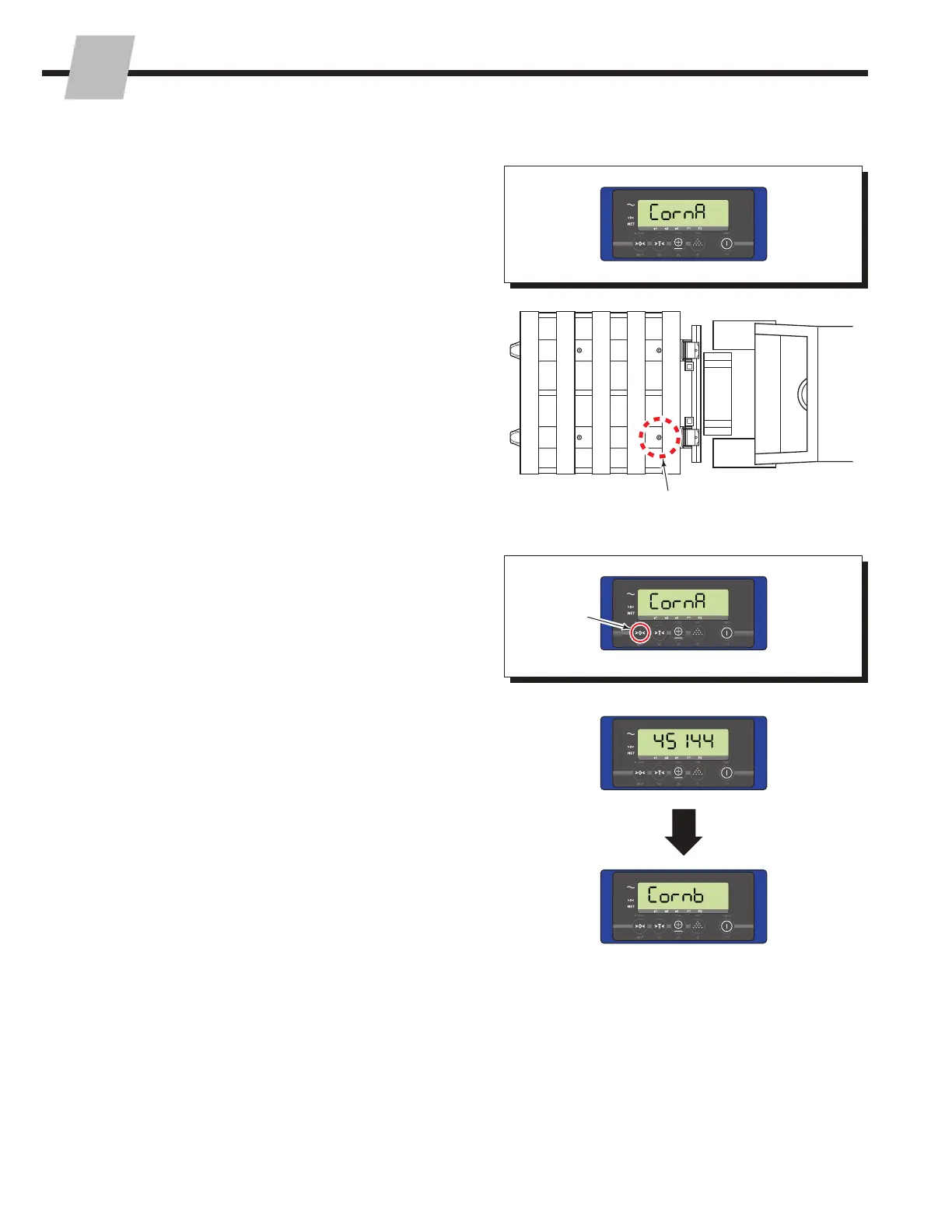
5 "Corn A" will show on the display.
8 A new value will show on the display (example 45144).
Then "Corn B" will show on the display.
6 Place a weight on pallet, position A.
7 Press the "Zero" button, to accept the weight (load cell
output) value.
5
6
7
8
Position A



 To Next Page