29
Wuhan Raycus Fiber Laser Technologies Co., Ltd.
User Guide of RFL-C20000M-CE
XP1-A1 laser request is
high
XP1-A2 laser emission
enable is high
XP2- 1/2 input MOD
singal
determined by
programmi
ng
command
XP1-A1 laser request is
high
XP1-A2 high level
indicates operating
program
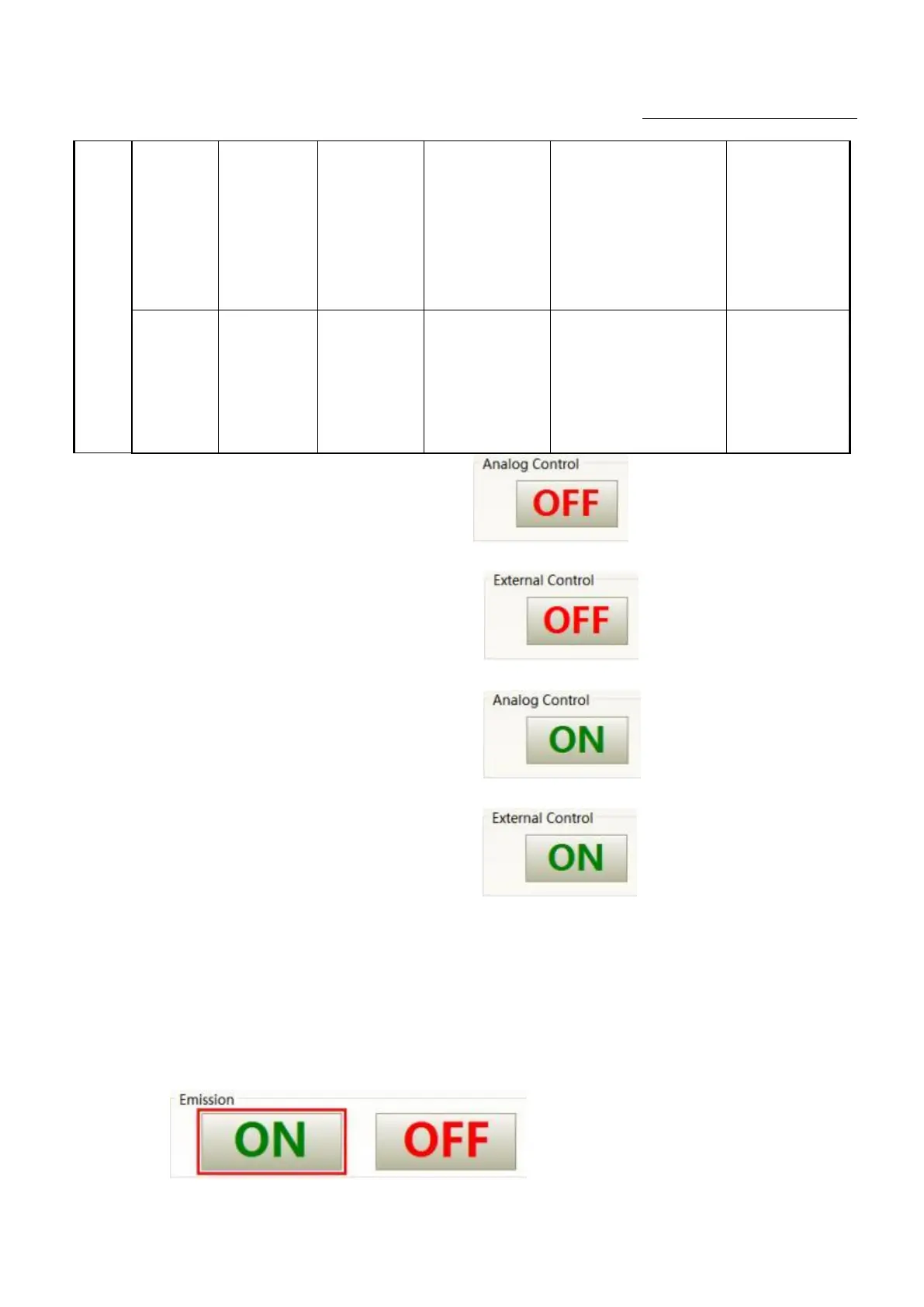
①Send "DEC" by communication, or click button on the host computer
software
;
② Send "DLE" by communication,or click button on the host computer
software;
③ Send "EEC" by communication,or click button on the host computer
software
;
④ Send "ELE" by communication
,
or click button on the host computer
software
;
⑤XP1-A1 is high level
,
XP1-A6 is low level or suspending;
⑥XP1-A1 is high level
,
XP1-A3 is high level
⑦XP1-A1 is high level ,XP1-A8~A14 is low level or suspending
⑧XP1-A1is high level ,XP1-A6is high level
⑨XP1-A1is high level
,
XP1-A3 is low level or suspending
⑩XP1-A1 is high level ,XP1-A8~A14 is not all low level
⑪Emit laser: Send "EMON" by communication,or click
button on the host computer software




 To Next Page