30
Wuhan Raycus Fiber Laser Technologies Co., Ltd.
User Guide of RFL-C20000M-CE
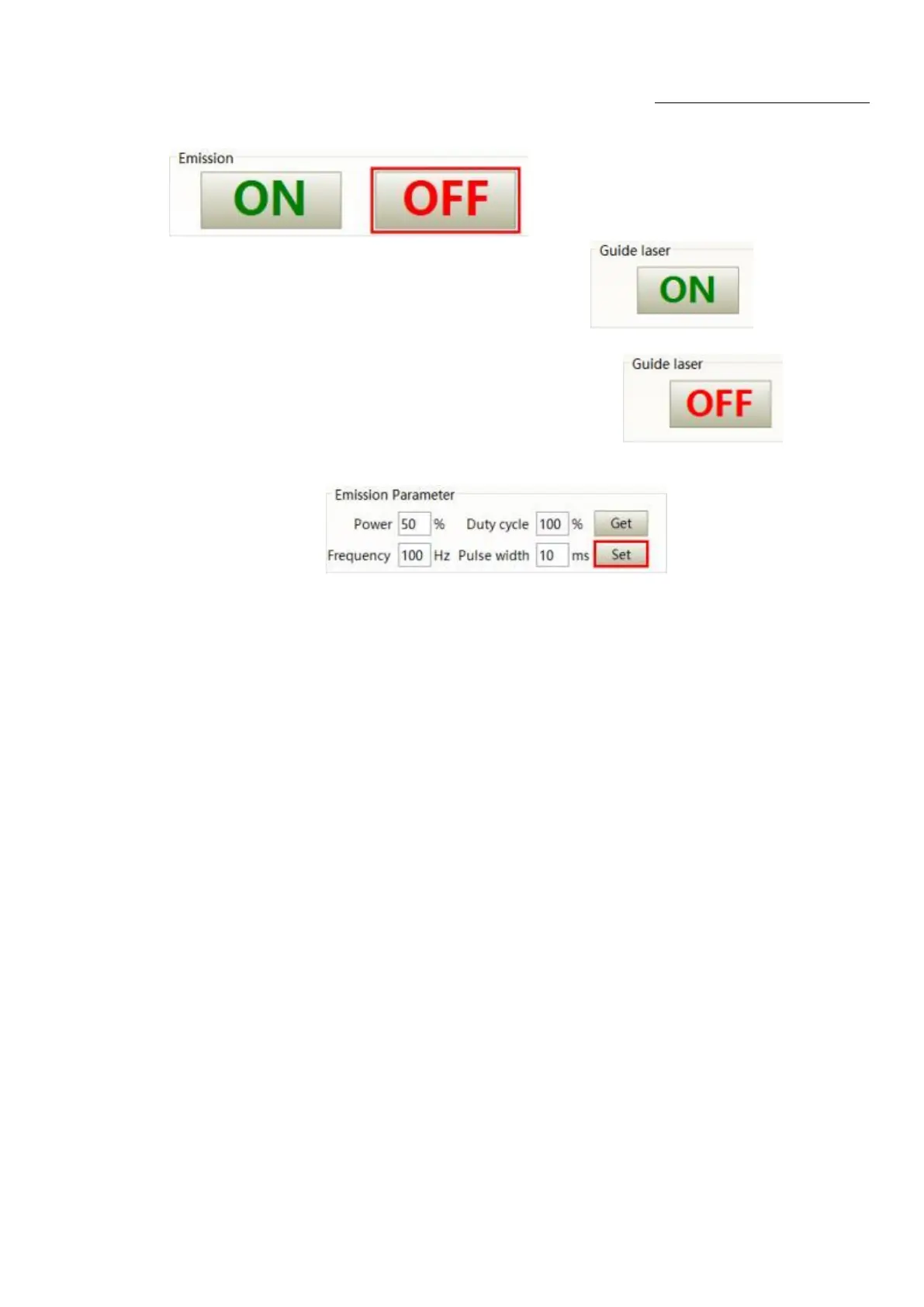
Turn off the laser: Send "EMOFF" by communication
,
or click
button on the host computer software
⑫Emit red light: Send "ABN" by communication,or click button on the
host computer software
Turnoff red light: Send "ABF" by communication ,or click button on
the host computer software
⑬The communicationsends "SDC XX" to set the power percentage, XX represents the power
percentage, or click button on the host
computer software
5.1. ON Mode
In the On Mode, the user can send commands to set different working mode through computer
software or direct communication. After the laser is powered on again, the mode before power failure
will be memorized.
5.2. AD Enable Mode
When AD mode is enabled, the laser power is determined by the analog voltageof pin 1 and pin 4 of
XP4. If the AD mode is not enabled, the laser power can be set through the computer software or send
the “SDC XX” command.
5.3. Emisson External Control Enable
When the emission external control is enabled, the laser emission is determined by the level
differencebetween the pins of MOD+, MOD- in the XP2 port; if the emission external control is not
enabled, thelaser emission or shutdown are determined by the emit button in the Raycus Laser
Control System. Also, you can send “EMON” command to turn laser emission on, and send “EMOFF”
command to turn laser emission off.










 To Next Page