Chapter 3: Getting Started 21
D3039-1
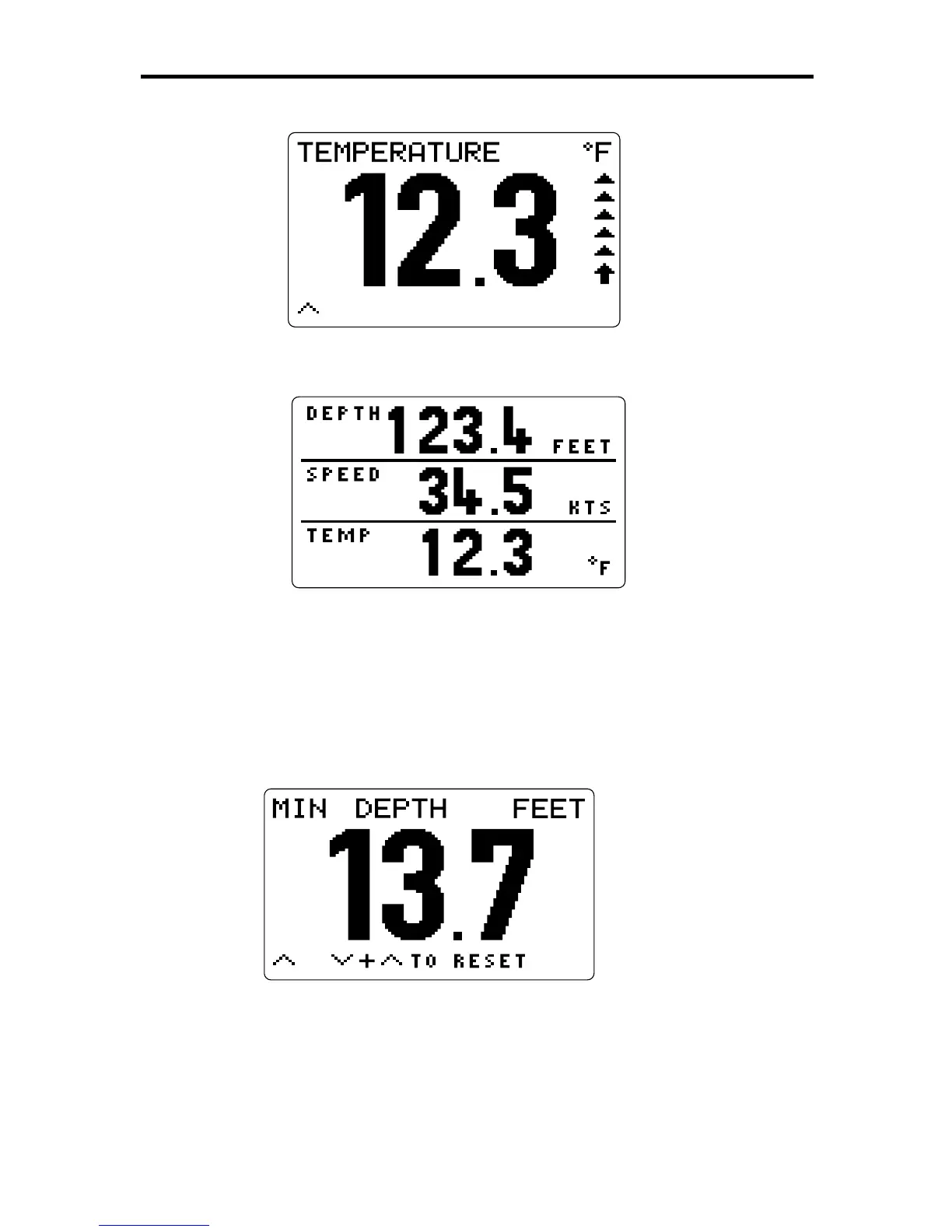
2. Press DEPTH again to display a three-line page, showing the
depth, speed and temperature.
D3049-1
3. Press DEPTH a third time to return to the main depth display.
These are the three main pages in the Depth Chapter. Further
sub-pages are available using other keys.
For example, with the main depth display on the screen, press the
ÙÙ
ÙÙ
Ù
key. The minimum depth that has been encountered is displayed, as
shown in the following example.
D3041-1
The
Ù
symbol in the bottom left corner of the screen indicates that
further screens are available: press
ÙÙ
ÙÙ
Ù
to move forwards through the
sub-pages, or
ÚÚ
ÚÚ
Ú
to move backwards. Alternatively, you can press
DEPTH to return to the main page.



 To Next Page