46 RAYDATA Installation and Operation Handbook
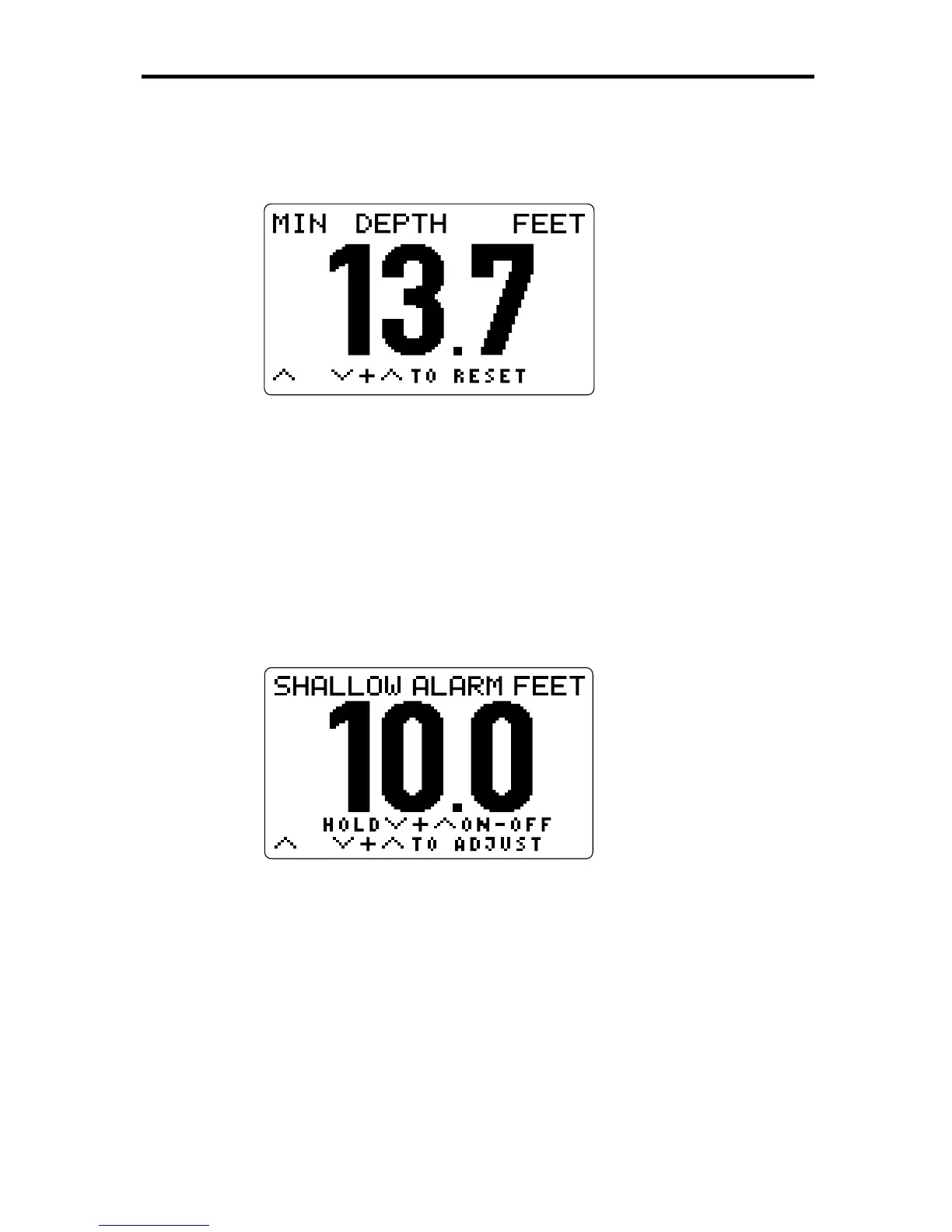
Minimum Depth
To display this sub-page, press
ÙÙ
ÙÙ
Ù
from the Main Depth page.
D3041-1
This page shows the minimum depth that has been encountered since
the value was last reset. The units and depth offset are the same as
those for the Main Depth value.
To reset the minimum depth value, press
ÚÚ
ÚÚ
Ú
and
ÙÙ
ÙÙ
Ù
together. The
current depth will be displayed as the new minimum depth.
Shallow Alarm
To display this sub-page, press
ÙÙ
ÙÙ
Ù
once from the Minimum Depth page,
or twice from the Main Depth page.
D3047-1
This page shows the current setting of the depth limit value that will set
off a shallow alarm or, if the alarm has been turned off, the text “ALARM
OFF”. The units and depth offset are the same as those for the Main
Depth value.
Press and hold
ÚÚ
ÚÚ
Ú
and
ÙÙ
ÙÙ
Ù
together for three seconds to toggle the
alarm either from off to on or from on to off.
For detailed information on using and setting alarms, refer to Chapter 5.



 To Next Page