Chapter 6: The Display Pages 51
D3051-1
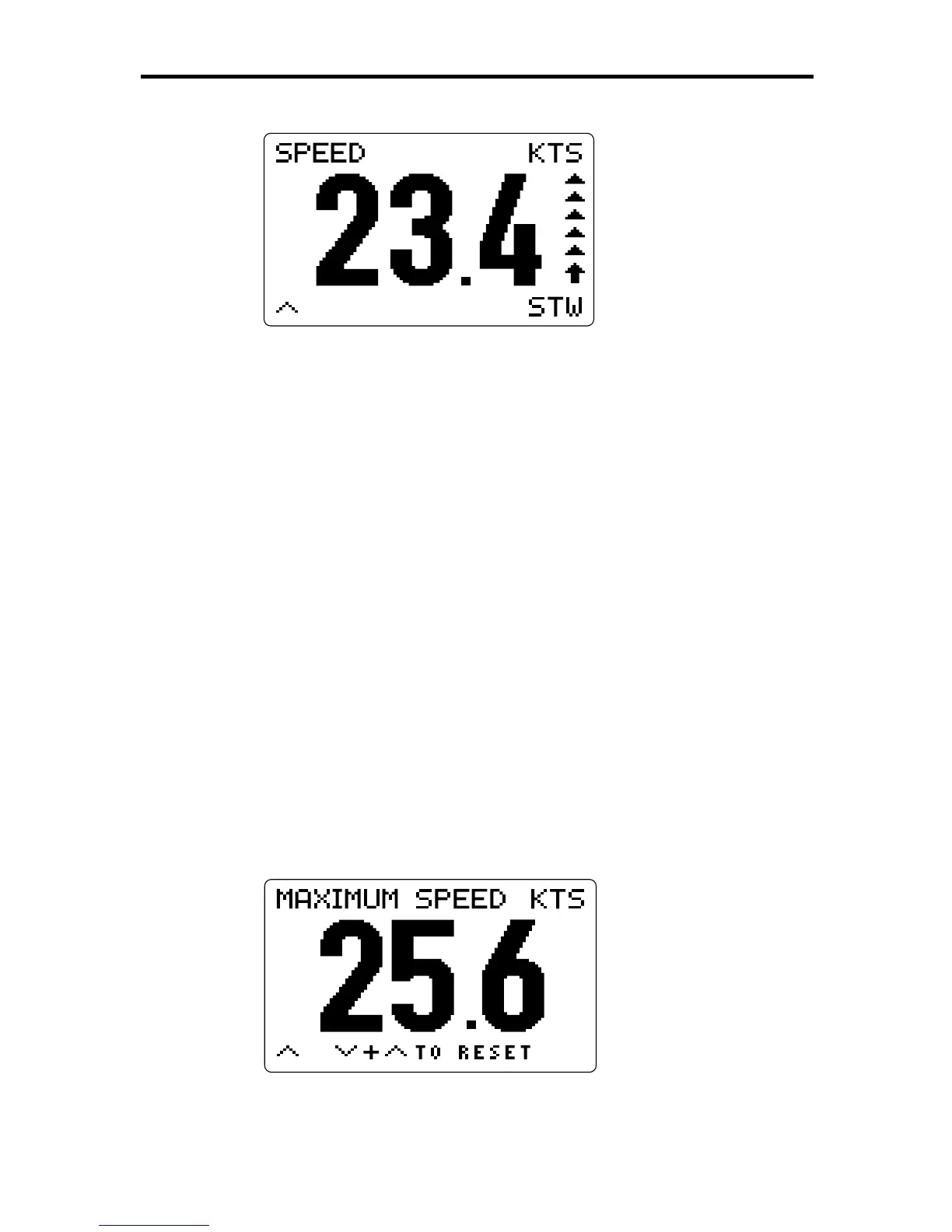
This display shows the speed in miles per hour (MPH), kilometers per
hour (KPH) or knots (KTS), depending on the choice made in the Setup
pages (see Chapter 4). The speed response is also determined by the
Setup selection.
The trend arrow at the right edge of the display indicates the direction
and rate of change of the speed. The length of the trend arrow indicates
the speed with which the value is changing. The arrow consists of up to
six segments, including the arrow head. The more segments are
displayed, the greater the difference between the current value and that
shown in the previous update of the display.
The STW indicator in the bottom left corner of the screen serves as a
reminder that this page shows the speed through the water, not the
speed over the ground (SOG). If you have access to Speed Over
Ground data via the NMEA input or the SeaTalk bus, you can press
ÚÚ
ÚÚ
Ú
to display the SOG sub-page (see below); this data will still be available
if you lose speed data from the paddlewheel.
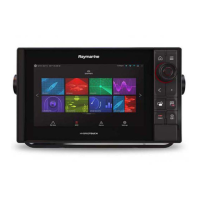
Maximum Speed
To display this sub-page, press
ÙÙ
ÙÙ
Ù
from the Speed Through Water
page.
D3052-1
This page shows the maximum speed through the water that has been
achieved since the value was last reset. The units are the same as
those for the Speed Through Water value.



 To Next Page