68 RAYDATA Installation and Operation Handbook
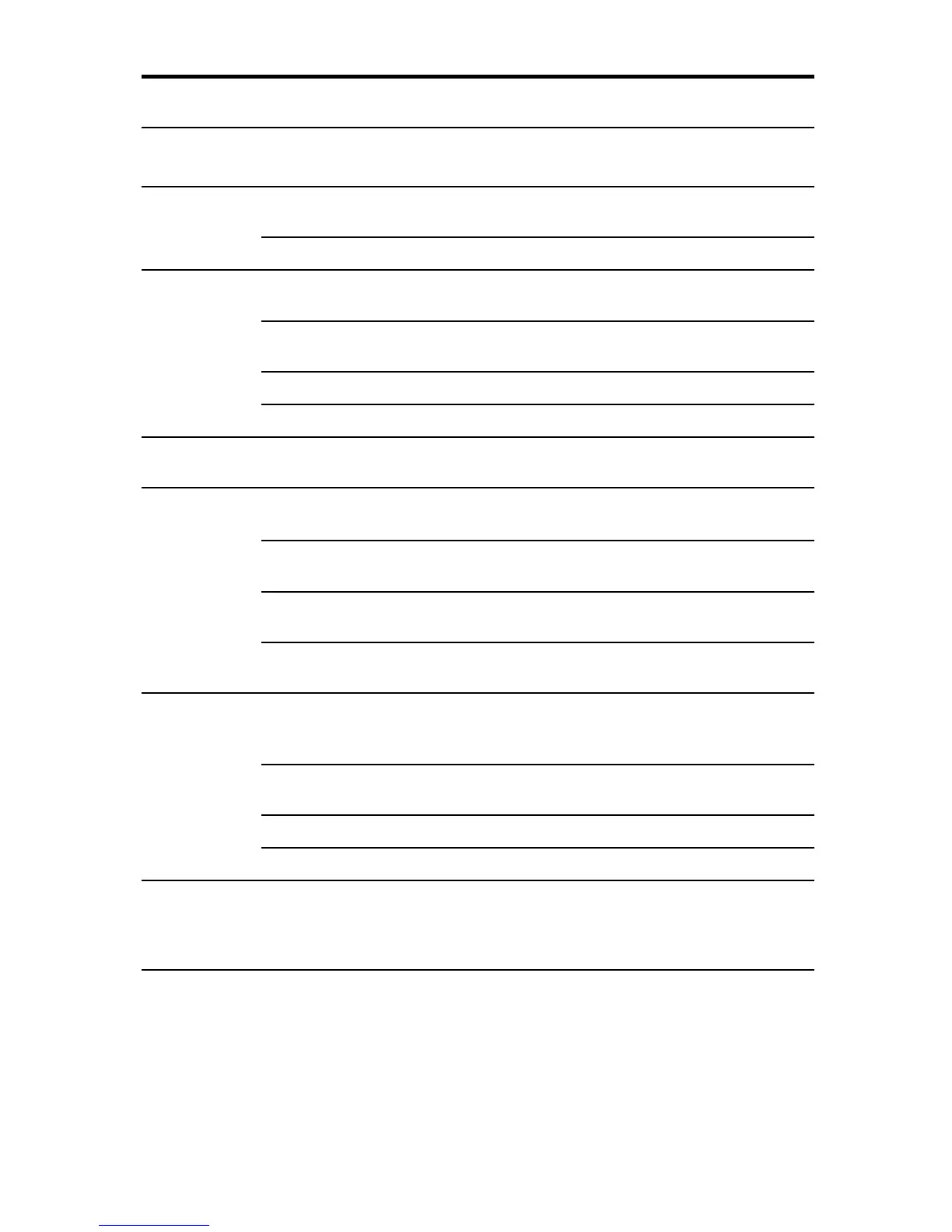
Key Press/ Condition / display Function
Hold
DEPTH+SPEED P Navigational data is available Displays MOB page and sends MOB
message
H MOB Cancels MOB
SPEED P Non-Speed Chapter page Speed Chapter main page (last used)
displayed
P Speed Chapter page Moves on to next main page in the Speed
Chapter
P First Setup page Speed Calibration page displayed
P Speed Calibration mode Starts/stops calibration run
SPEED+DEPTH P Navigational data is available Displays MOB page and sends MOB
message
ÙÙ
ÙÙ
Ù
P Page availability indicated Next sub-page displayed
on display
P Value adjustment indicated Increases right-most digit of value by 1
on display
H Alarm value and Locked Increases value quickly until key released
Heading adjustment indicated
P Setup page Moves backwards through list of menus or
up through list of options
ÚÚ
ÚÚ
Ú
+
ÙÙ
ÙÙ
Ù
P Usage indicated on display - Reset value
- Display alarm adjustment page
- Exit alarm adjustment page
P Normal display, no usage Locked Heading page displayed, and
indicated heading locked if not locked already
P Locked Heading page Lock/unlock heading (toggle)
P Setup pages Select Setup menu or option
ÚÚ
ÚÚ
Ú
Same as
ÙÙ
ÙÙ
Ù
, except that it moves backwards
through sub-pages, decreases values
and moves forwards/down lists of menus and
options



 To Next Page