Updated 26-Oct-2020 | Answer ID: 1743
This issue could be due to a third-party app currently unsupported by the Razer Phone 2.
Note: Before proceeding to the troubleshooting steps, be sure that the Razer Phone is up to date.
Navigate to Settings > System > Advanced > System update > Check for update.
If the issue is not occuring using the native phone app, follow the steps below:
1. Disable Wi-Fi calling.
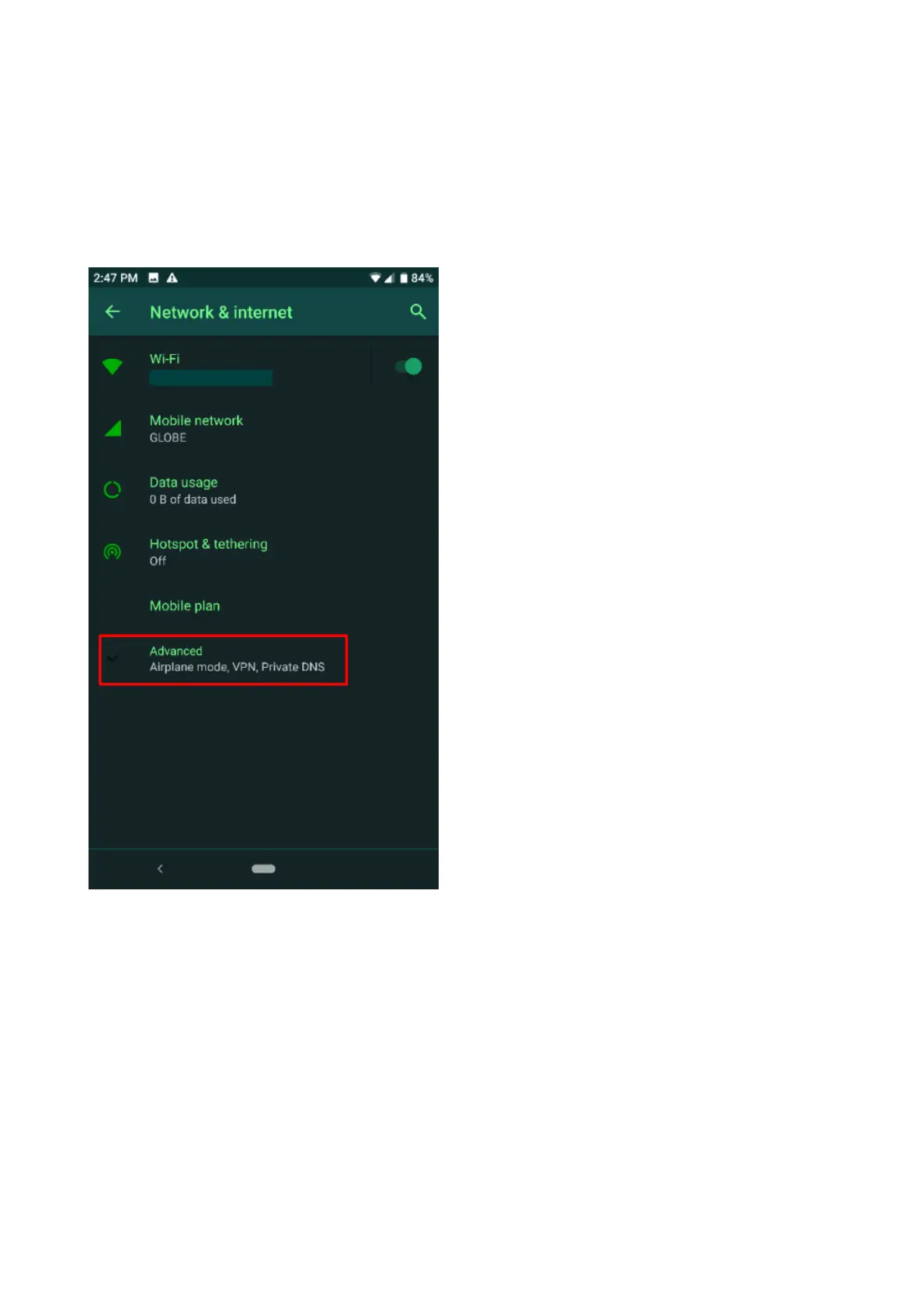
2. Select a different “Preferred Network” by going to Settings > Network & Internet > Advanced.
3. Tap “Preferred Network Type”.



 To Next Page