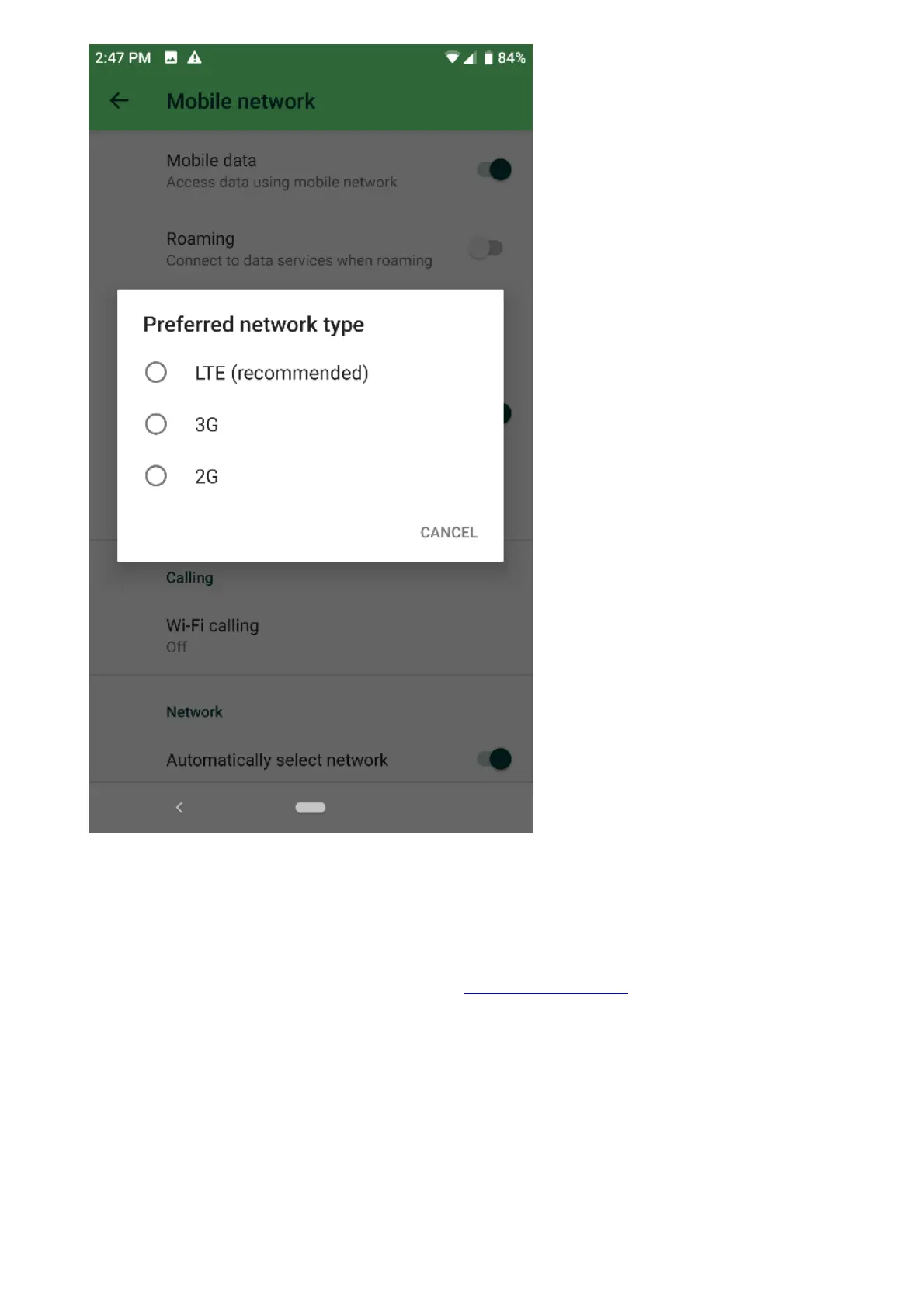
5. Move to a different location, preferably to a location with a stronger signal.
6. Try inserting the SIM card to a different phone to verify that the SIM is not defective. If the issue
persists, this could be caused by a defective SIM card. In that case, contact your network or
service provider.
7. If the SIM card works on a different mobile phone, test a SIM from a different mobile carrier and
verify if the issue has been resolved.
8. If the above steps did not fix the issue, contact Customer Support to assist you further
in troubleshooting this issue.
The Dolby Atmos has stopped working on my Razer Phone
The Dolby Atmos Technology on the Razer Phone enhances the dual front-firing stereo speakers for an
immersive audio experience. If the Dolby Atmos has stopped working, follow the steps below to fix the
problem.
Note: Before proceeding to the troubleshooting steps, ensure that the Razer Phone is up to date.
Navigate to Settings > System > Advanced > System update > Check for update.
1. Go to Settings and tap “Sound”.



 To Next Page