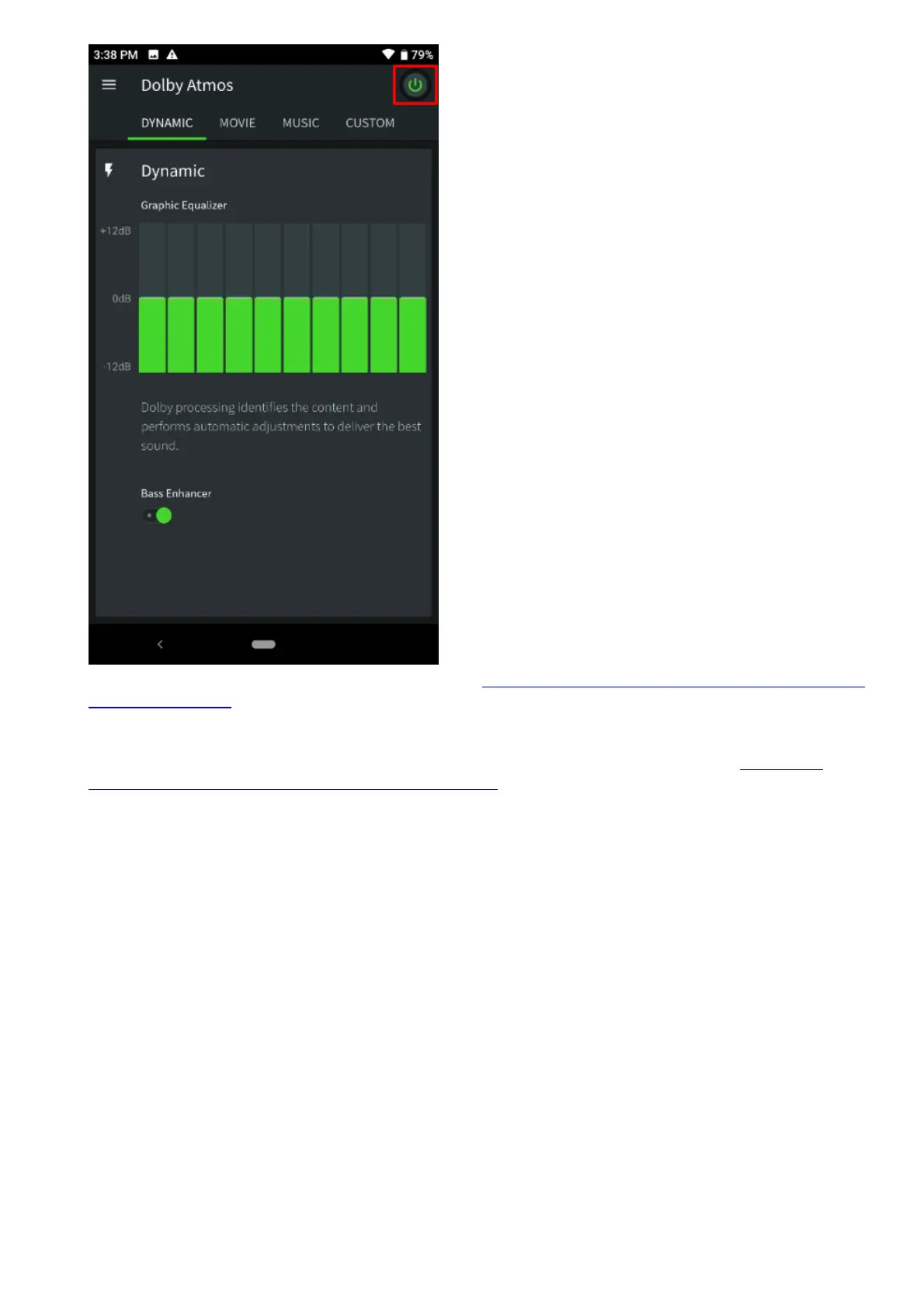
4. If you are using your headset or earphones, go to My Razer Phone is not producing sound on
my headphones.Note: Be sure to use the audio dongle that comes with the Razer Phone 2. It is
not recommended to use the audio dongle from Razer Phone 1 with the Razer Phone 2 or vice
versa.
5. If there are no audio devices connected to your Razer Phone 2, follow the steps in My Razer
Phone is not producing sound on its speakers.
Razer Phone Battery Saving Tips
With its 4000 mAh battery pack, the Razer Phones will allow you to play your favorite games longer
than most other handsets in the premium class. However, actual battery performance will still vary
with every user.
If you are experiencing uncharacteristically poor battery performance, you may want to check with the
following:
1. Brightness Settings – Consider lowering your brightness settings to prolong battery life.
2. Wireless Connectivity – Turning on Wi-Fi, Data Connection, or Bluetooth consumes extra battery.
Using these in places with the weak signal will also take a hit on the battery life as the phone
spends more power in keeping the signal stable. Turn these off when not needed to conserve
battery.
3. Apps with auto-sync – Apps that auto-sync information such as GPS trackers, social media apps,
weather widgets, and newsreaders will also consume more battery as they also use wireless
connectivity.
4. Extreme Temperatures – Exposing the phone to extreme hot or cold temperatures are generally
not good for Lithium-Ion batteries and may degrade the battery life.
5. Using the Max Refresh Setting – The Max refresh rate can be adjusted globally by going to



 To Next Page