Settings > Display > Refresh Rate, or individually for each game via Cortex.
6. Display Resolution – The Razer Phones’ display resolution is set to 1440p out of the box but can
be adjusted down to 1080p or even 720p in Settings > Display > Advanced > Display Resolution.
7. Dolby Atmos – While using considerably less power than the display, using Dolby Atmos may also
consume more battery. Consider disabling this option to prolong your battery life.
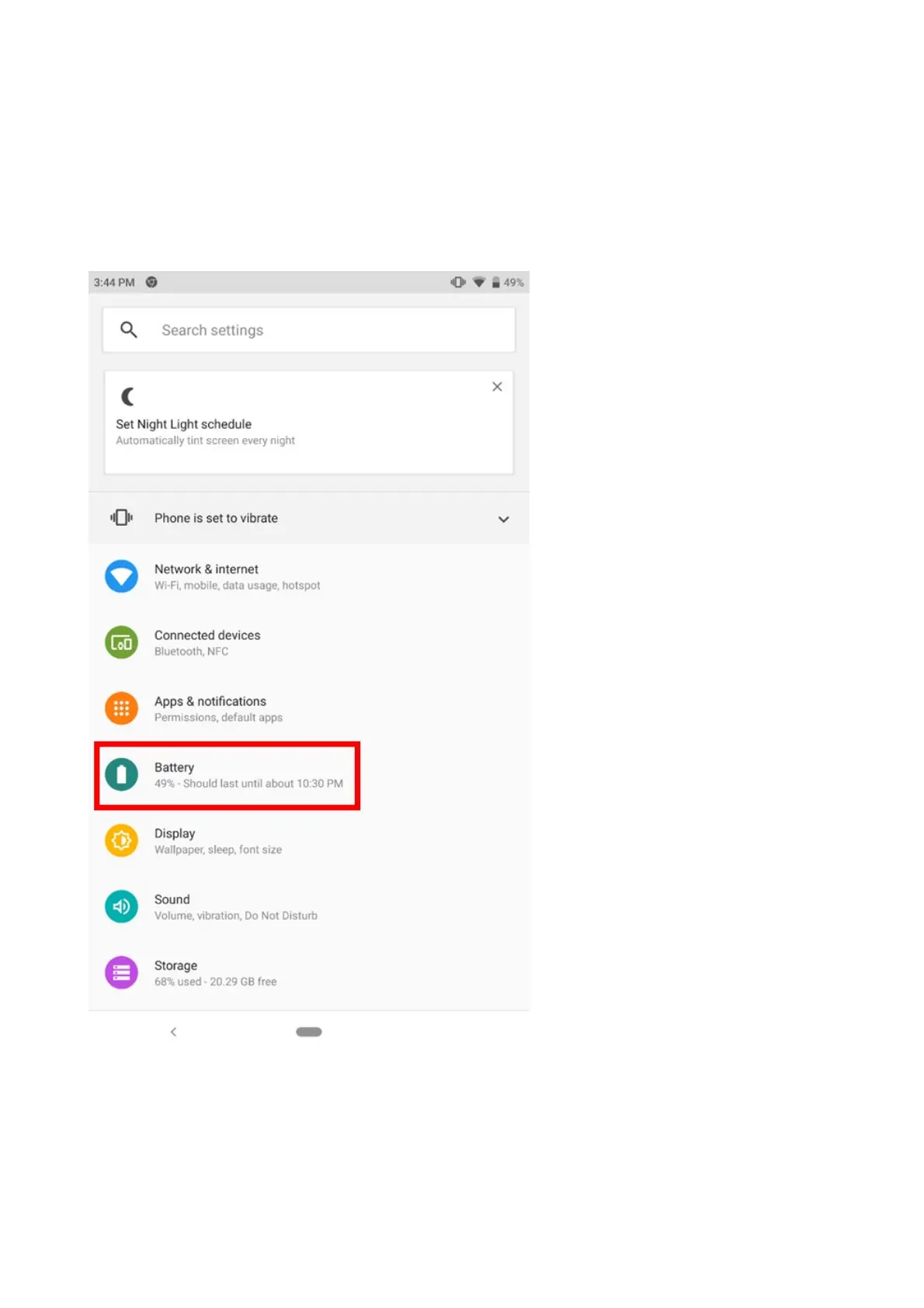
You may also opt to turn on the Battery Saver within Settings to conserve battery life even more.
For Android 9 (Pie)
1. Go to Settings > Battery.
2. Tap “Battery Saver”.



 To Next Page