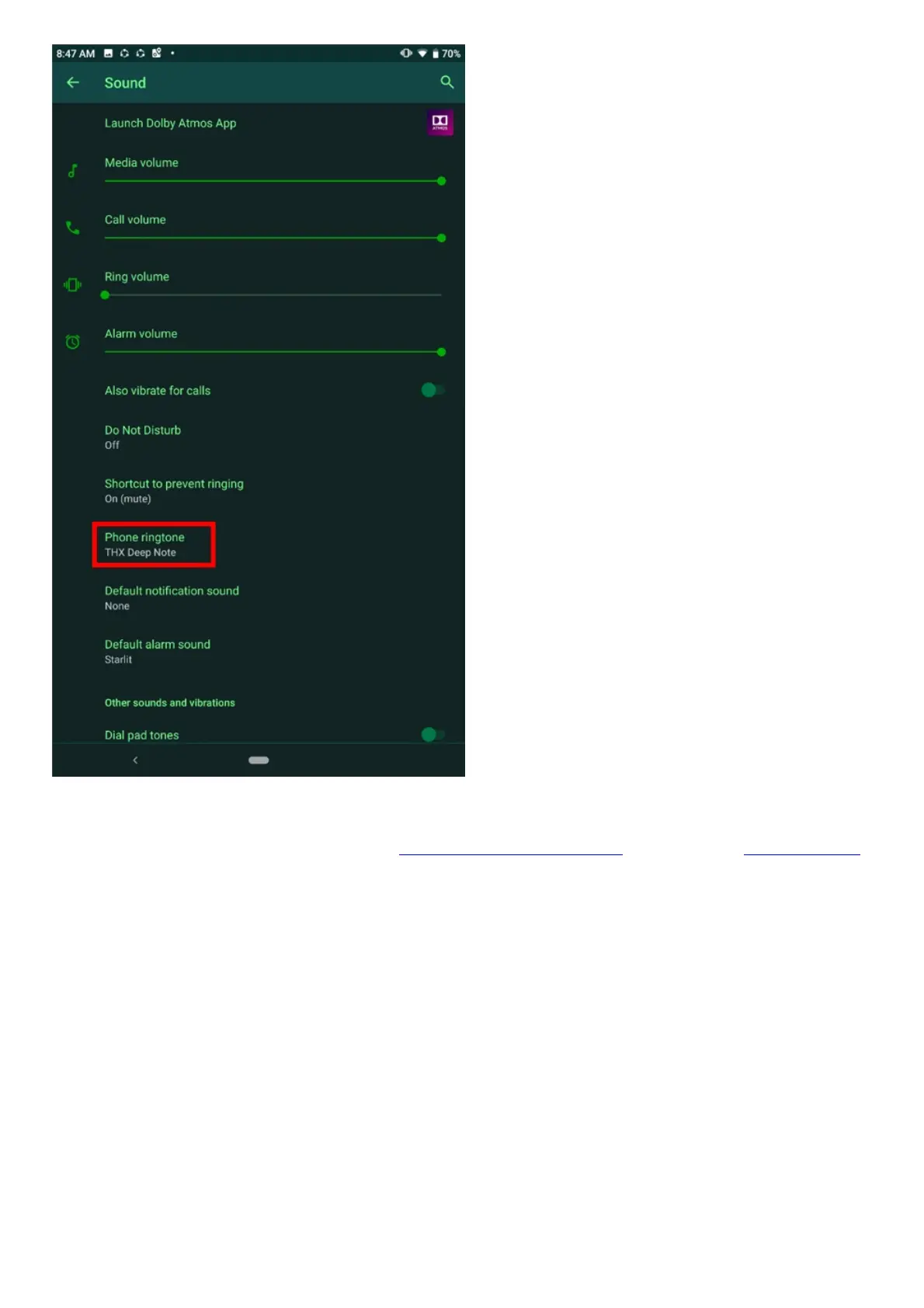
4. After all the settings have been configured, call your Razer Phone from a different phone line.
5. If the issue persists, reboot the device and test the phone again.
6. If rebooting your device does not help, back up your phone data and perform a factory reset.
Razer Phone does not ring
This issue could be caused by your phone’s sound settings. Follow the steps provided below when
your Razer Phone is not ringing.
Note: Before proceeding to the troubleshooting steps, be sure that the Razer Phone is up to date.
Navigate to Settings > System > Advanced > System update > Check for update.
1. Go to Settings > Sound.
2. Ensure that the phone is set to “Ring” and the volume is set to its maximum for testing. You can
adjust the volume to your liking after testing.



 To Next Page