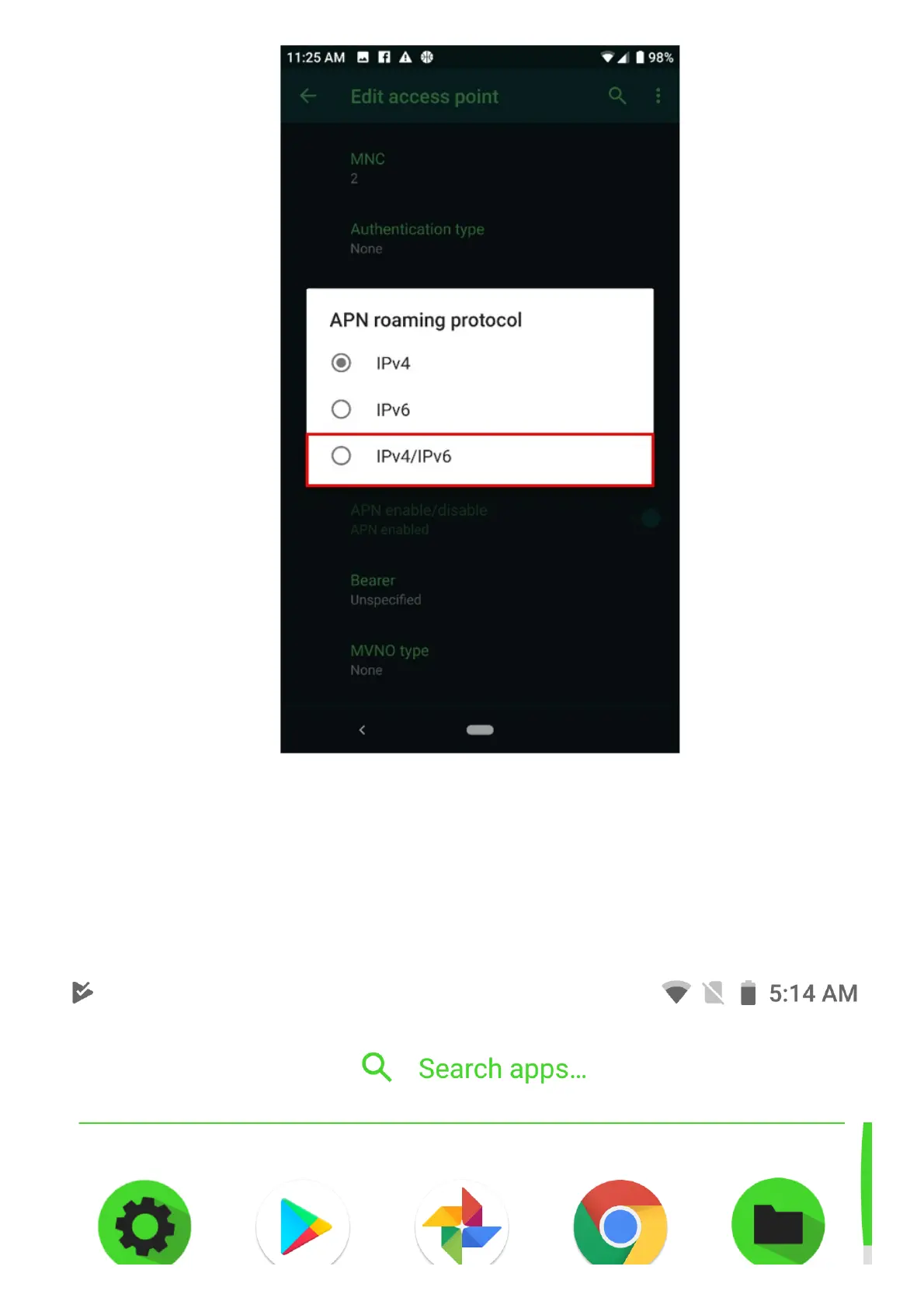
Razer Phone Verizon NO SIM CARD error
Verizon customers encounter NO SIM CARD error message on their Razer Phone 2 devices. This occurs
when the customer’s preferred network type is LTE/CDMA. To resolve this, the user needs to change
the preferred network to LTE/3G/2G.
Please follow the steps below for instructions on how to do this:
1. Select “Settings” > “Network & Internet”.



 To Next Page