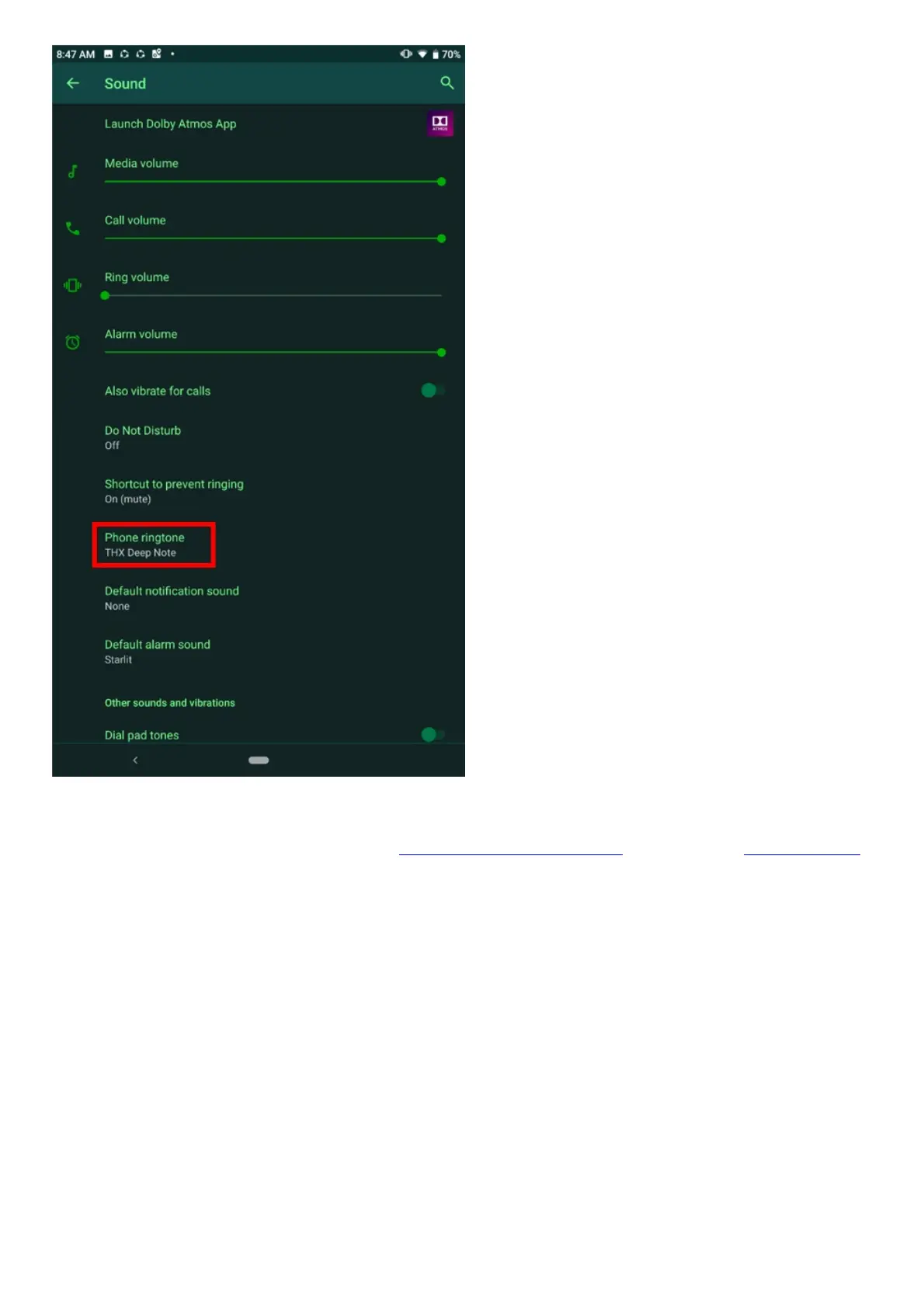
4. After all the settings have been configured, call your Razer Phone from a different phone line.
5. If the issue persists, reboot the device and test the phone again.
6. If rebooting your device does not help, back up your phone data and perform a factory reset.
Display & Camera
My Razer Phone’s touchscreen is not responding
There may be instances where your Razer Phone’s touchscreen is not working or is not responding.
This may be due to a glitch or software issue. If you experience this problem, do the following:
1. Power off the device.
2. Press and hold the volume up and power button simultaneously to enter Recovery Mode. Release
the buttons only when you see the “Three-Headed Snake” logo.
3. Once you see the menu, use the volume down button to select “Wipe data/factory reset” and
press the power button.
4. Select “Reboot System Now” when prompted. The touchscreen should now be functional again.
My Razer Phone’s display is blank
One way to go about this issue is to make sure that the Razer Phone has enough battery charge left. If
the device screen turns on then goes to blank immediately, it means the battery must be charged



 To Next Page