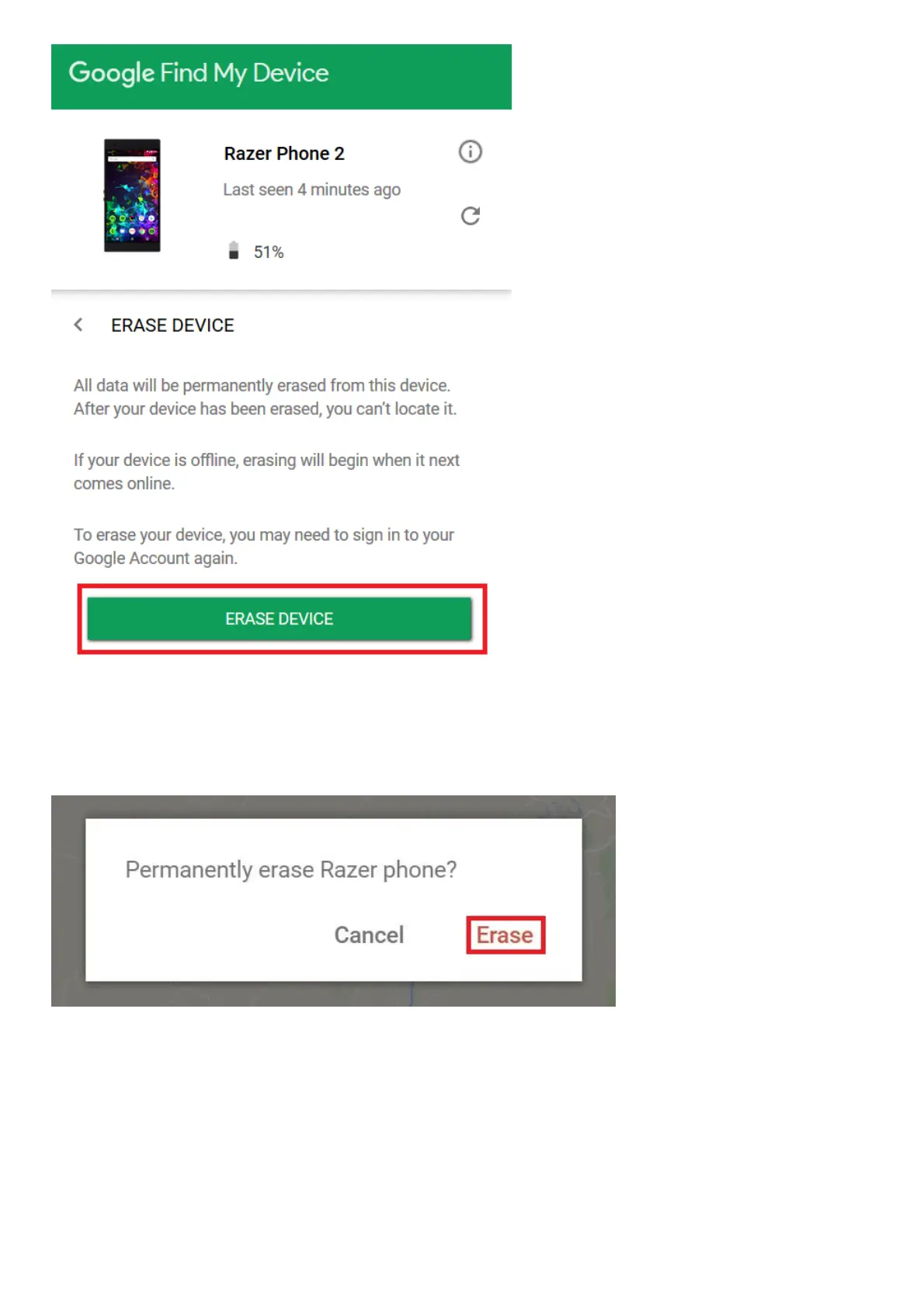
4. You will be asked to sign-in again to proceed.
5. When prompted, click “Erase” to proceed. Once confirmed, the Razer Phone will reset to factory
settings.
Reset via Secure Startup
1. Do 20 attempts to recover the password. There is a lock-out period of 30 seconds after 5 initial
failed attempts.
2. After the 21st attempt, you will be warned with a message that the device will be reset after 9
more failed attempts and will revert to out of box factory settings. (Must enter all 4 digits to be
qualified as an attempt)
The Razer Phone is not detecting a SIM card
Most of the time, a Razer Phone cannot detect a SIM card when it is not properly inserted.



 To Next Page