Important Note: All methods will erase data from your phone.
If your phone is linked to your Google account click here. (preferred and easiest method)
If you enabled Secure Startup, click here.
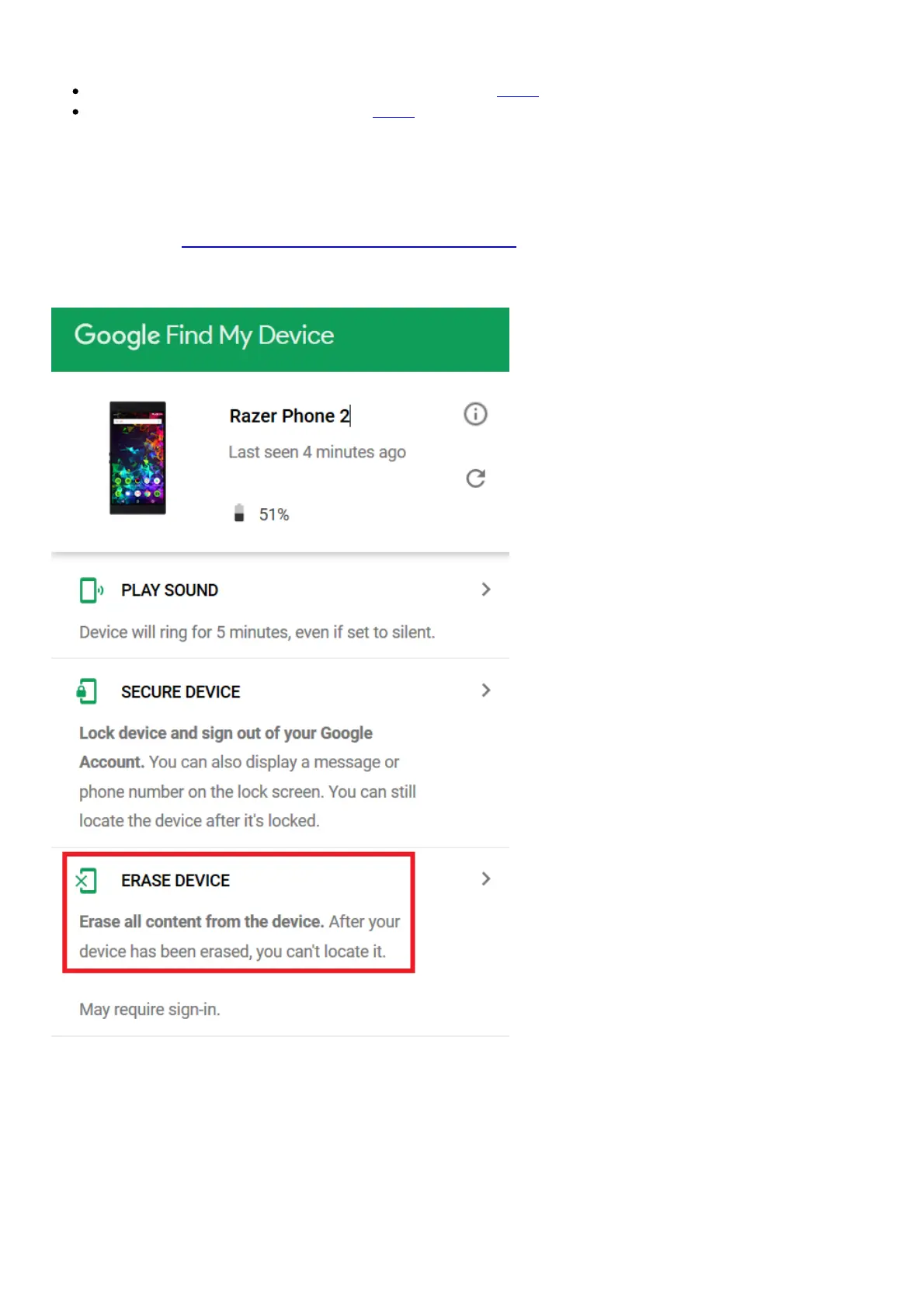
Erase data via Android Find
If you have linked the phone to a google account, you can recover the phone by doing an erase from
your computer. Do note that doing so will cause all data to be permanently erased from your phone.
1. Please visit https://www.google.com/android/find and log in using the Google account linked
to the Razer Phone.
2. Select the Razer Phone and then choose “ERASE DEVICE”.
3. Confirm the action by clicking the “ERASE DEVICE” button.



 To Next Page