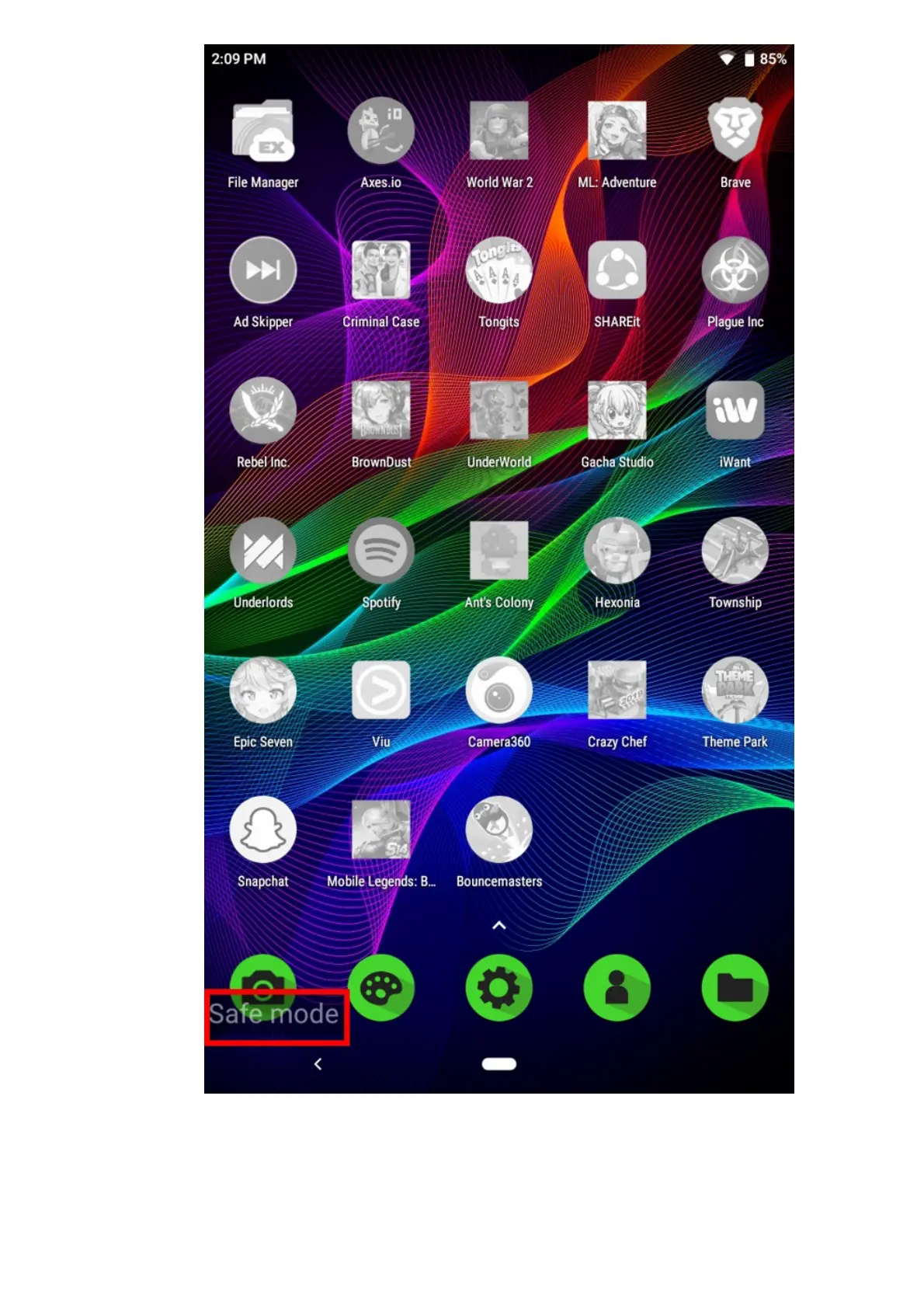
2. If you are still experiencing the issue, check if you are running the latest software for the device.
Ensure that your device is always up-to-date by performing a software update.Note: Steps may
vary depending on your device’s operating system.
For Android Version 9 (Pie)
1. Go to Settings > System.



 To Next Page