Note: Before proceeding to the troubleshooting steps, ensure that the Razer Phone is up to date.
Navigate to Settings > System > Advanced > System update > Check for update.
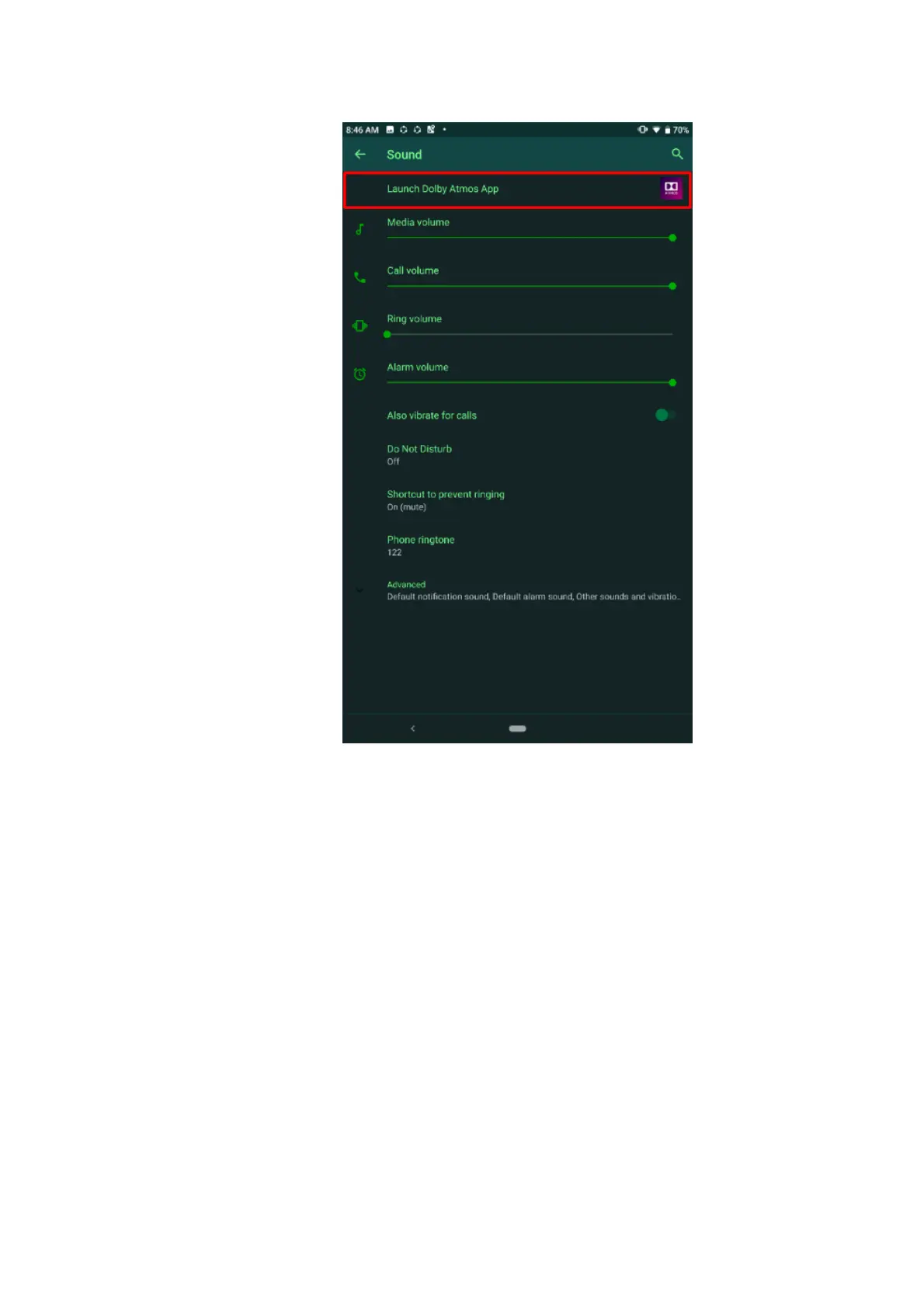
1. Go to Settings and tap “Sound”.
2. Tap “Launch Dolby Atmos App”.
3. Turn off Dolby Atmos by tapping the power icon on the top-right corner of the screen.



 To Next Page