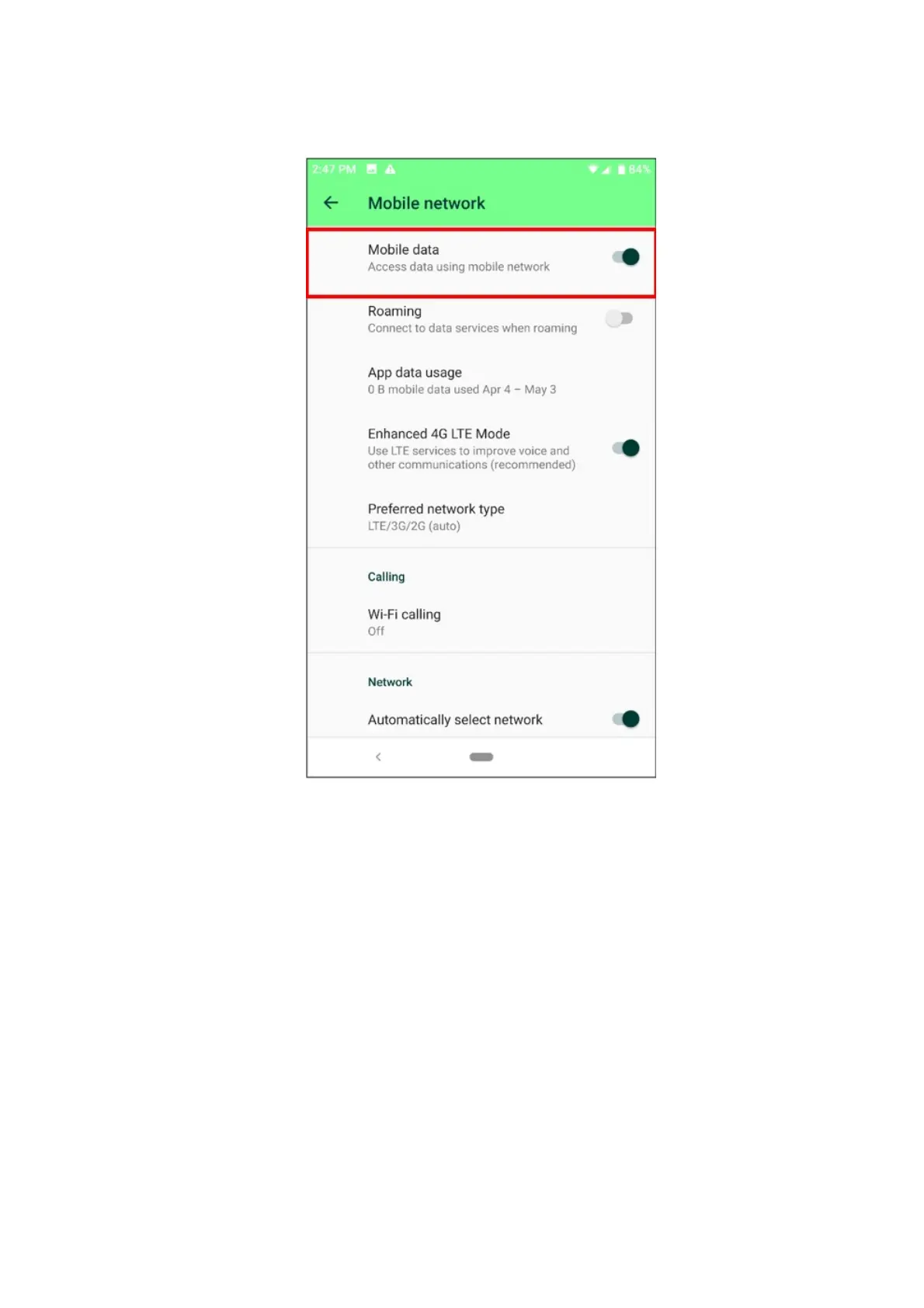
Enable Mobile Data
1. Be sure to enable “Mobile data” on your phone by going to Settings > Network & internet >
Mobile Network.
2. On “Mobile Data”, tap the toggle switch to enable it.
Disable Mobile Data Limit
1. Make sure that the “Set data limit” is disabled. Navigate through Settings > Network & internet >
Data Usage > App data usage.



 To Next Page