Chapter 3 23
Blocking Canadian V-Chip Movie Ratings
If youreceiveCanadianprogramsyoucanlockCanadian Englishand
Canadian French ratings.Whenyoulockaparticularrating,youautomatically
lockthehigherratedprogramsaswell.
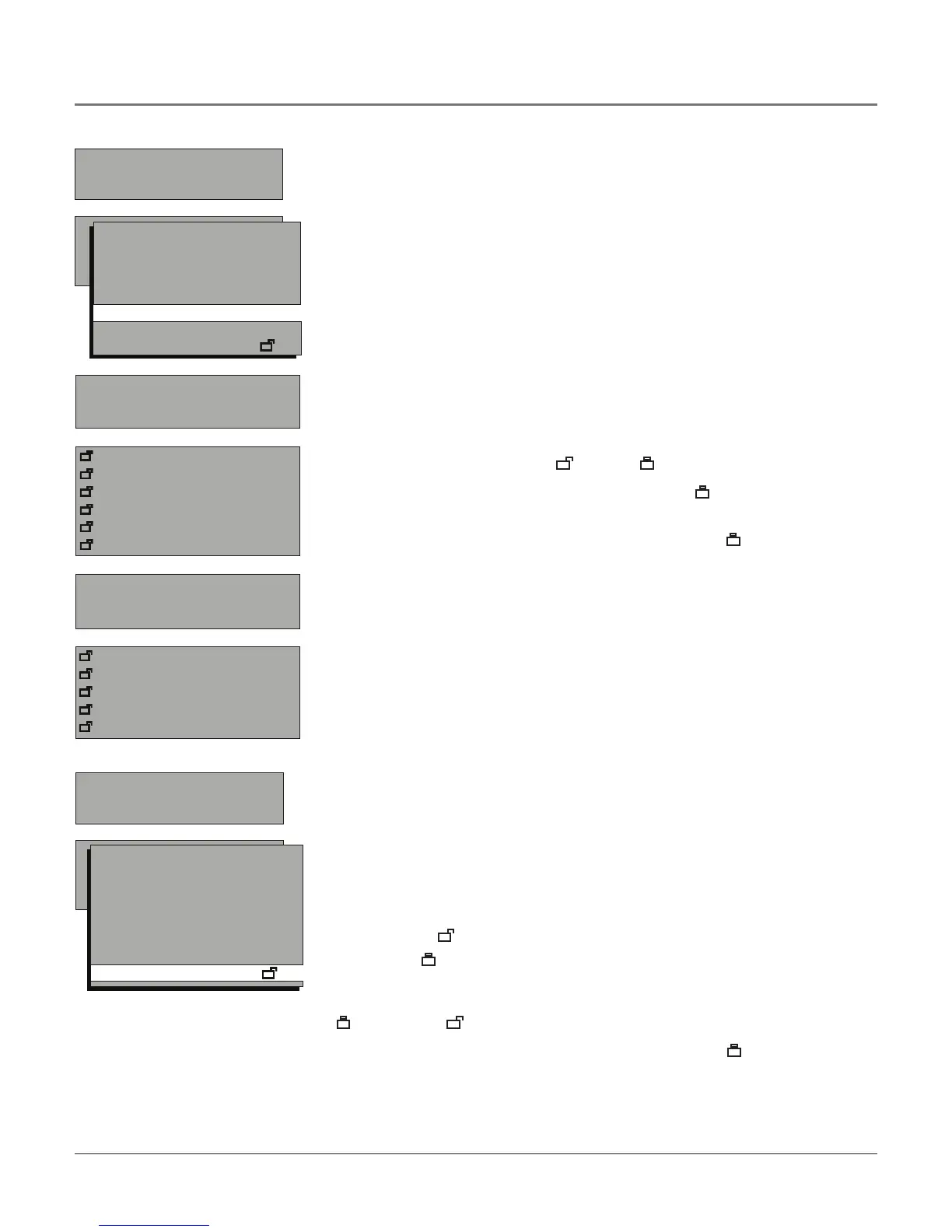
TolockCanadianEnglishandFrenchprogramratings:
1. ChooseParental ControlfromtheMain MenuandpresstheOKbutton.
2. Enteryourpassword.
3. HighlightV-chip Setting,thenpresstherightarrowbutton.
4. HighlightCanada English Ratings(orCanada French Ratings)andpressthe
rightarrowbutton.
5. Determinetheratingyouwanttolock.
6. UsethearrowandOKbuttonsonyourremotetochangethestatusof aTV
programratingfromunlock( )tolock( ).
7. PresstheOKbuttontochangethestatustolock( ) andallratingsbelow
theoneyouselectedchangetolock.
Note: You must remember to set Master Enable to lock ( )in Parental
Controls for rating limits to take effect. Refer to page 20.
When a channel is locked, you can temporarily deactivate parental
control settings. A menu screen appears when you try to change the
channel, press OK and the password screen appears. Now you can reset
your password.
PARENTAL CONTROL
Go back
V-chip Setting
Downloadable V-chip
Master Enable
Front Panel
Change Password
V-CHIP SETTING
Go back
Movie Ratings
USA TV Content Ratings
Canada English Ratings
Canada French Ratings
Unrated
CANADA ENGLISH RATINGS
Go back
Reset
C
C8+
G
PG
14+
18+
CANADA FRENCH RATINGS
Go back
Reset
G
8 ans+
13 ans+
16 ans+
18 ans+
Unrated Programs
TheUnrated optionletsyoudecideif programsthattheV-Chiprecognizes
asunratedcanbeviewed.UnratedTVprogramsmayincludenews,sports,
political,religious,localandweatherprograms,emergencybulletins,public
announcementsandprogramswithoutratings.TheUnratedoptionappliesto
bothUSAandCanadianunratedprograms,andCanadianprogramsratedE
(Exempt).
Unlocked ( ) Allunratedprogramsareavailable.
Locked ( ) Allunratedprogramsarenotavailable.
GototheParental ControlscreenandchooseV-chip SettingandpressOK.In
theUnratedscreenpresstherightarrowbuttontotogglebetweenthelock
( )andunlock( )icon.
Note: You must remember to set Master Enable to lock ( )in Parental
Controls for rating limits to take effect. Refer to page 20.
PARENTAL CONTROL
Go back
V-chip Setting
Downloadable V-chip
Master Enable
Front Panel
Change Password
V-CHIP SETTING
Go back
Movie Ratings
USA TV Content Ratings
Canada English Ratings
Canada French Ratings
Unrated
Using the TV’s Features



 To Next Page