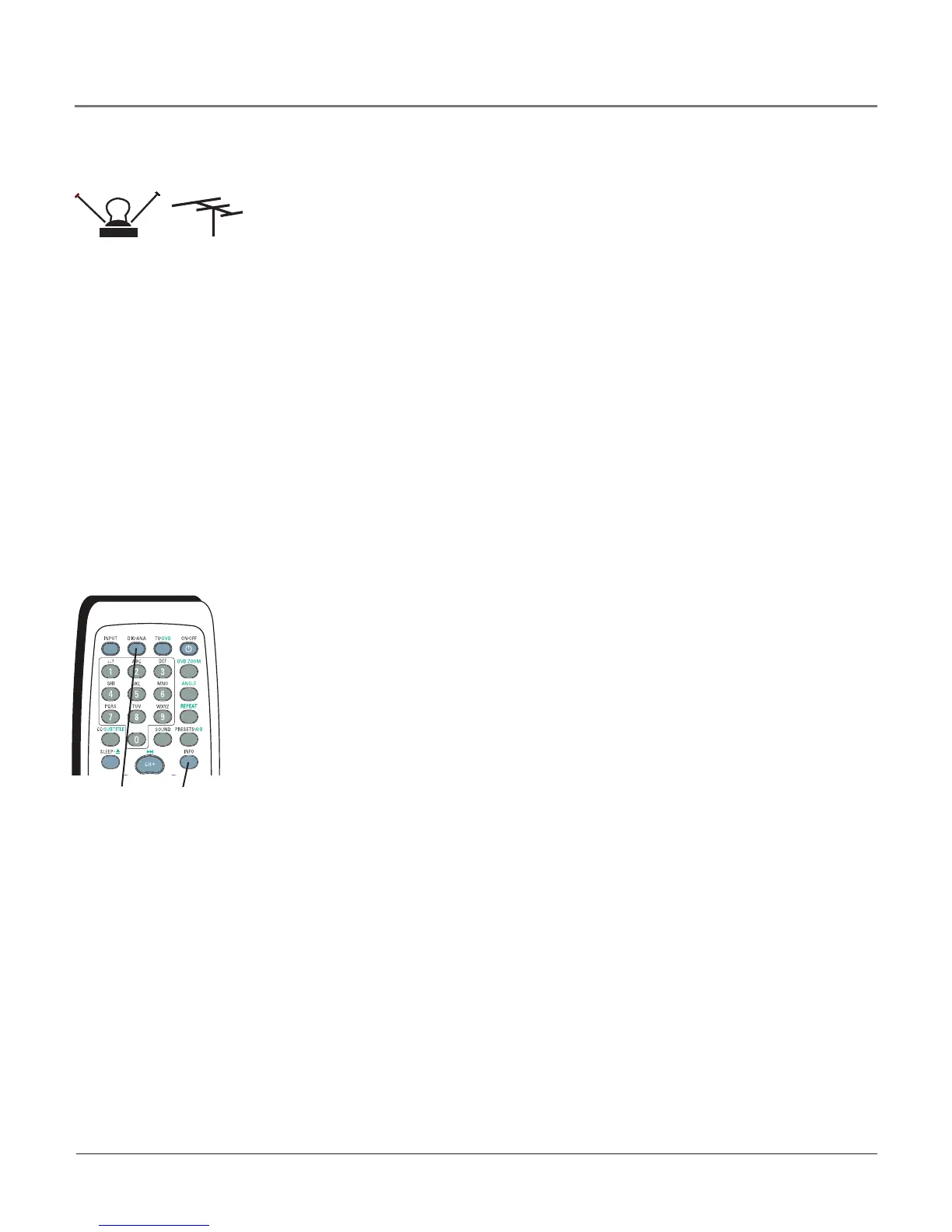
DIG•ANA
button
What You Need to Know
• Visitwww.antennaweb.orgtogethelpdecidingwhattypeofantennatousetoreceivetheoff-airlocaldigital
channelsavailabletoyou.Byenteringwhereyoulive,thismappingprogramtellsyouwhatlocalanalogand
digitalstationsareavailableusingacertainantenna.
•WhenyougettotheAuto Channel Search screenintheSetupmenu,chooseAntenna asyoursourcetype.TheTV
seachesforbothanaloganddigitalchannels.Tocompleteachannelsearchnow,gotopage14.
• Whenyouarereadytowatchdigitalchannels,makesureyouaretunedtoadigitalchannel.Digitalstations
typicallyhaveadashinthembecausetheymaycontainsubchannels,forexample,8-3.
Whenyouarereadytowatchananalogchannel,makesureyouaretunedtoananalogchannel.Analogstations
containnomorethanthreedigits.Refertopage14forinformationonanaloganddigitalstations.
Whenusingtheinputdescribedabove,usetheDIG•ANAbuttonon
theremotetotogglebetweenthedigitalandanalogchannels.Referto
page14formoreinformation.
Note: Another way to see if you’re tuned to a digital or
analog channel is to press the INFO button. This brings up the
Channel Banner screen, discussed on page 19.
or
Receiving Channels with an Antenna
Indoor
Antenna
What You Need
Antenna(“rabbitears”)oroutdoorantennawithacoaxialcable.Plugtheantennaor
coaxialcablefromthewalloutletintotheANTENNA/CABLEINPUTtoreceivefreeoff-
airlocalanaloganddigitalchannels(whereavailable).
Outdoor
Antenna
INFO
button
Connections & Setup
6 Chapter 1



 To Next Page