Chapter 6 39
Audio Setup
ThismenuletsyouselectdifferentAUDIOsettingstomatchtheequipmentyouhaveconnectedto
theDVDDIGITALAUDIOOUT(COAXIAL)jack.ThesesettingsareonlyavailableinDVDmode.
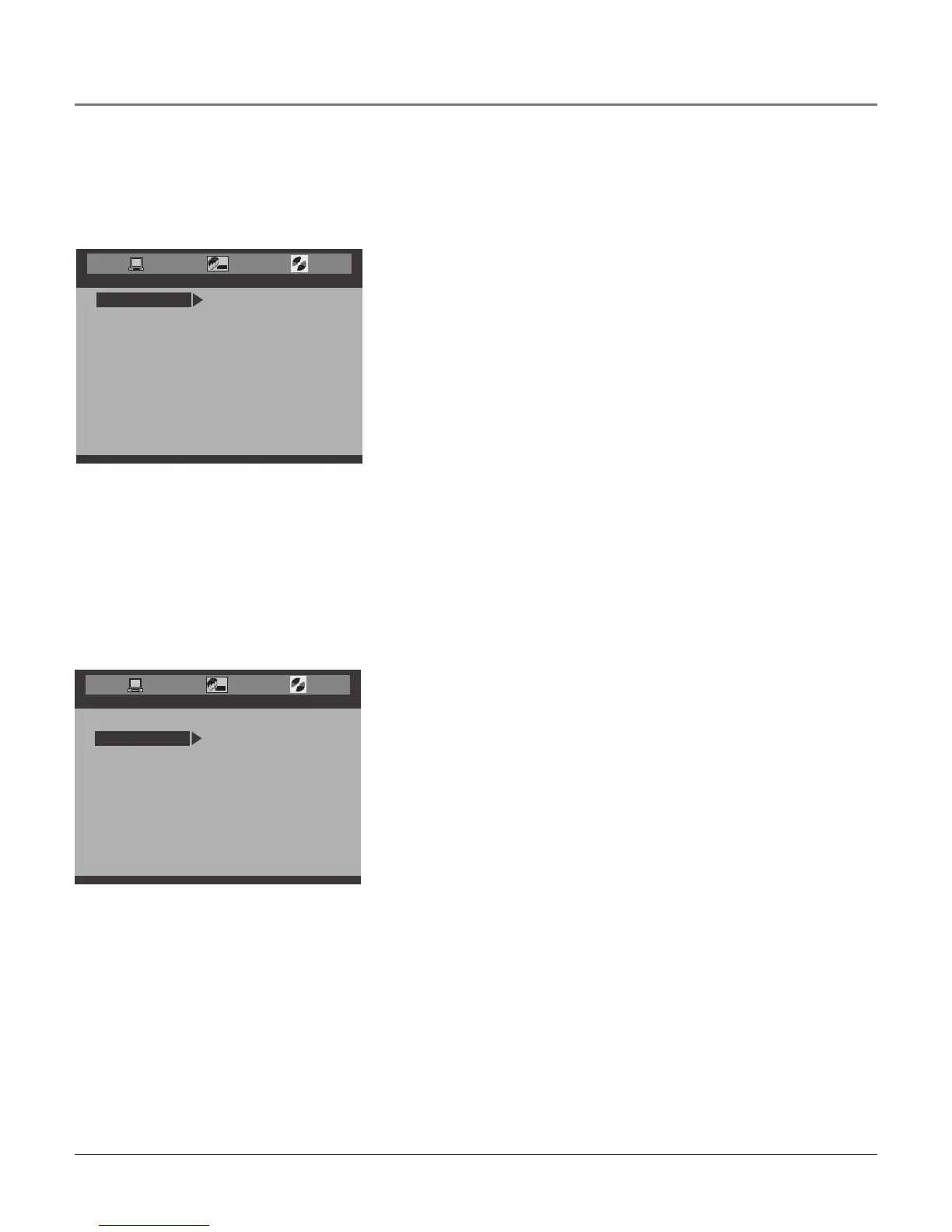
AUDIO SETUP
DOWNMIX
D.R.C.
DOWN SAMPLE
EXIT SETUP
DVD AUDIO OUT
COAX/DIGITAL
COAX/PCM
COAX/ANALOG
AUDIO SETUP
D.R.C.
DOWN SAMPLE VSS
EXIT SETUP
DVD AUDIO OUT
LT/RT
STEREO
DOWNMIX
DVD Audio Out
LetsyouchooseasettingfortheDVDDIGITALAUDIOOUTjackfor
DVDmode.
COAX/ANALOG Useforanalogaudioconnectionouttoanamplier.
COAX/DIGITAL Outputstheoriginaldigitalaudio.ReceiveDolby
Digitalsound(if transmitted)if you’veconnectedasix-channel
receivertotheDVDDIGITALAUDIOOUTjack.
COAX/PCM Let’syouconvertthedigitalaudiointoPCMformat.
Chooseif youraudioreceiveronlyhandlesPCM.
Tochangethedigitaloutput:
1. PressDVDSETUP,theDVD’smainmenuappears.SelectAUDIO
SETUP,thethirdicon.
2. Select
DVD AUDIO OUTandpresstherightarrowbutton.
3. UsethearrowbuttonstohighlightyourchoiceandpressOK.
4. Toexit,pressDVDSETUPorCLEAR.
Note: The settings above affect the DVD audio only.
Downmix
ThisoptionenablesyoutochoosedifferentaudiooptionsfortheDVD
playertooutput.
LT/RT Theaudiooutputistwochannelsof audiomixedandthen
encodedwithDolby.
STEREO ThisisaDolbyStereoaudioeffect.Signalsof multi-
channelaudioaremixedintotheleftandrightchannel,sosound
fromchannelsotherthanleftandrightcanbeheard.
VSS (Virtual Surround Sound) AnadvancedVSSaudio
processingalgorithmcreatesasimulatedsurroundsoundeffect,for
usewhenanexternal5.1-channeldigitalsurroundsounddecoder
isnotavailable,orforprovidingasurroundsoundeffectinsecond
audiozonesequippedwithonlystereoloudspeakers.VSSisdown
mixedfrom5.1-channelortwo-channelDolbySurround-encoded
DolbyDigitalsoundtracks.
TochangetheDOWNMIX:
1. PressDVDSETUP,theDVD’smainmenuappears.SelectAUDIO
SETUP,thethirdicon.
2. Highlight
DOWNMIX.
3. UsethearrowbuttonstohighlightyourchoiceandpressOK.
4. Toexit,pressDVDSETUPorCLEAR.
Using the DVD Menu



 To Next Page