Page 28 of 55 12/2006 Rev. B Manual DFA 127 Full Power
Operating instructions
With the factory default setting, the mechanical BDI is always connected and ac-
tive on a DFA 127. If an additional electronic BDE-D is connected, the operating
mode will be set at the highest priority by a defined priority structure in the BDE.
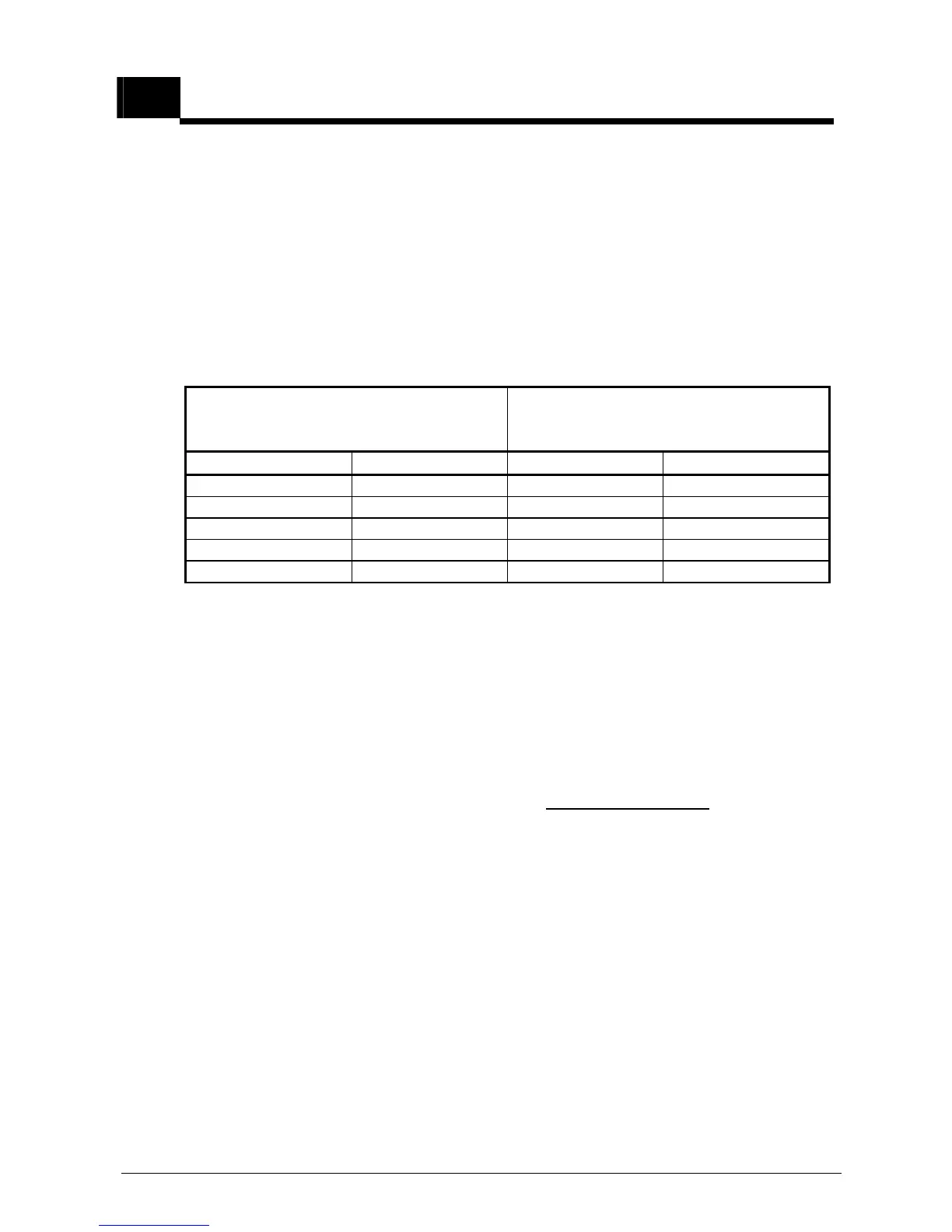
The priority and the code shown in the following table apply to the operating
mode, whereby BDE2 (S2) and BDE1 (S1) represent the two STG input terminals
(à J7/1 + J7/2, Print BDE-M) for the mechanical BDE:
(L = interruption or 0V, H = +24V)
Mechanical BDI (toggle switch)
Electronic BDE-D
BDE2 (S2) BDE1 (S1) Function Priority (1=highest)
3
H L manual 4
L L automatic 5
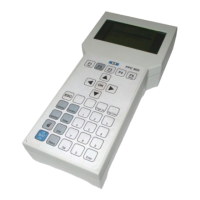
The BDE-D indicates the current operating mode.
If an operating mode that has no current priority is set on the BDE-D, status mes-
sage 62 is displayed.
Reset button
If this button is held down for approx. 5 sec. a re-start of the control is carried out
(software reset). The LED lights up permanently after the reset.
Status signal
Remains off if no fault is present.
Blinks if a fault is present (see Status and Fault Signals / chapter 17)
Lights up continuously during a reset.



 To Next Page