COPYRIGHT © 2015 RED.COM, INC
RED DSMC OPERATION GUIDE: WEAPON
955-0116_V6.1, REV-H | 116
FOCUS MENU
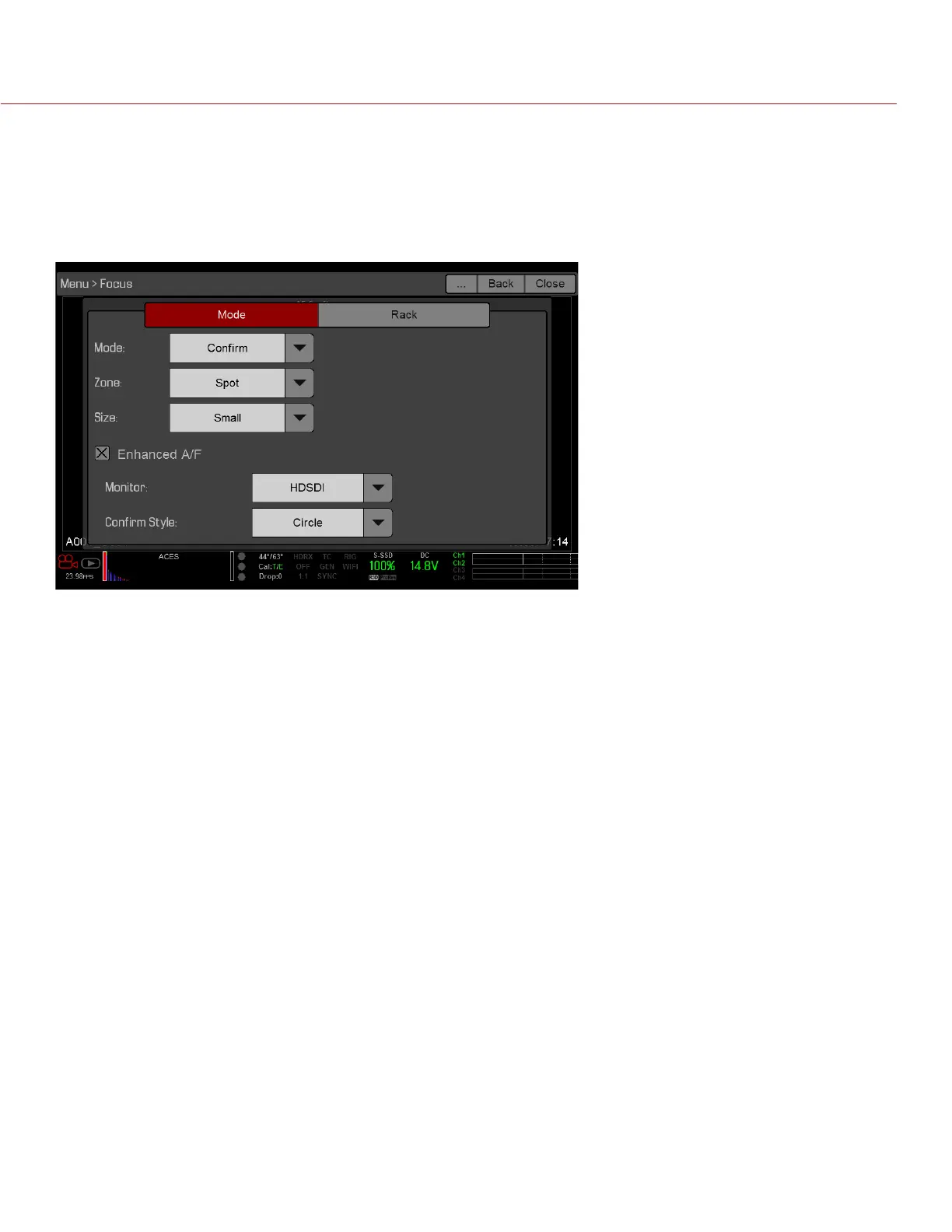
The Focus menu includes: Mode and Rack.
MODE TAB
The Mode Tab is used to enable and select Focus parameters, including Mode, Zone, Size, and Enhanced A/F.
MODE
Select one (1) of the following from the Mode drop-down menu:
Manual: When selected, all focus operations are manual.
Confirm: Enables the Center or Spot focus target. This mode provides additional focus assistance by using
red, yellow, and green color changes to the focus spot window. Inadequate subject illumination and/or
contrast may interfere using Confirm mode.
For best results with Confirm mode, “rock” the focus ring: Focus through the point of optimal focusing and
back again in decreasing amplitude, as when “zeroing-in” for precision manual focus.



 To Next Page