COPYRIGHT © 2015 RED.COM, INC
RED DSMC OPERATION GUIDE: WEAPON
955-0116_V6.1, REV-H | 66
MODES
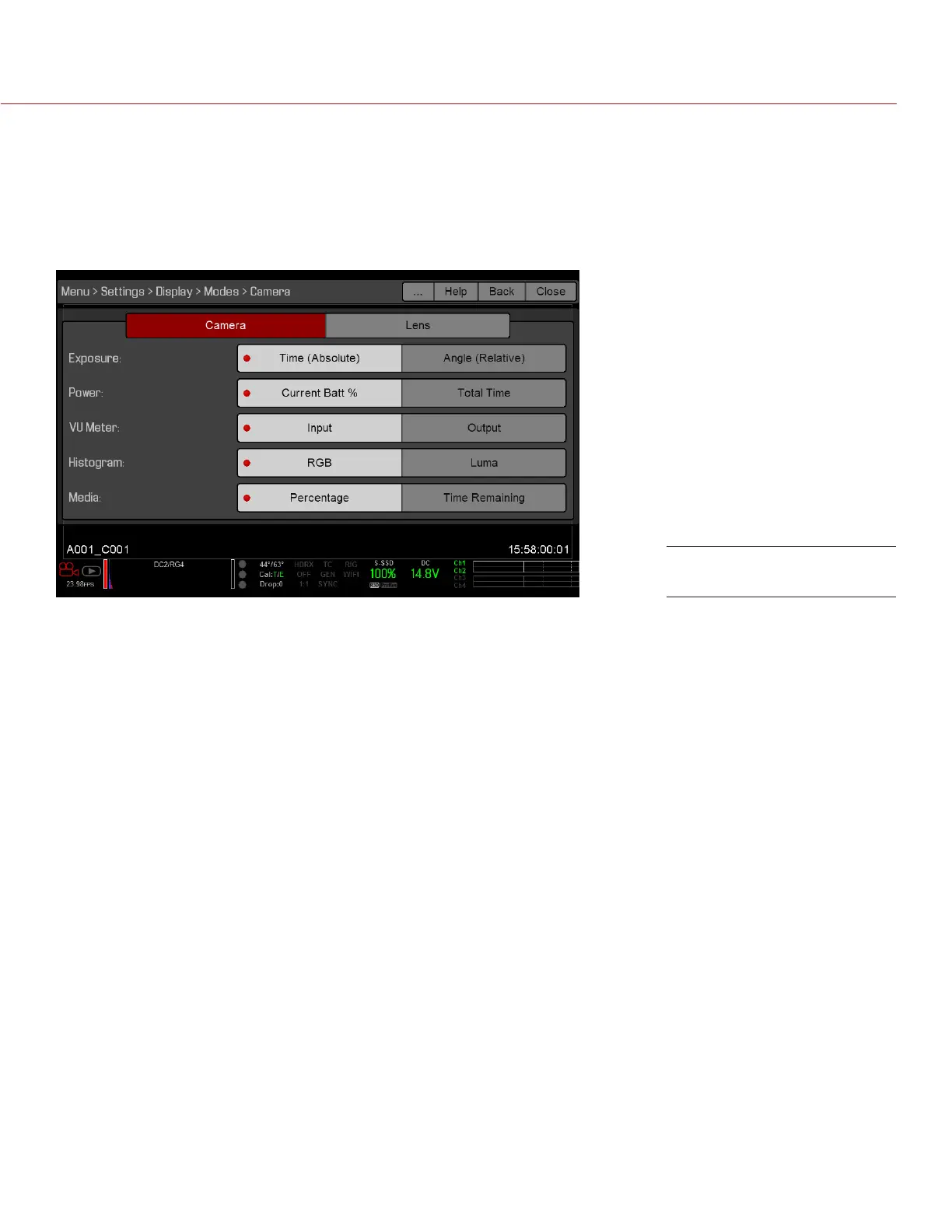
Use the Modes menu to determine how the following settings display:
Camera
Lens
CAMERA TAB
EXPOSURE
Time (Absolute): Displays the exposure time in seconds (1/xx sec). When you change the frame rate in this
mode, the shutter time stays the same, but the shutter angle changes. Time (Absolute) is the default.
Angle (Relative): Displays the exposure as an angle (1–360°). When you change the frame rate in this mode,
the shutter angle stays the same, but the exposure time changes.
POWER
Current Batt %: Displays the remaining percentage of active battery. (Default)
Total Time: Displays the total run-time left of battery power, taking into account all available batteries.
VU METER
Input: Displays levels of audio inputs (pre-mixer). (Default)
Output: Displays levels of audio outputs (post-mixer).
HISTOGRAM
RGB: Displays red, green, and blue channels on histogram. (Default)
Luma: Displays luma channel on histogram.
MEDIA
Percentage: Displays media space remaining as a percentage. (Default)
Time Remaining: Displays media space remaining as time in hours and minutes (HHH:MM).
Display Mode: Camera



 To Next Page