COPYRIGHT © 2015 RED.COM, INC
RED DSMC OPERATION GUIDE: WEAPON
955-0116_V6.1, REV-H | 134
INPUT EXTERNAL TIMECODE
This section explains how to set up your camera so that it accepts timecode generated by an external device.
This procedure requires a DSMC
2
Base Expander.
NOTE: Inputting timecode requires a DSMC
2
Base Expander. For more information, go to “Input/Output
Connectors” on page 161.
1. Connect the external timecode generator to the camera using a 3BNC-to-00 LEMO
®
Sync Cable.
A. Connect the yellow BNC connector to the output on the timecode generator.
B. Connect the 00B LEMO connector to the SYNC port on the DSMC
2
Base Expander.
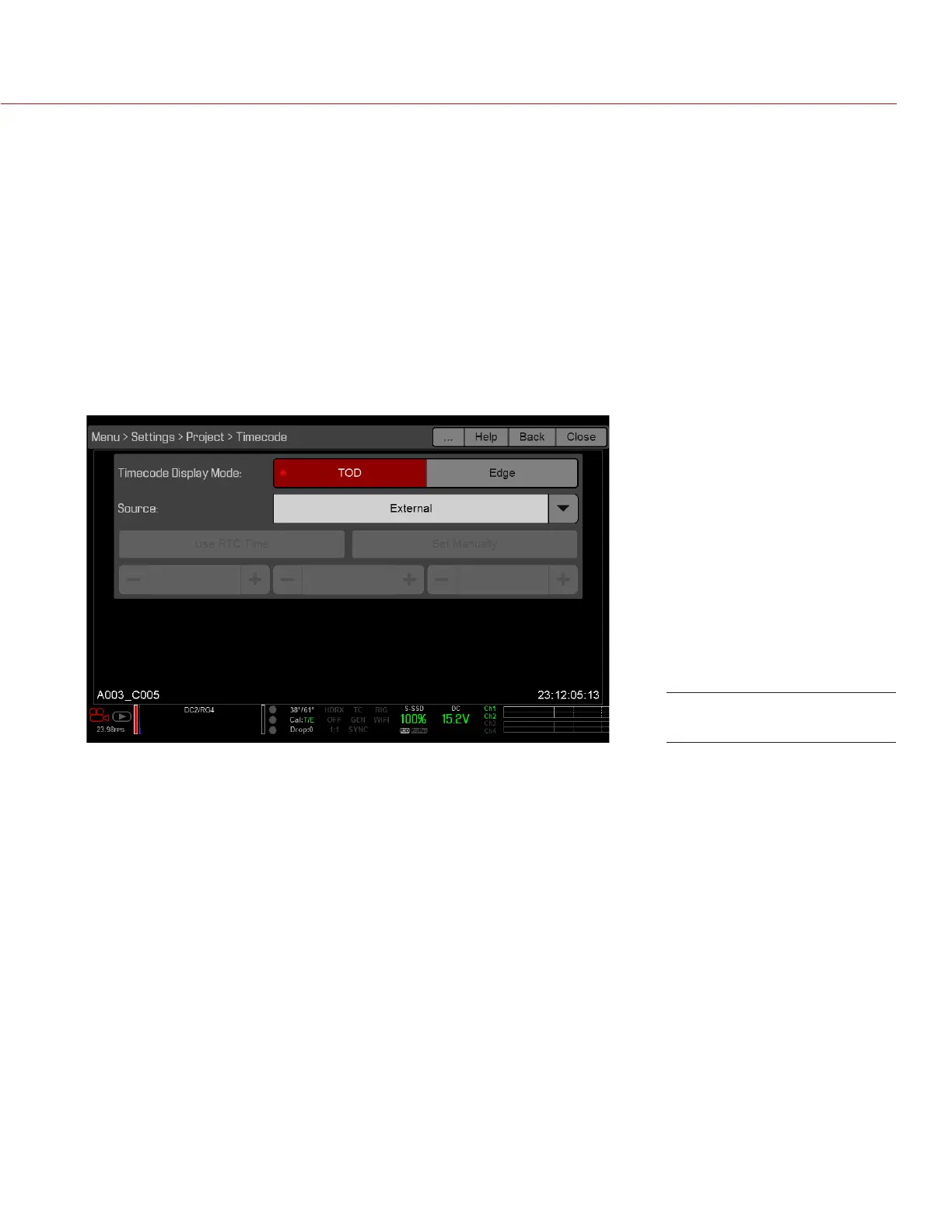
2. Go to Menu > Settings > Project > Timecode.
3. Select the desired Timecode Display Mode.
4. Set Source to External.
The TC indicator in the Lower Status Row turns green when an external timecode source is locked.
NOTE: When an external source is selected but not present, timecode displays User Provided settings.
REQUIRED CABLE
790-0154: 3BNC-to-00 LEMO Sync Cable
Source: External: BRAIN



 To Next Page