COPYRIGHT © 2015 RED.COM, INC
RED DSMC OPERATION GUIDE: WEAPON
955-0116_V6.1, REV-H | 18
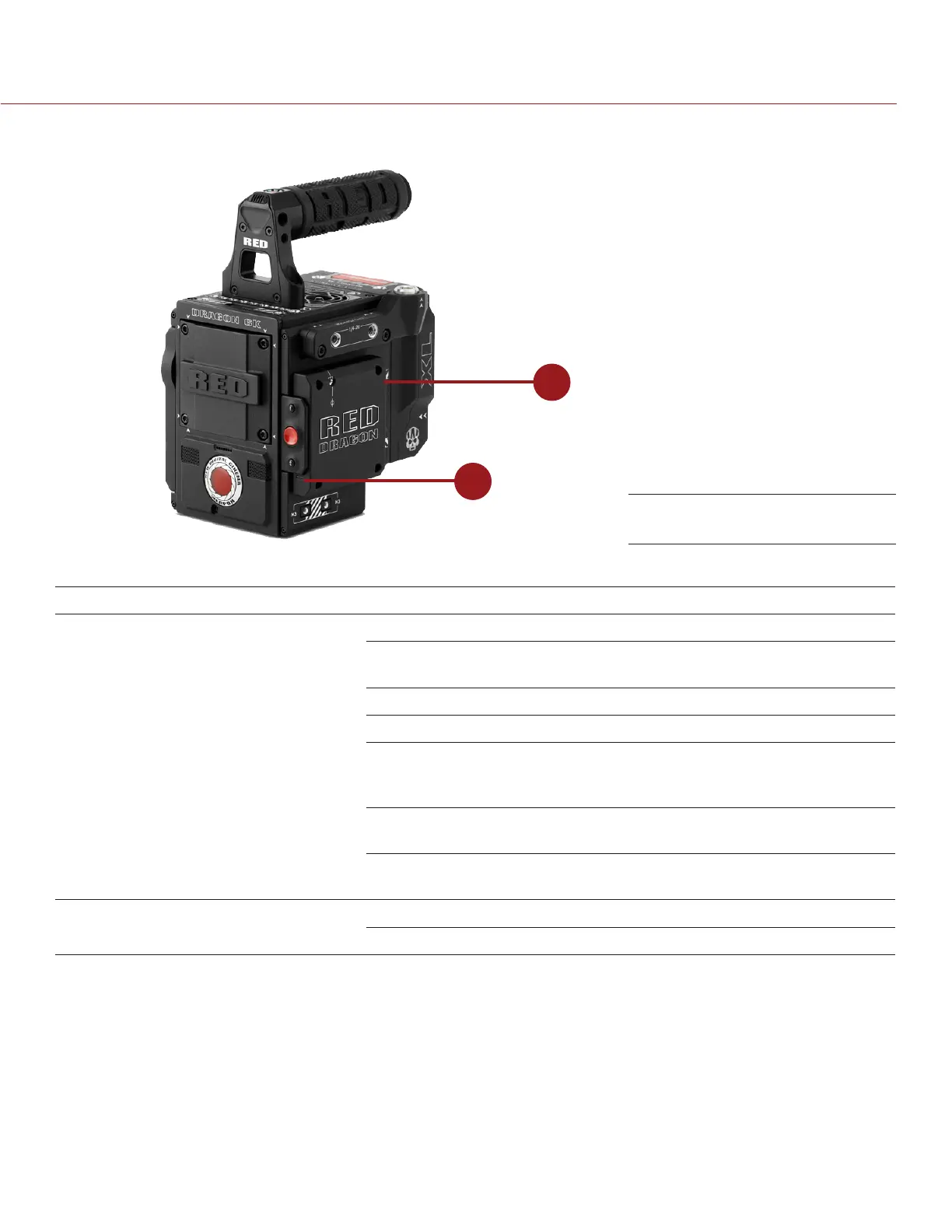
WEAPON MEDIA BAY LEDS
2
1
This section describes the LED functions for the media bay.
# LED COLOR/FLASHING DESCRIPTION
1 Media Status LED
(Back of media bay)
Off No media mounted
Green Preview; media mounted with > 10% of
media space available
Amber Record finalizing or playback mode
Amber flashing (slow) Formatting media
Red flashing (slow) Preview/Recoding; media mounted
with <= 10% and > 5% of media space
available
Red flashing (fast) Preview/Recording; media mounted
with <= 5% of media space available
Red Recording; media mounted with > 10%
of media space available
2 Record Status LED
1
Off Not recording, or media not mounted
Red Recording
1. For more information on how to enable/disable this LED, go to “Indicator” on page 92. If media is not mounted, this LED is off.
WEAPON Media Bay LEDs



 To Next Page