EasyManua.ls Logo

RED WEAPON 6K - Page 182

RED WEAPON 6K
183 pages
Print Icon
To Next Page IconTo Next Page
To Previous Page IconTo Previous Page
Loading...
COPYRIGHT © 2015 RED.COM, INC
RED DSMC OPERATION GUIDE: WEAPON
955-0116_V6.1, REV-H | 182
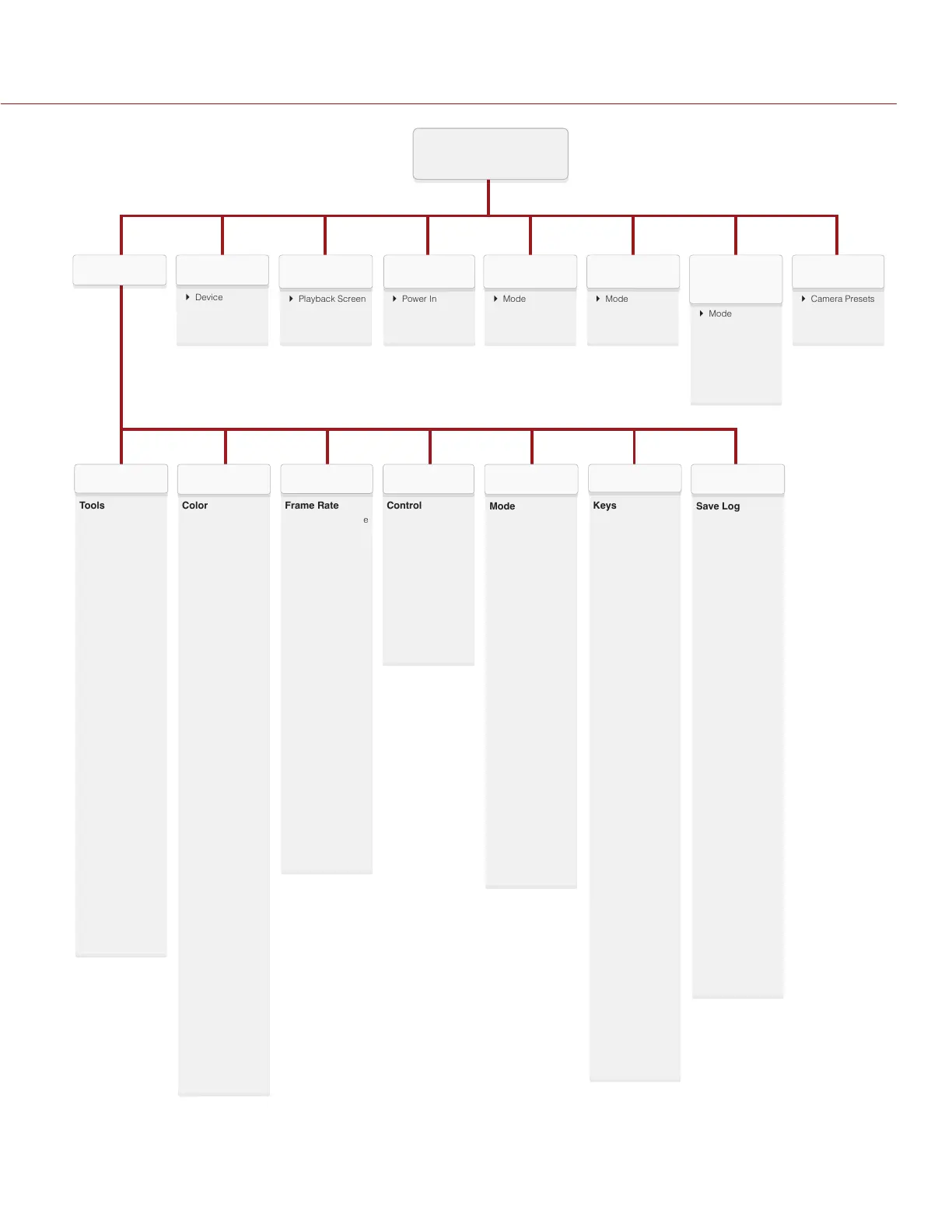
MENU
} Mode
} Factor
} Monitor Track
HDRX
} Mode
} Rack
FOCUS
} Camera Presets
} Looks
} Auto Presets
PRESETS
} Power In
} Power Save
} Shutdown
POWER
} Playback Screen
PLAYBACK
} Device
} Clips
MEDIASETTINGS
} Mode
} Exposure Priority
} Exp Comp
} Metering Mode
} Speed
} Selection
EXPOSURE
ASSIST
Tools
} False Color
} Magnify
} RAW
} Horizon
Zebra
} Zebra 1 and 2
Monitor Control
} Monitor
} Overlays
} Priority
} Brightness
} Advanced
Modes
} Camera
} Lens
Guides
} Frame Guide
} Action Guide
} Title Guide
} General
Test Signal
} Off
} Chip Chart
} SMPTE Bars
} Luma
} Audio Tone
DISPLAY
Color
} Saturation
} Contrast
} Brightness
} Exp Comp
Gain
} Color
} User Matrix
ISO/FLUT
} ISO
} FLUT
} Shadow
Sharpness
} Output
Sharpness
Curves
} Luma
} Red
} Green
} Blue
Video
} Video Source
} LUTs
} Look Config
} Monitor Config
Color Temp
} Color
Temperature
} Tint
} Auto White
Balance
LGG
} Lift
} Gamma
} Gain
LOOK
Frame Rate
} Recording Frame
Rate
} Project Time
Base
Exposure
} Integration
Time
} Shutter Angle
Timecode
} Timecode
Display Mode
} Source
Slate
} Scene
} Camera
} Project
} Auto Slate
Format
} Format
} Anamorphic
} UHD
PROJECT
Control
} Channel 1/2
} Channel 3/4
} Pre-Amp Gain
} Headphone
Volume
Mix
} Headphone Mix
} Audio Out Mix
} Monitor Mix
AUDIO
Mode
} Storage
} Mode
Codec
} File Format
} REDCODE
} QuickTime
} Look
} Resolution
} Video Codec
Frame
Processing
} Mode
} Number of
Frames
Pre-Record
} Duration
} Trigger
Pre-Record Now
Indicator
} Enable Sounds
} EVF Tally Light
} SSD Tally Light
RECORDING
Keys
} Key Mapping
} Options
} Soft Keys
} Advanced
Date/Time
} Date
} Local Time
} Time Zone
Communication
} Camera
} Serial
} WiFi
GPIO / Sync
} Sync
} BRAIN GPIO
Fan Control
} Mode
} Maximum
Record Speed
} Maximum
Preview Speed
} Target
Temperature
} Post Record
Delay
Lens
} Lens
} Motion Mount
1
Motor Control
} General
} Focus
} Iris
} Zoom
} Wireless
SETUP
Save Log
} Save Camera
Log to Media
Upgrade
} Camera
} Media
Calibrate
} Sensor
} Gyro/Acc
} Lens
Self Test
} Enable Sensor
Test Pattern
} Touchscreen
Restore System
} Restore to
Factory Settings
Rediscover
} Rediscover
Hardware
System Status
} Project Status
} Camera Info
} Media Info
} Attached
Modules
OLPF
} Type
MAINTENANCE
1. Only available when a MOTION MOUNT is attached.

Table of Contents

Related product manuals