RED DSMC OPERATION GUIDE: WEAPON
COPYRIGHT © 2015 RED.COM, INC 955-0116_V6.1, REV-H | 25
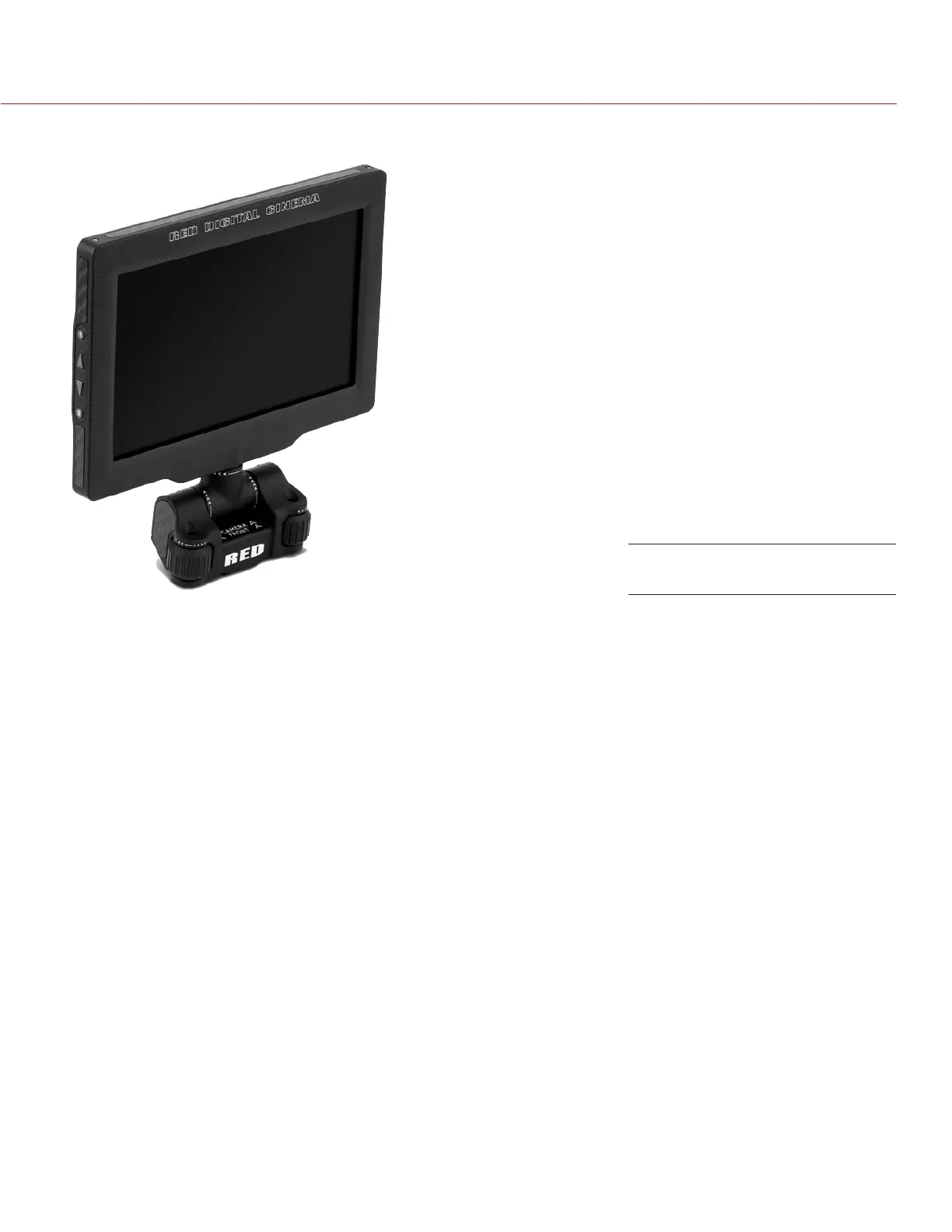
RED LCDS
RED displays provide important camera parameters on the graphical user interface (GUI) and offer a variety of
monitor viewing options. RED touchscreen displays enable you to use gestures to navigate menus and adjust
camera parameters. RED displays feature 8-bit RGB, 4:4:4 progressive scan, providing up to 16.7 million colors
and up to 70% NTSC color gamut.
LCD PRECAUTIONS
WARNING: DO NOT use a RED display as a handle to lift or carry the DSMC. Damage to a RED display or other
components of the DSMC system caused by using the display as a handle are not covered under warranty.
WARNING: DO NOT use the threaded holes in the RED Touch LCD base to mount the display to the BRAIN.
Damage to a RED display or other components of the DSMC system caused by using these threaded holes is
not covered under warranty.
IMPORTANT: The RED Touch LCD swivel axis has a total adjustment range of approximately 360˚ (180˚ clockwise
or counterclockwise from the nominal “rear-facing” orientation). The tilt axis range of adjustment is approximately
180˚. Damage to a RED display or other DSMC components caused by excessive force is not covered under
warranty.
IMPORTANT: The DSMC
2
RED Touch 4.7" LCD has a tilt axis range of approximately 240˚ (90˚ forward and 150˚
backward). Damage to a RED display or other DSMC components caused by excessive force is not covered
under warranty.
DSMC
2
RED Touch 7.0" LCD



 To Next Page