RED DSMC OPERATION GUIDE: WEAPON
COPYRIGHT © 2015 RED.COM, INC 955-0116_V6.1, REV-H | 73
MONITOR CONFIG (MONITOR CONFIGURATION)
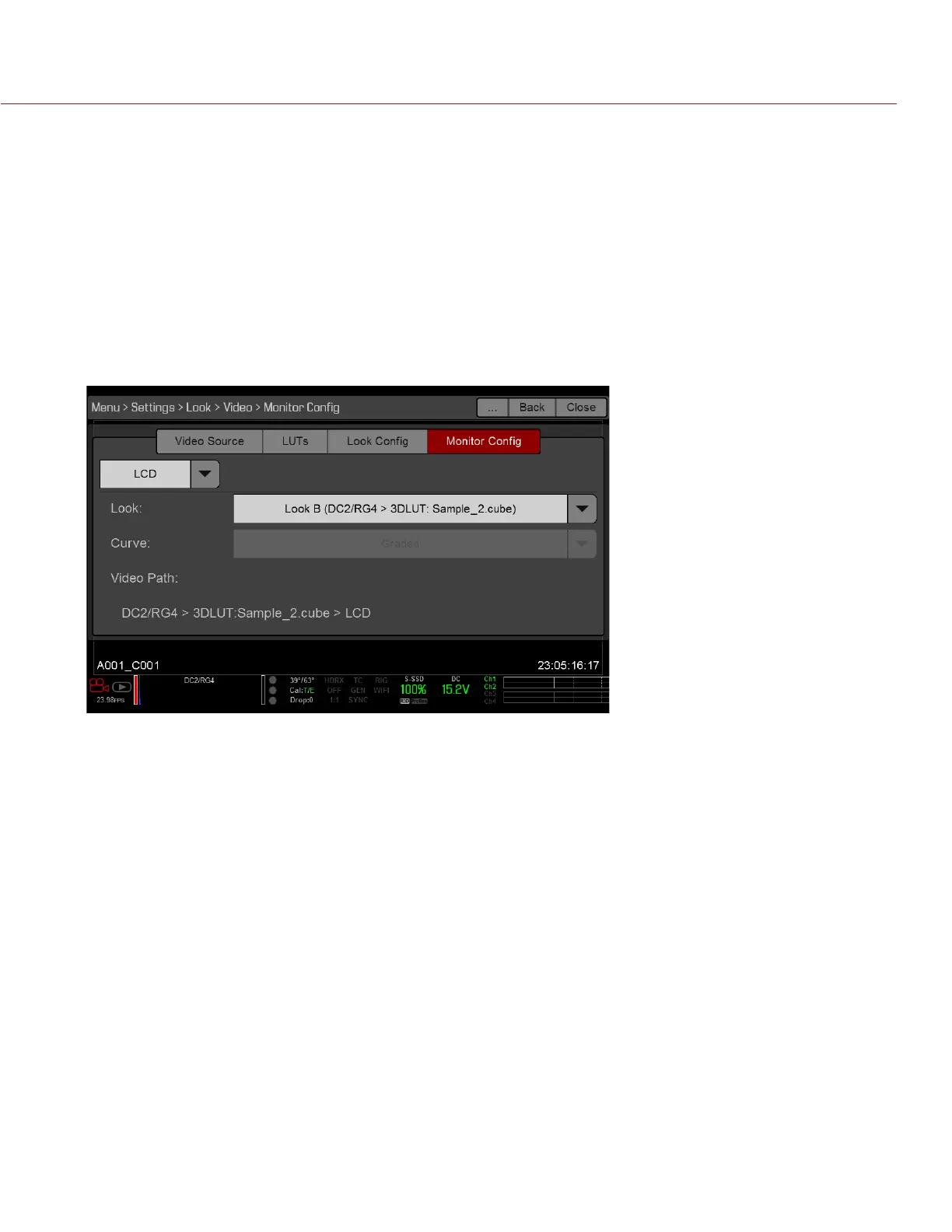
Use the Monitor Config menu to apply a look and a curve to each monitor output.
1. Select the monitor to configure from the drop-down menu at the top of the menu.
2. Select a look from the Look drop-down menu. Looks are set up in the Look Config menu. For more
information, go to “Look Config (Look Configuration)” on page 72.
3. Select a curve from the Curve drop-down menu:
‒ Neutral: The camera does not apply a graded gamma space to the monitor output.
‒ Graded: The camera applies a graded gamma space to the monitor output.
The Video Path displays the video source and graded gamma space applied to the monitor.
NOTE: The Curve drop-down menu is available if the Video Source is set to RLF or ACES. For more
information, go to “Video Source” on page 70.



 To Next Page