RED DSMC OPERATION GUIDE: WEAPON/SCARLET-W
COPYRIGHT © 2016 RED.COM, INC 955-0116_V6.1, REV-U | 103
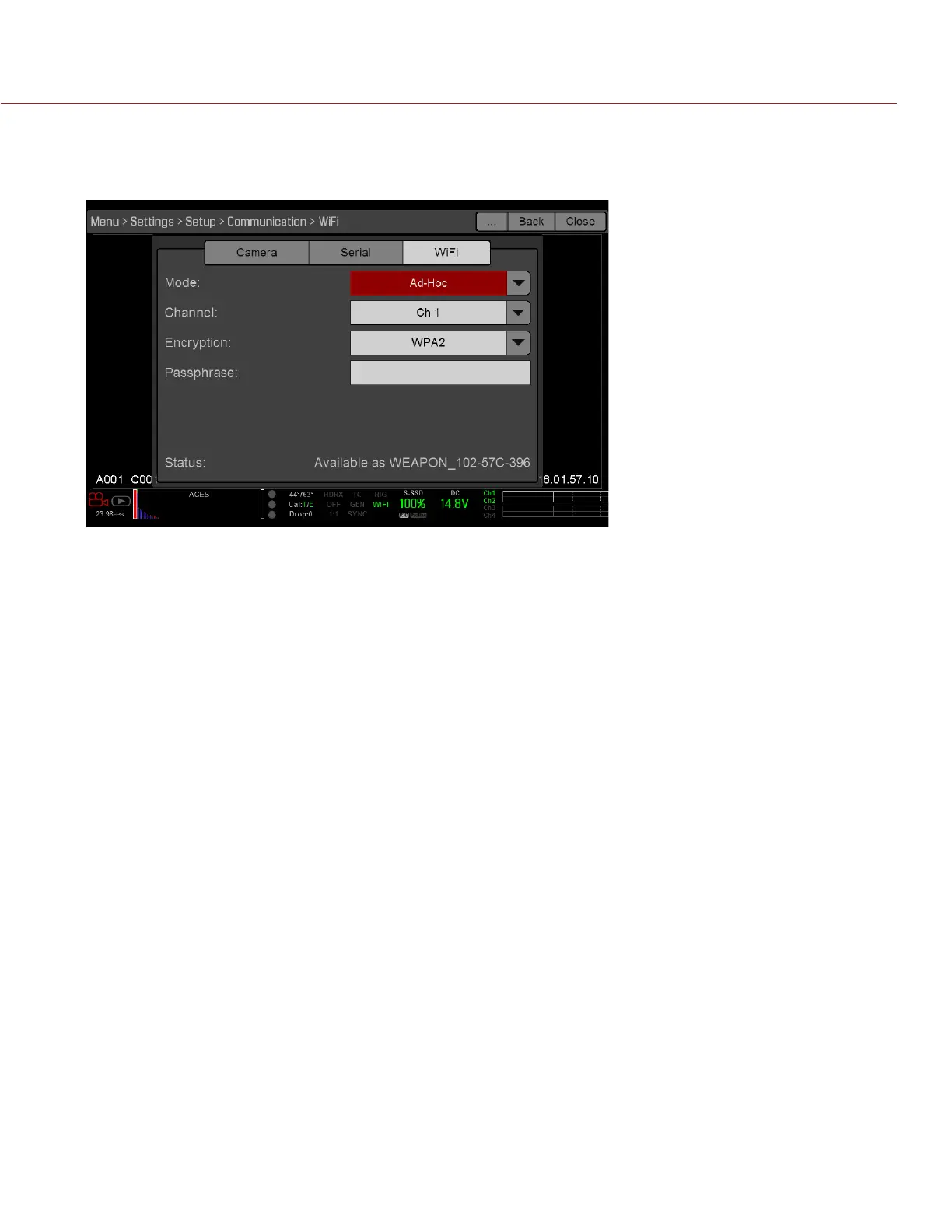
5. Select a security option from the Encryption drop-down menu:
‒ NONE: The connection will be unsecured.
‒ WPA2: The connection will be encrypted via WPA2.
6. If you selected WPA2 as the encryption option, type the passphrase that will be required to access the
network.
7. Close the WiFi screen.
8. Connect your device to the ad-hoc network created by the camera. The steps in this procedure depend on
what type of device and operating system you are using. For example, if you are connecting an iOS device,
go to Settings > Wi-Fi > Devices, and select the camera name. The camera name displays on the WiFi screen
in-camera.
NOTE: If you created a passphrase for the network, you will need to enter that passphrase.
The camera and your device are now connected.



 To Next Page