Mosaic Fail Codes
In case of malfunction the Mosaic system transmits to the MSD software a code
corresponding to the error detected by the master MOSAIC M1, MOSAIC M1S, MOSAIC
M1S COM.
To read the code, proceed as follows:
- connect the Master MOSAIC M1, MOSAIC M1S, MOSAIC M1S COM (indicating FAIL by
led) to the PC using the USB cable;
- launch the software MSD;
- use the icon for the connection; a window appears to request the password; enter
the password; a window appears with the error code occurred.
➔
To examine the fail codes, read the document ”8547781 - Mosaic - Errors code and Diagnostics”
which can be downloaded from the website www.reersafety.com.
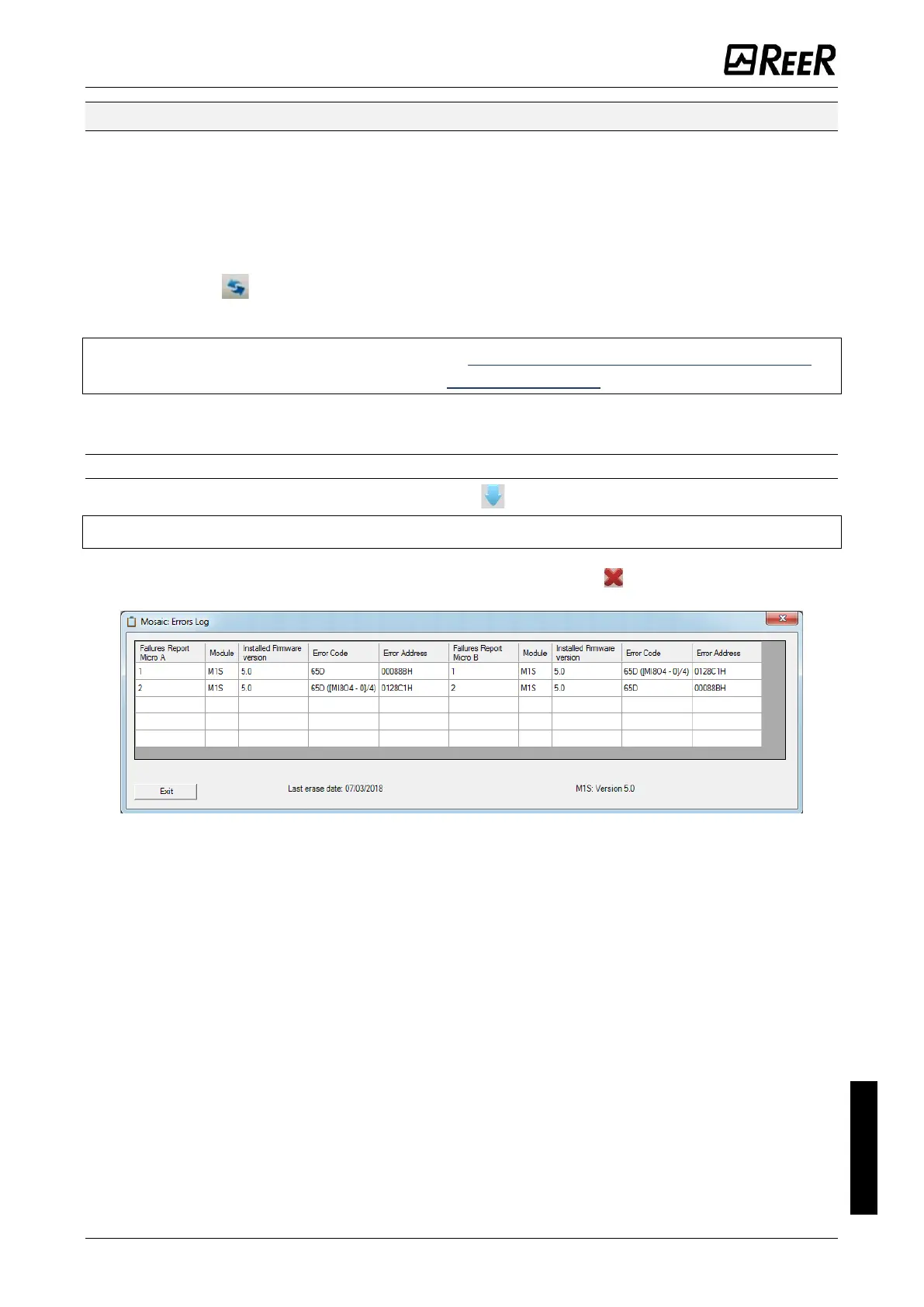
Errors Log
The errors log can be visualized using the icon in the standard tool bar.
➔
Password Required: level 1.
A table will appear with the last 5 errors occurred from the date when the schema was
sent to Mosaic or from the date of error log cancellation (icon ).
Figure 138 – Mosaic Errors Log Table









 To Next Page