PARKING AIDS
3
274 - Driving
Settings
When the reverse gear is engaged,
from the multimedia screen press the
"Settings" button to add or remove the
guidelinesandadjustthecameraim
age settings (brightness, contrast,
etc.).
Pleaserefertothemultimediainstruc
tions for further information.
Make sure that the camera
is not obscured (by dirt,
mud, snow, condensation
etc.).
"Auto zoom" function
If an obstacle is detected behind the
vehicle, the "Auto zoom" switches the
current display to a top rear view.
To activate/deactivate the "Auto zoom"
function,refertothemultimediain
structions.
Thescreenshowsare
verse mirror image.
Theframesarearepresen
tation projected on a flat surface.
This information is to not be taken
into account when superimposed
on a vertical object or an object
on the ground.
Objects which appear on the
edgeofthescreenmaybede
formed.
In very bright light (snow, vehicle
insunshine,etc.),thecameravi
sion may be adversely affected.
If the luggage compartment is
open or incorrectly closed, the
"WARNING:BootOpen"mes
sage appears.
Operating faults
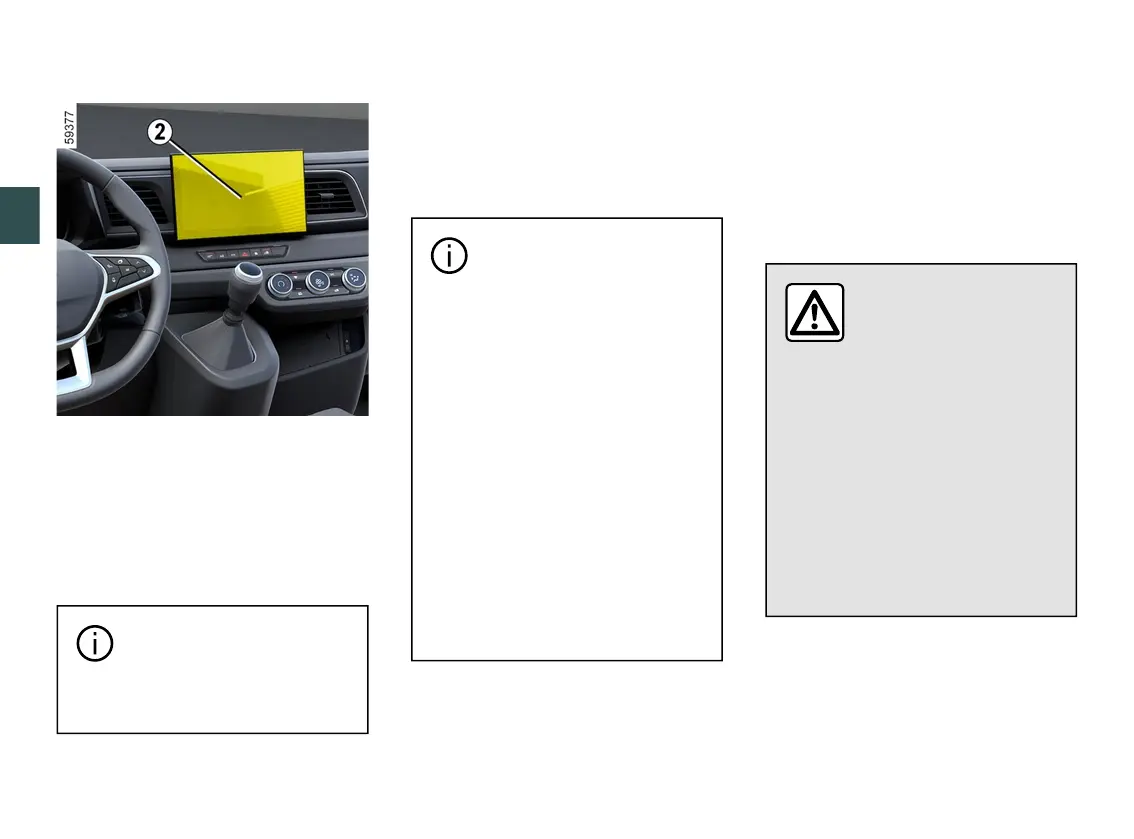
When reverse gear is engaged, if the
system detects an operating fault, a
black screen is displayed temporarily
on the multimedia screen
2
.
This may be caused by a fault affecting
the camera or screen (clearness, fixed
image, delayed communication etc.).
If the temporary display of the black
screenpersists,pleasecontactanap
proved dealer.
Thisfunctionisanaddi
tional aid. It cannot,
therefore,underanycir
cumstances replace the
vigilance or the responsibility of
the driver.
The driver should always be
ready for sudden incidents while
driving: always ensure that there
arenosmall,narrowmovingob
stacles (such as a child, animal,
pushchair, bicycle, stone, post,
etc.)intheblindspotwhenma
noeuvring.











 To Next Page